range Pi 用户手册 深圳市迅龙软件有限公司版权所有
www.orangepi.cn 87 www.xunlong.tv
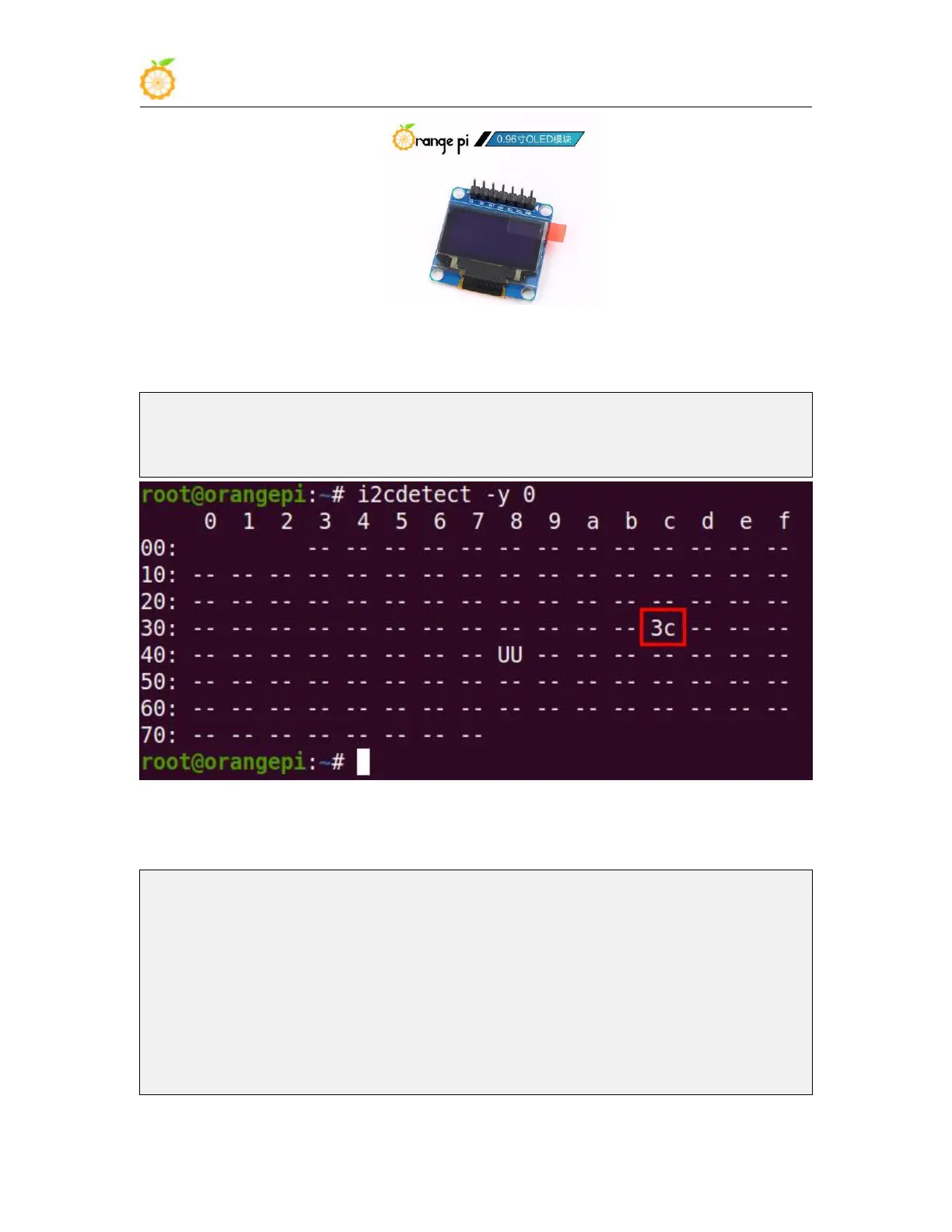
3) After connecting the OLED module to the development board, first use the i2c-tools
tool to check whether the address of the OLED module can be scanned
root@orangepi:~# apt update
root@orangepi:~# apt install i2c-tools
root@orangepi:~# i2cdetect -y 0
4) Then you can use the oled_demo in wiringOP to test the OLED module, the test steps
are as follows
root@orangepi:~# git clone https://github.com/orangepi-xunlong/wiringOP
root@orangepi:~# cd wiringOP
root@orangepi:~/wiringOP# ./build clean && ./build
root@orangepi:~/wiringOP# cd examples
root@orangepi:~/wiringOP/examples# make oled_demo
root@orangepi:~/wiringOP/examples# ./oled_demo /dev/i2c-0
---------start--------
----------end---------



 To Next Page