range Pi 用户手册 深圳市迅龙软件有限公司版权所有
www.orangepi.cn 96 www.xunlong.tv
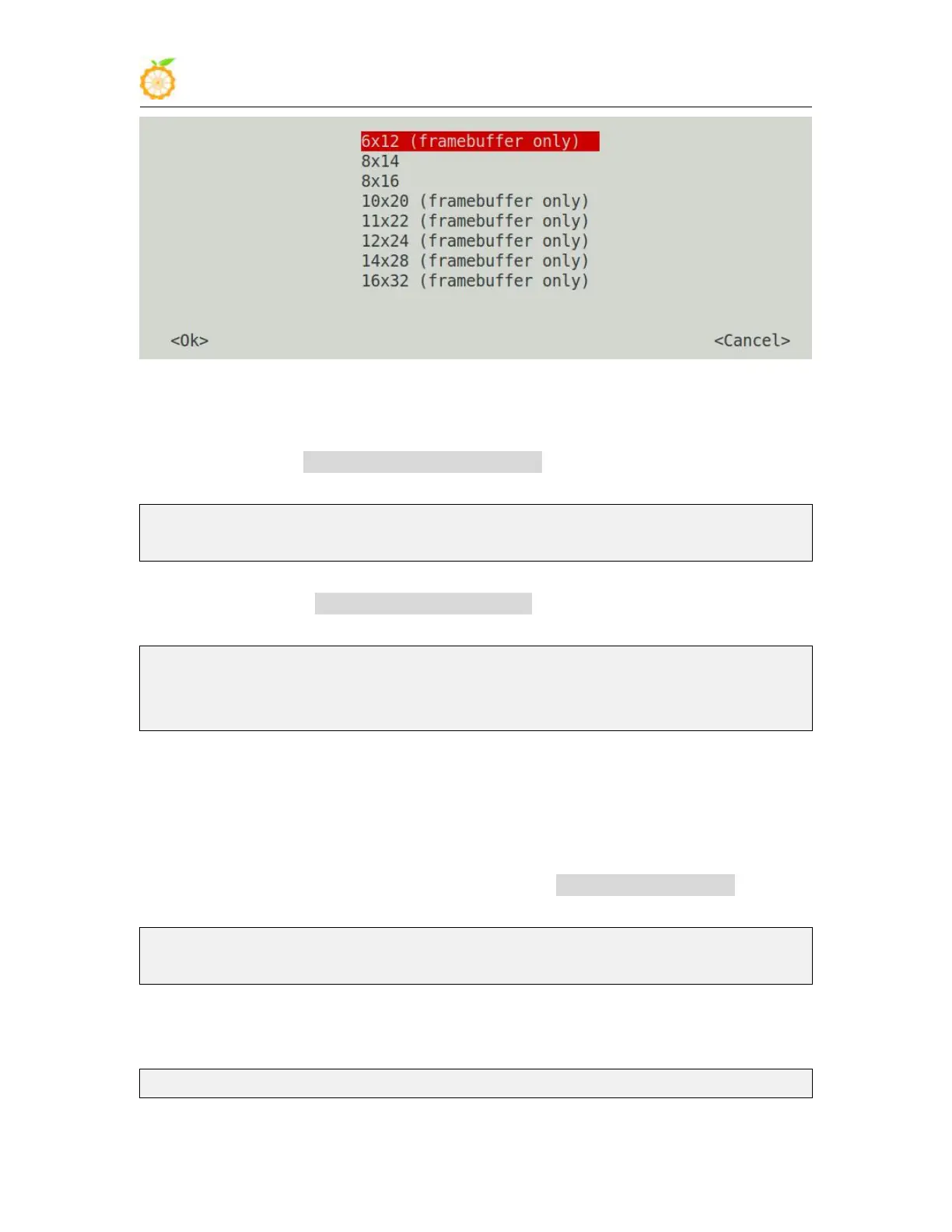
f. After setting, you can see that the font on the LCD screen becomes smaller
8) Method for setting system startup to automatically load fbtft_device module
a. Create a new /etc/modules-load.d/fbtft.con configuration file, the content of the
file is as follows
root@orangepi:~# cat /etc/modules-load.d/fbtft.conf
fbtft_device
b. Create a new /etc/modprobe.d/fbtft.conf configuration file, the content of the
file is as follows
root@orangepi:~# cat /etc/modprobe.d/fbtft.conf
options fbtft_device custom name=fb_ili9341 busnum=0 cs=0 gpios=reset:0,dc:3
rotate=90 speed=65000000 bgr=1 txbuflen=65536
c. Then restart the linux system and you can see that the kernel modules related to
fbtft_device have been automatically loaded
9) If you want the linux system to automatically map the console to the LCD screen after
booting, please add the following configuration in /boot/orangepiEnv.txt, and then
restart the system to see the LCD screen output
root@orangepi:~# cat /boot/orangepiEnv.txt | grep "fbcon"
extraargs=fbcon=map:8
3.26.3.
3.5 inch SPI LCD display
1) The link to the details page of the tested LCD display is as follows
http://www.lcdwiki.com/3.5inch_SPI_Module_ILI9488_SKU:MSP3520



 To Next Page