range Pi 用户手册 深圳市迅龙软件有限公司版权所有
www.orangepi.cn 28 www.xunlong.tv
2.10.2.
How to use the debug serial port on the Ubuntu platform
1) If the USB to TTL module is connected normally, you can see the corresponding
device node name under /dev of Ubuntu PC, remember this node name, you will use it
when setting up the serial port software later
test@test:~$ ls /dev/ttyUSB*
/dev/ttyUSB0
2) There are many serial debugging tools that can be used under linux, such as putty,
minicom, etc. The following shows how to use putty
3) First install putty on the Ubuntu PC
test@test:~$ sudo apt update
test@test:~$ sudo apt install putty
4) Then run putty, remember to add sudo permissions
test@test:~$ sudo putty
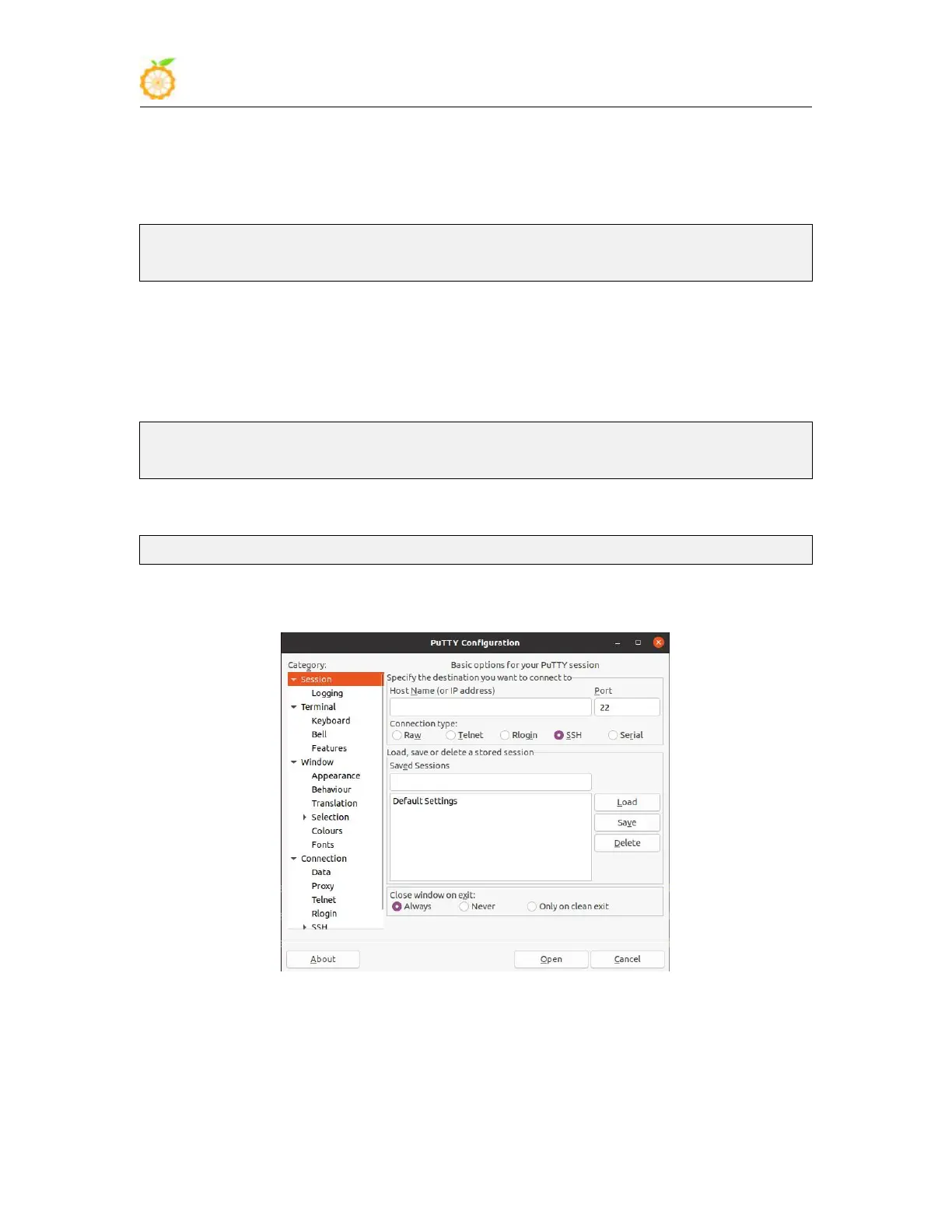
5) After executing the putty command, the following interface will pop up
6) First select the setting interface of the serial port



 To Next Page