range Pi 用户手册 深圳市迅龙软件有限公司版权所有
www.orangepi.cn 85 www.xunlong.tv
2) Then start to test the uart interface, first use the Dupont line to short-circuit the rx and
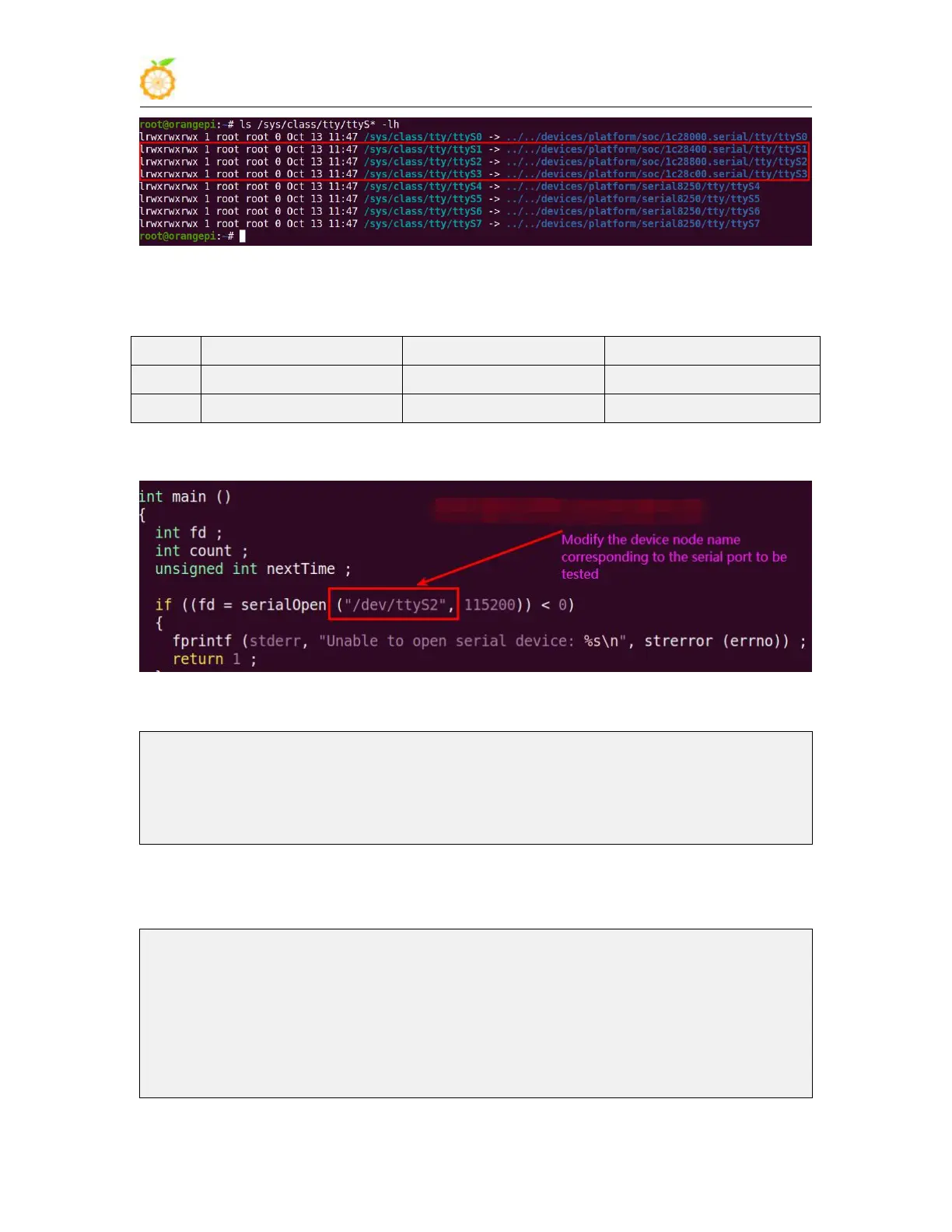
tx of the uart interface to be tested
3) Then modify the serial test program serialTest in wiringOP
4) Recompile the serial test program serialTest in wiringOP
root@orangepi:~/wiringOP/examples# make serialTest
[CC] serialTest.c
[link]
root@orangepi:~/wiringOP/examples#
5) Finally run the serialTest, if you can see the following print, it means that the serial
communication is normal
root@orangepi:~/wiringOP/examples# ./serialTest
Out: 0: -> 0
Out: 1: -> 1
Out: 2: -> 2
Out: 3: -> 3



 To Next Page