range Pi 用户手册 深圳市迅龙软件有限公司版权所有
www.orangepi.cn 105 www.xunlong.tv
root@orangepi:~# ln -sv /boot/bin/orangepipcplus-tvout.bin /boot/script.bin
'/boot/script.bin' -> '/boot/bin/orangepipcplus-tvout.bin'
2) Then you need to restart the system for the configuration of
orangepipcplus-tvout.bin to take effect
3) Then use the AV cable to connect the development board to the TV, the steps are as
follows
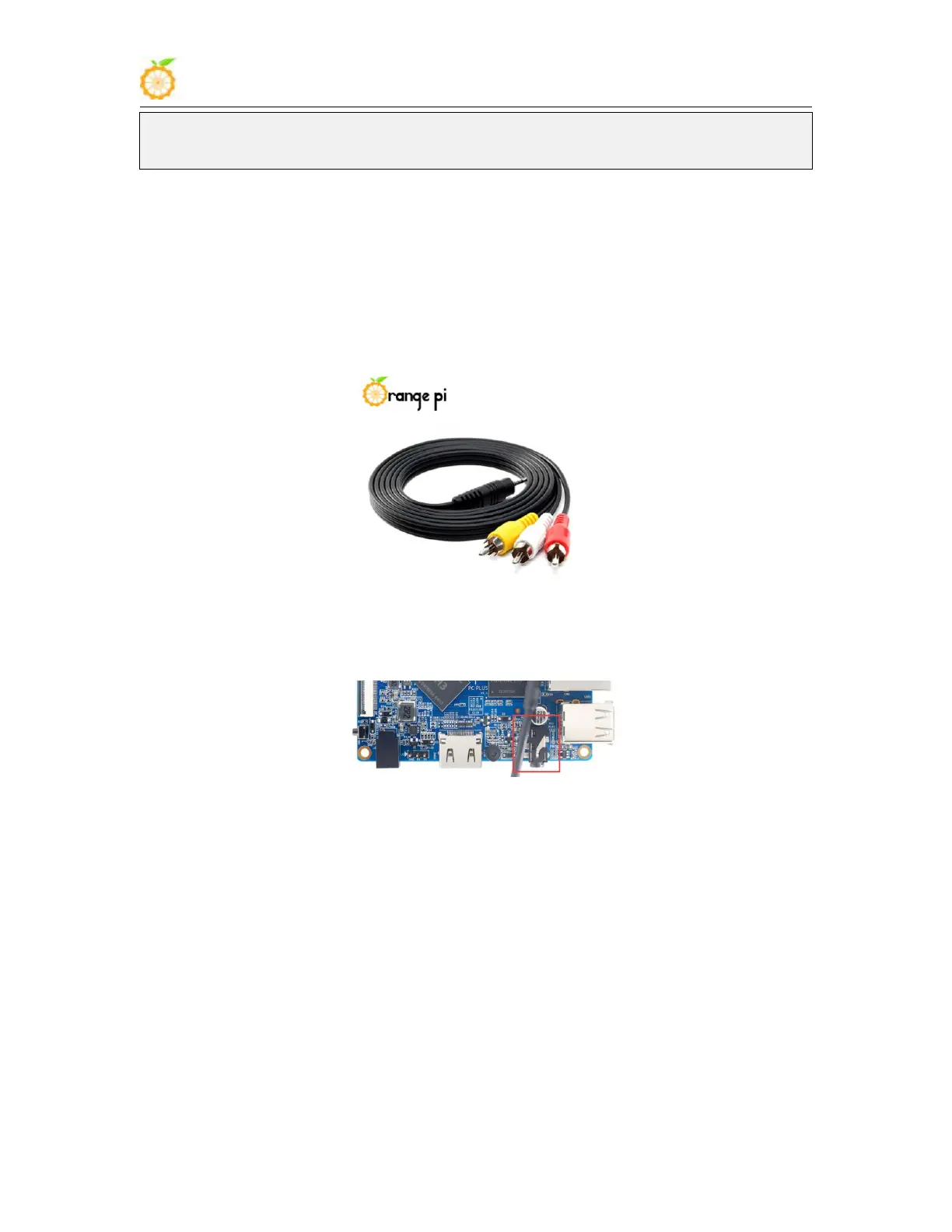
a. First, you need to prepare an AV cable, as shown in the figure below
b. The connection of the AV cable is as follows
a) Black: plug into the analog audio and video interface of the development
board
b) Red: plug into the AV video input of the TV
c) Yellow: plug into the right channel audio input of the TV
d) White: plug into the left channel audio input of the TV



 To Next Page