range Pi 用户手册 深圳市迅龙软件有限公司版权所有
www.orangepi.cn 127 www.xunlong.tv
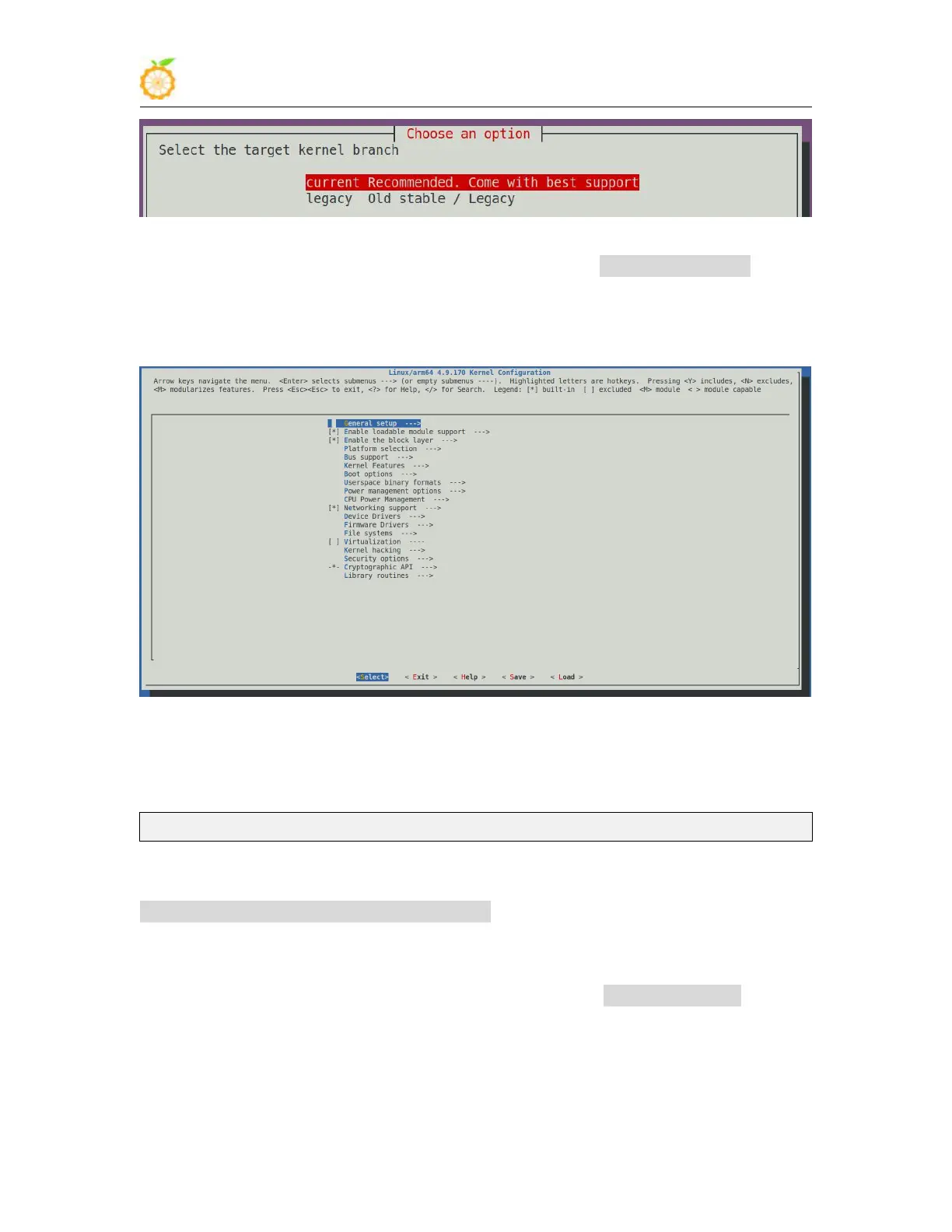
5) Then the kernel configuration interface opened through make menuconfig will pop
up. At this time, you can directly modify the kernel configuration. If you don’t need to
modify the kernel configuration, just exit directly. After exiting, the kernel source code
will be compiled.
a. If you do not need to modify the configuration options of the kernel, when you
run the build.sh script, pass in KERNEL_CONFIGURE=no to temporarily block the
pop-up kernel configuration interface.
test@test:~/orangepi-build$ sudo ./build.sh KERNEL_CONFIGURE=no
b. You can also set KERNEL_CONFIGURE=no in the
orangepi-build/userpatches/config-default.conf configuration file to disable this feature
permanently
c. If the following error is prompted when compiling the kernel, this is because the
terminal interface of the Ubuntu PC is too small, and the make menuconfig interface
cannot be displayed. Please adjust the terminal of the Ubuntu PC to the maximum, and
then re-run the build.sh script



 To Next Page