range Pi 用户手册 深圳市迅龙软件有限公司版权所有
www.orangepi.cn 25 www.xunlong.tv
11
)
Then insert the TF card into the development board, and the Android firmware in the
TF card will be automatically burned to the eMMC of the development board after the
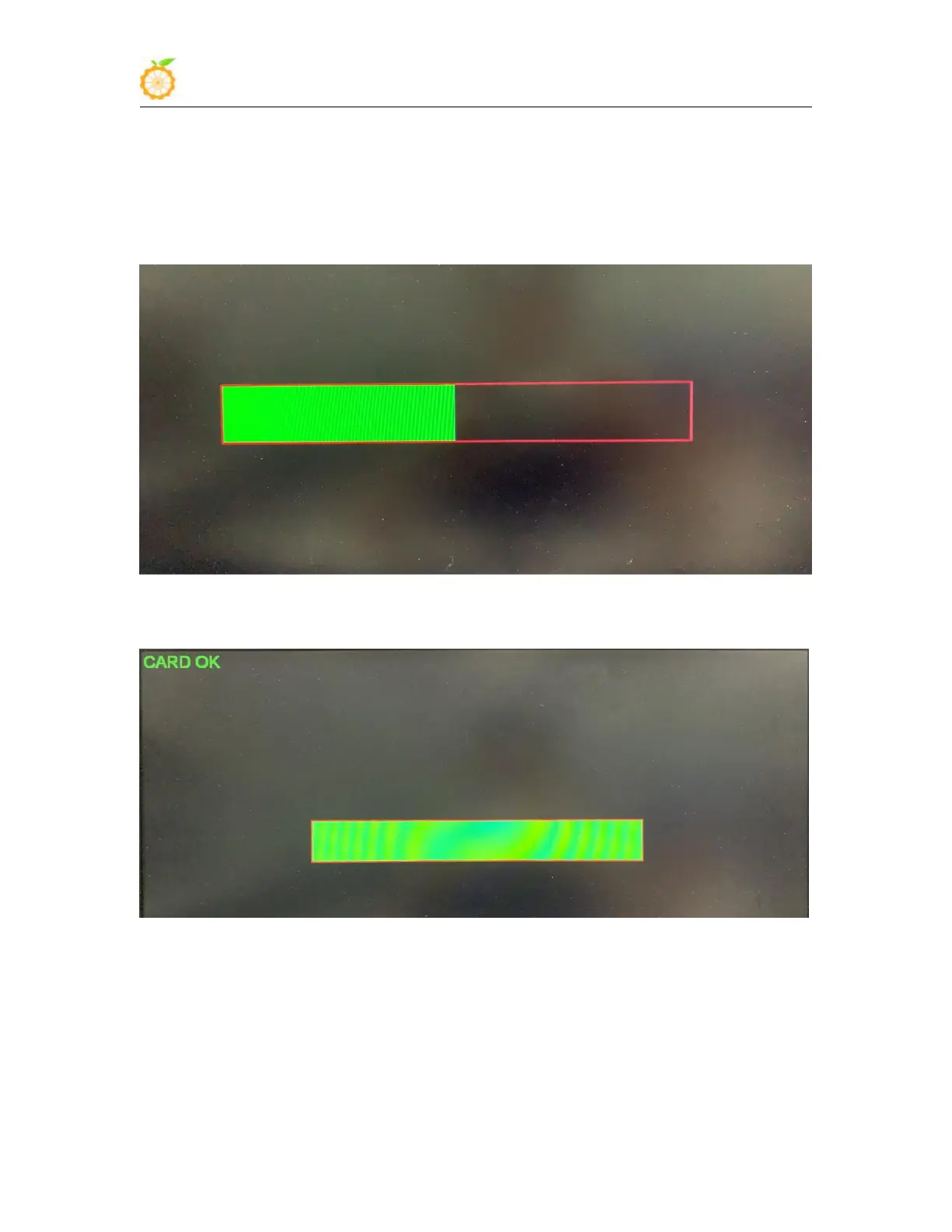
development board is powered on. If the development board is connected to an HDMI
display, the progress bar of burning Android firmware to eMMC will be displayed on the
HDMI display.
12
)
After the programming is completed, the HDMI display is shown in the figure below,
and then the development board will automatically shut down
13
)
At this time, you can pull out the TF card, and then power on again, and the Android
system in eMMC will be started.



 To Next Page