range Pi 用户手册 深圳市迅龙软件有限公司版权所有
www.orangepi.cn 32 www.xunlong.tv
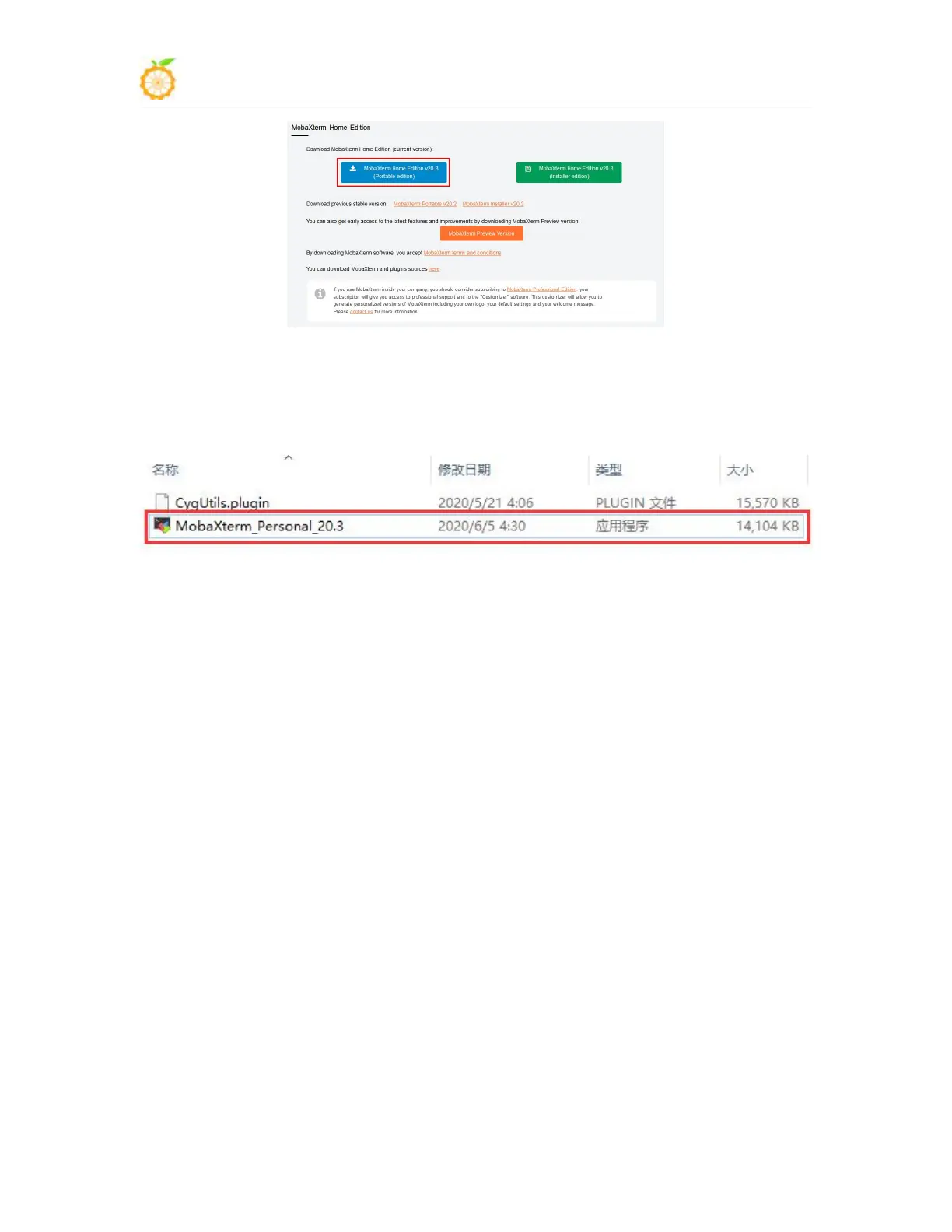
3) After downloading, use the decompression software to decompress the downloaded
compressed package, you can get the executable software of MobaXterm, and then
double-click to open it
4) After opening the software, the steps to set the serial port connection are as follows
a. Open the session setting interface
b. Select the serial port type
c. Select the port number of the serial port (choose the corresponding port number
according to the specific situation), if you can't see the port number, please use the
360 driver master to scan and install the USB to TTL serial chip driver
d. Select the baud rate of the serial port to be 115200
e. Finally click the OK button to complete the setting



 To Next Page