range Pi 用户手册 深圳市迅龙软件有限公司版权所有
www.orangepi.cn 64 www.xunlong.tv
ir_rc5_decoder 1444 0
ir_nec_decoder 1692 0
sunxi_cir 1609 0
rc_core 12714 10
ir_lirc_codec,ir_rc5_decoder,ir_nec_decoder,ir_sony_decoder,sunxi_cir,ir_mce_kbd_dec
oder,ir_jvc_decoder,ir_rc6_decoder,ir_sanyo_decoder
2) Then install ir-keytable IR test software
root@orangepi:~# apt update
root@orangepi:~# apt-get install ir-keytable
3) Then execute ir-keytable to view the information of the IR device
root@orangepi:~# ir-keytable
Found /sys/class/rc/rc0/ (/dev/input/event6) with:
Driver sunxi-ir, table rc-empty
Supported protocols: lirc rc-5 jvc sony nec sanyo mce-kbd rc-6
Enabled protocols: lirc rc-5 jvc sony nec sanyo mce-kbd rc-6
Name: sunxi-ir
bus: 25, vendor/product: 0001:0001, version: 0x0100
Repeat delay = 500 ms, repeat period = 125 ms
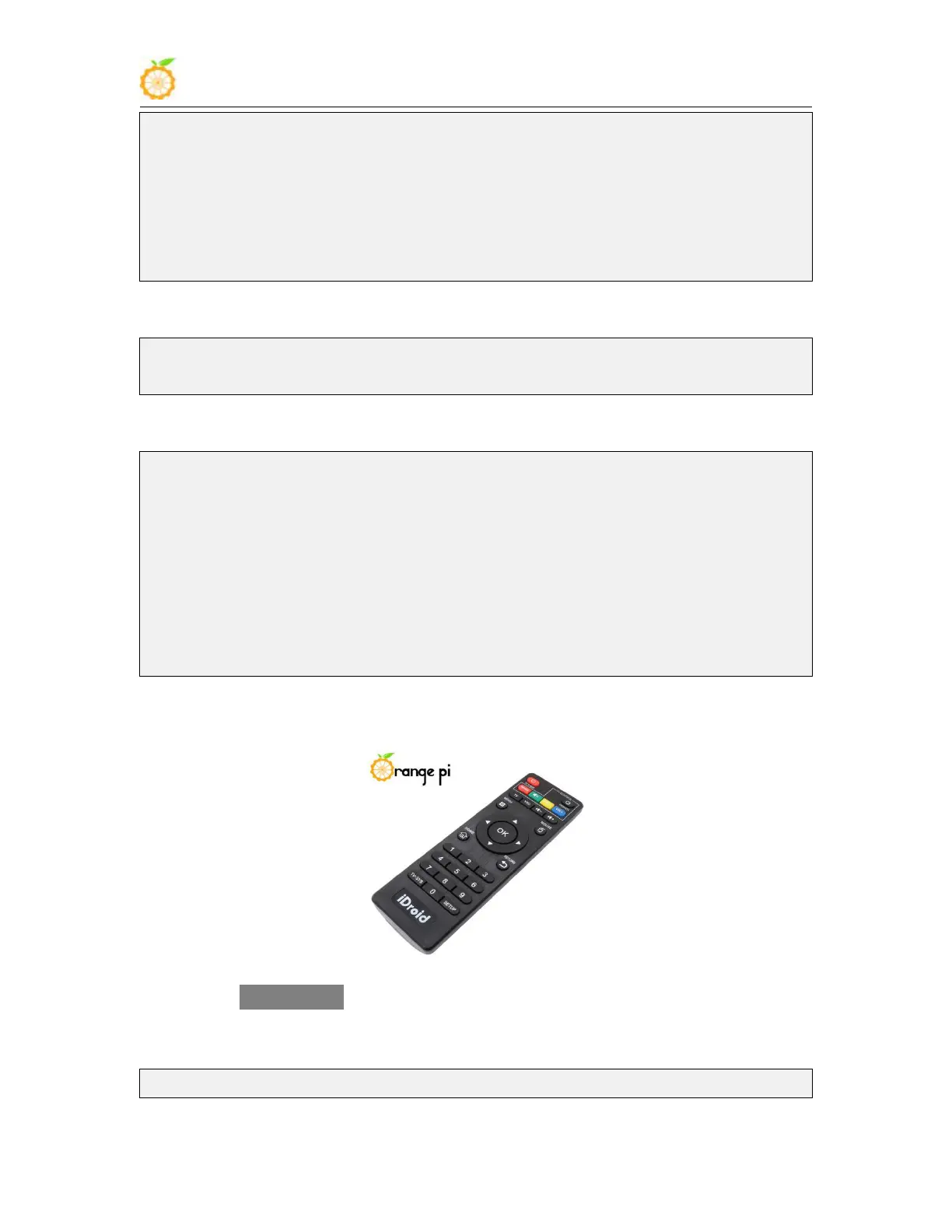
4) An IR remote control needs to be prepared before testing the IR receiving function
5) Enter the ir-keytable -t command in the terminal, and then use the IR remote control
to press the button against the IR receiving head of the Orange Pi development board to
see the received key code in the terminal
root@orangepi:/# ir-keytable -t



 To Next Page