range Pi 用户手册 深圳市迅龙软件有限公司版权所有
www.orangepi.cn 68 www.xunlong.tv
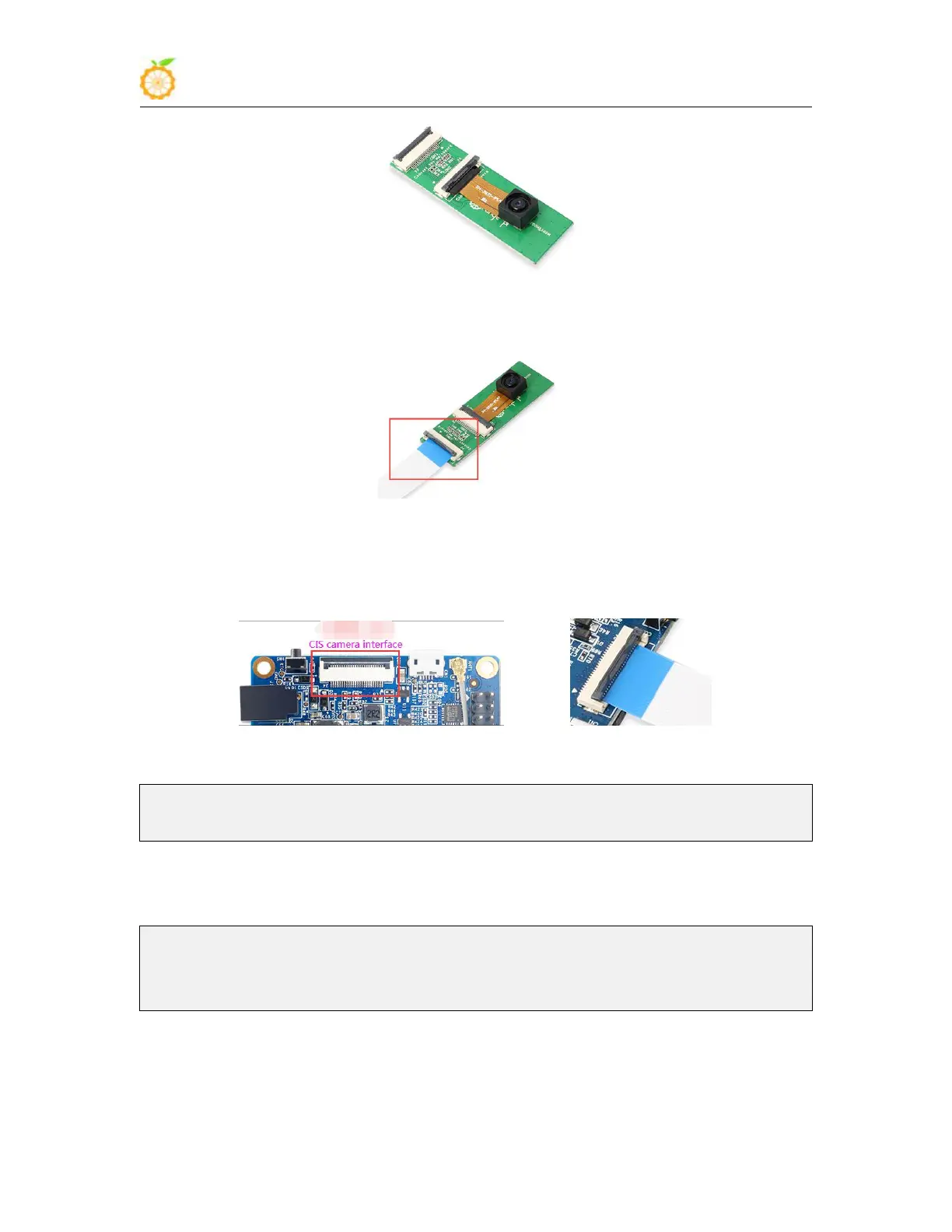
3) Then insert the ribbon cable into another card slot of the adapter board
4) Then insert the other end of the cable into the CIS camera interface of the
development board. Start the linux system after connecting the camera (don’t plug in the
camera after power-on)
5) Then use the setsystem gc2035 command to initialize the configuration of gc2035
root@orangepi:~# setsystem gc2035
Set the csi camera used by the orangepipcplus as: gc2035
setsystem gc2035 The main things that the command does are:
a. Configure the kernel modules that need to be loaded for gc2035
root@orangepi:~# cat /etc/modules-load.d/modules.conf
gc2035
vfe_v4l2
b. Configure vip_dev0_mname in /boot/script.bin as gc2035
6) After restarting and entering the system, first confirm whether the kernel module
related to the gc2035 camera is automatically loaded



 To Next Page