NOTE: Chamber speed regulation: MC 850 /1000
Chamber speed regulation must be set to YES, after
all settings have been done.
NOTE: PTO ratio MC 850 /1000
PTO ratio must be set to 1,13
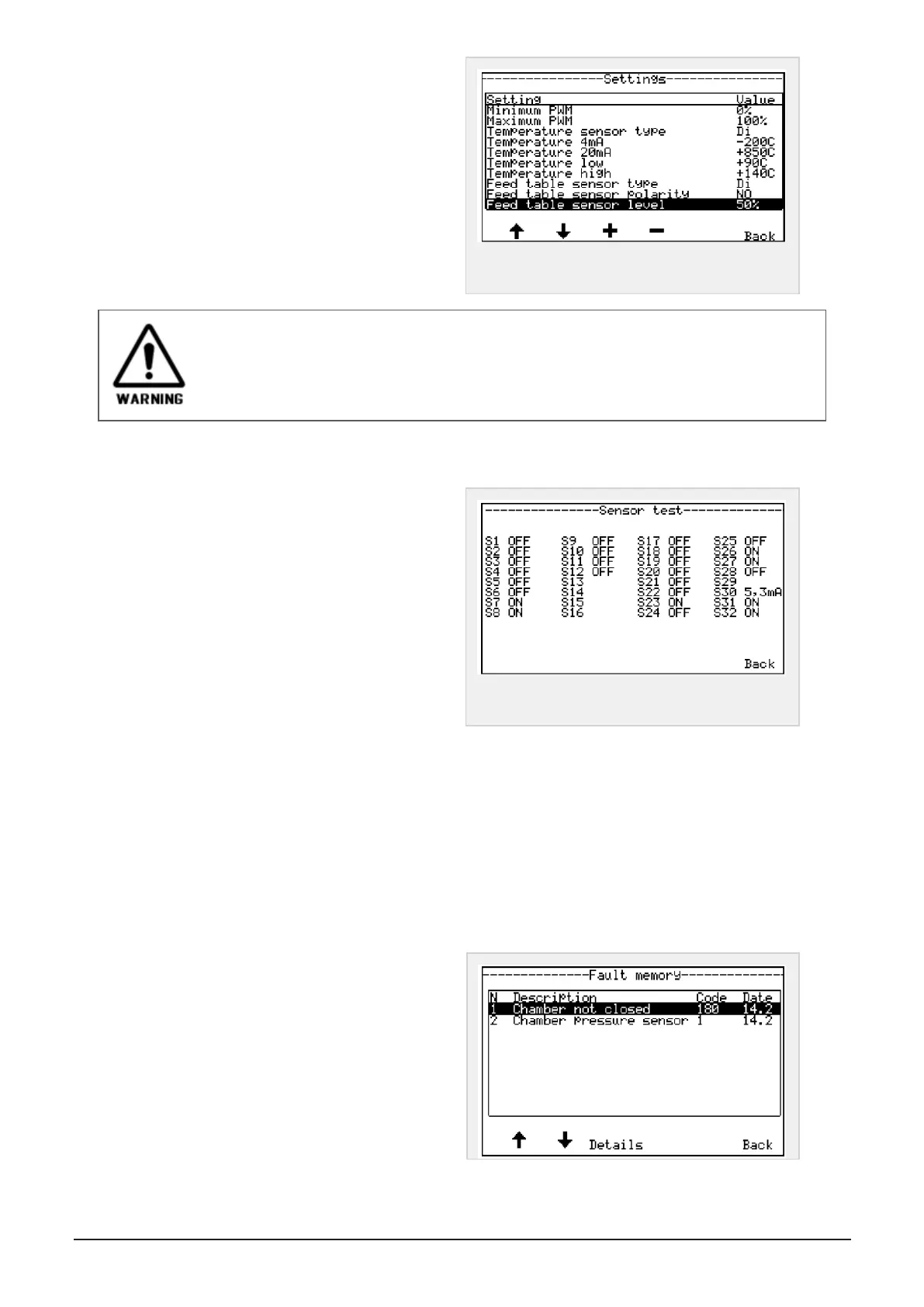
Figure 6.20 :
Menu advanced settings 1
These advanced settings is only to be set by qualified personnel. Do not change settings if you
are not sure.
6.1.7 Sensor test
Enter main menu, User settings
Press button to enter menu; Sensor test.
A list of all sensors and their current status is shown
in display.
Figure 6.21 :
Menu advanced settings 1
Sensor Test, procedure:
Hold a piece of metal (steel) in front of the sensor, watch at the same time the current sensor status in dis-
play. The sensor status should now change between ON and OFF while moving the metal-piece in and out of
the sensor front. In that case, the sensor is OK.
If there’s no change in status of the particular sensor, there is a failure in sensor or a cable break-down. See
sensor’s overview and their numbers in //REF
Press Cancel - Back button twice to return to startup screen.
6.1.8 Error messages memory
Press fault memory in main menu, user settings to
enter menu; fault memory. In this menu, the last 30
errors is stored continuously.
To browse faults in memory, press button under
arrows up or down in display
NOTE: Use this menu as a reference if you are about
to contact your local dealer or Orkel Compaction Ltd,
if a problem has occurred.
6 CONTROL SYSTEM 50



 To Next Page