USER'S MANUAL
General instructions for use
(Rev. 0) I-Max Touch (110-120V)
97
NOTE:
X-rays are emitted with a delay of two seconds from pressing the X-ray
button to allow the heating of the filament and the control of all set
parameters. Since the X-ray button is a "dead man’s switch", it must
be kept pressed until the end of the exposure.
3. Once the exposure is completed, the secondary collimator moves into
a backward resting position, to allow the patient to come out.
The display will again show all the exposure values relating to the
exposure just completed.
NOTE:
If you want to carry out a new exposure, but the necessary waiting time
for the cooling of the anode hasn't yet passed, the display will show a
message indicating the time you still have to wait before carrying out the
new test:
T U B E C O O L I N G
P L E A S E W A I T x x x s
This time enables the X-ray tube's anode to cool down.
NOTE:
If the patient moves during the exposure, or if you realise that incorrect
parameters have been set, it will be necessary to stop pressing the X-ray
button immediately, to interrupt the emission of rays.
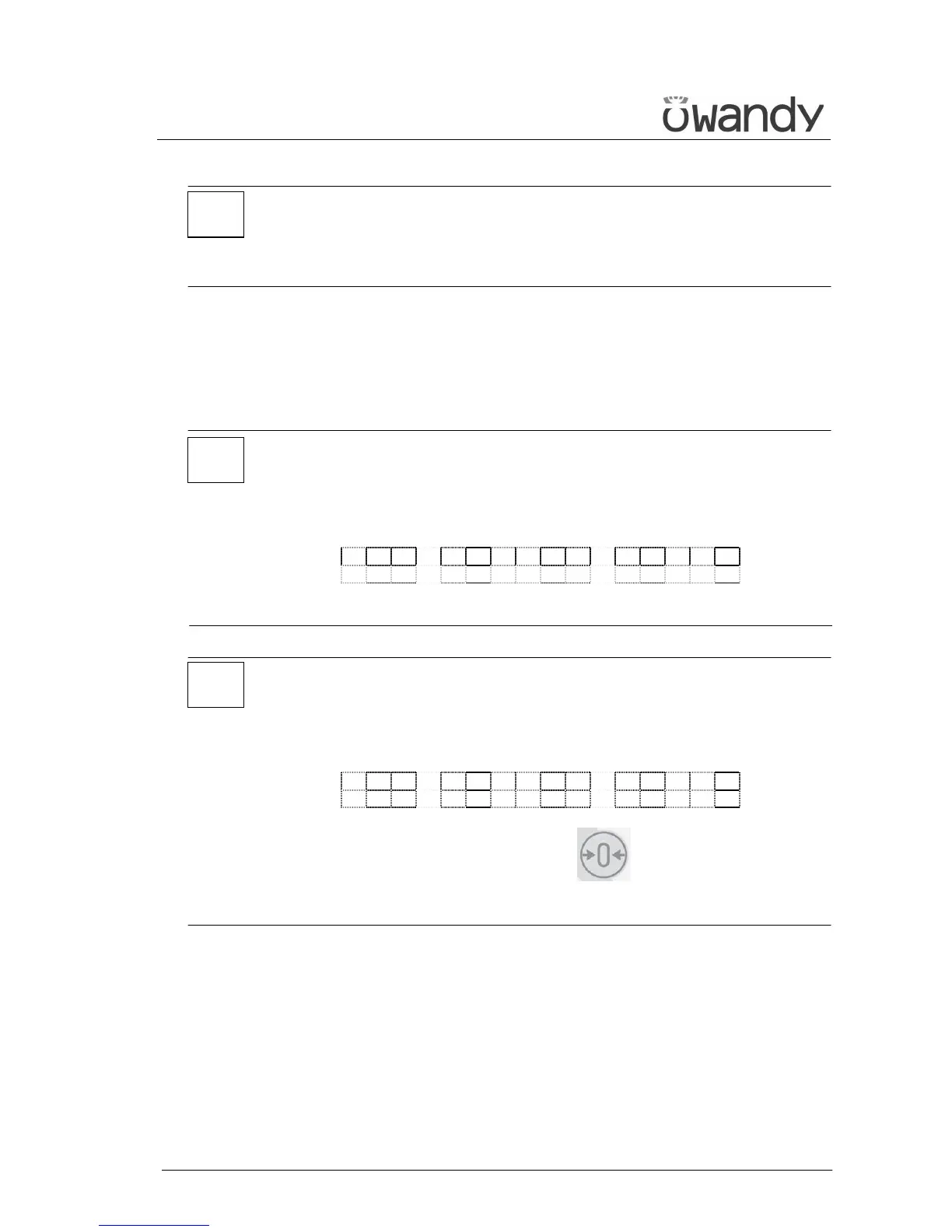
The following message will be displayed:
E 2 0 6
P R E S S > 0 <
Then press the "Patient Entrance" (6) key .
The system now returns to the position for the Ceph exam and the unit
starts the procedure for the new examination.
*
*
*



 To Next Page