USER'S MANUAL
General instructions for use
(Rev. 0) I-Max Touch (110-120V)
35
6.1.2 Acquired image display description
Once an image has been acquired it is transferred to the computer
through the network (if connected) and/or written on the USB pen drive
(if inserted); the image remains in the memory of the unit until the unit is
switched off or until a new image is acquired that replaces the previous
one.
During acquisition, image is progressively displayed on the screen,
adjusted to have the whole image in the screen. During this processing
step, zoom keys are not displayed.
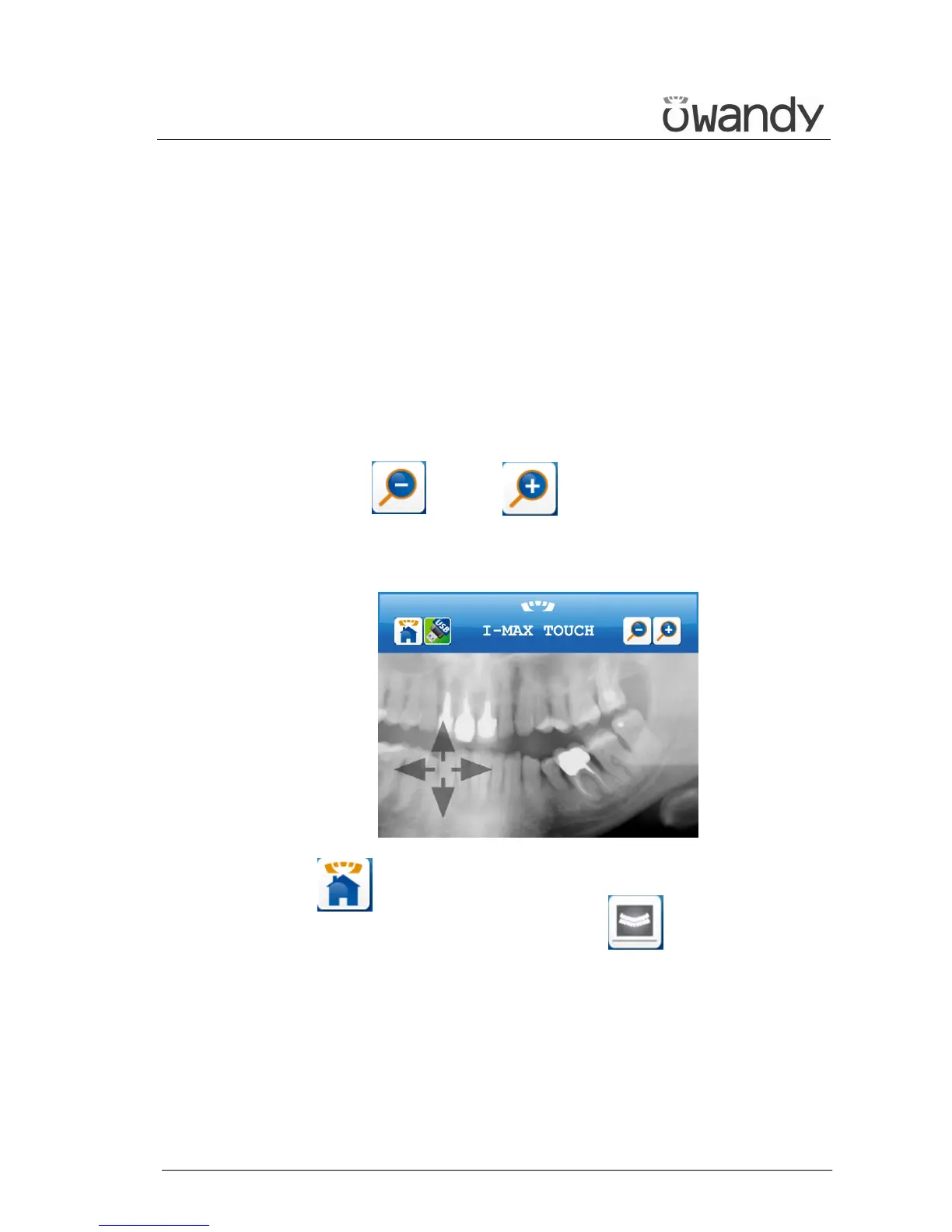
As soon as the image is acquired and fully processed, it is displayed on
the screen of the control panel. The image can be zoomed in and out on,
using keys (20) and (21) .
When the image is zoomed in on, it is possible to move around the image
to display parts of the image that are not visible on the screen; this can
be done using a stylus or using a finger.
Key (19) returns to the control panel, allowing for the acquisition
of a new image. In the control panel, key (17) returns to the
display of the acquired image.



 To Next Page