USER'S MANUAL
General instructions for use
I-Max Touch (110-120V) (Rev. 0)
86
6.8.2.2 Manual exposure
If the kV and mA combinations in the table Table 5 are not considered
suitable for a specific examination, it will be possible to set new
parameters using the manual mode.
NOTE:
It will be possible to modify manually kV, mA and Soft Tissue Filter
position (mm).
The "mm" value in the exposure parameters and parameter "fxx.x" in the
display indicate the position of the STF; it has to be adjusted according to
the value read on the graduate scale present on the nose rest (Figure 15).
To modify the kV, mA and STF values, press any of the up (3) or
down (4) arrows of the KV, mA or mm parameters, the blue frames
around the "Examination mode selection", the "Adult/Child Selection" (7)
and the "Size selection" (8) will disappear, orange frames will appear
around the up and down arrow keys of the parameters (3) and (4) and the
"Anatomic/Manual mode" indicator will display "M". The display will
show respectively one of the following three indications:
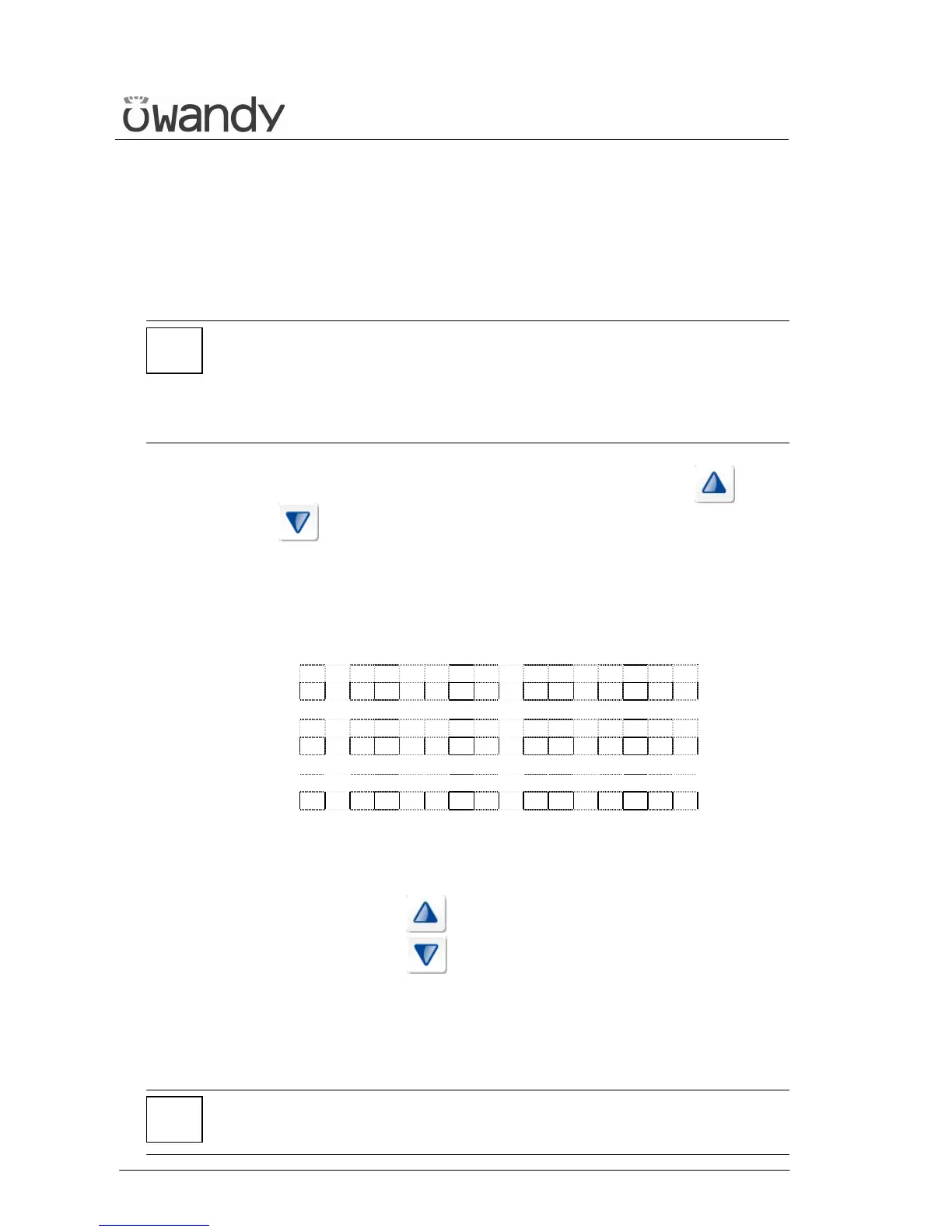
> x x k V x x m A x x . x s
C E 1 8 x 2 2 L L n 8 . 5
x x k V > x x m A x x . x s
C E 1 8 x 2 2 L L n 8 . 5
x x k V x x m A > f x x . x
C E 1 8 x 2 2 L L n 8 . 5
The symbol ">" indicates which parameter is being changed.
A parameter can be modified by pressing the increase key (3)
and the decrease key (4) of that parameter repeatedly.
The "kV" value can vary between 60 and 80 kV, with 2 kV steps.
The "mA" value can vary between 4 and 12 mA, with 1 mA steps.
The "Soft Tissue Filter" value can vary between 6 and 10.5 cm, with
0.1 cm steps.
NOTE:
To change the values rapidly, keep the increase key (3) or decrease key
(4) pressed.
*
*



 To Next Page