USER'S MANUAL
General instructions for use
(Rev. 0) I-Max Touch (110-120V)
77
6.7.3 Making an exposure
WARNING:
During the emission of X-rays, the protection procedures for the operator
and personnel in the area must be in compliance with the local
regulations. In all cases, it is recommended that during the emission
of X-rays, only the patient and operator be present in the room. If the
operator is not protected by suitable screens, he must stand at least
1.5 m (4.9 ft) away from the emission of the rays (see the Figure 1 and
Figure 2).
NOTE:
Before performing a lateral Sinus examination, because of the specific
trajectory described by the rotating arm, it is recommended to check for
possible mechanical interferences with the patient's shoulder during the
rotation.
By pressing the key "Test" (5) , to activate the Test function.
In this condition, it will be possible to make the machine perform all the
movements made during the examination, but without emitting rays.
Once the cycle is completed, deactivate the "Test" function by pressing
the key again.
1. Verify once again that the exposure data are correct. If not, correct
them as described in paragraph 6.5.2.2; ensure that the machine's
indicator light "Ready for X-ray" will come on, so press the X-ray
button for the entire duration of the exposure, checking the
simultaneous working of the ray indicator light "X-ray emission" (if
you are within sight of the machine) and the acoustic ray signal. The
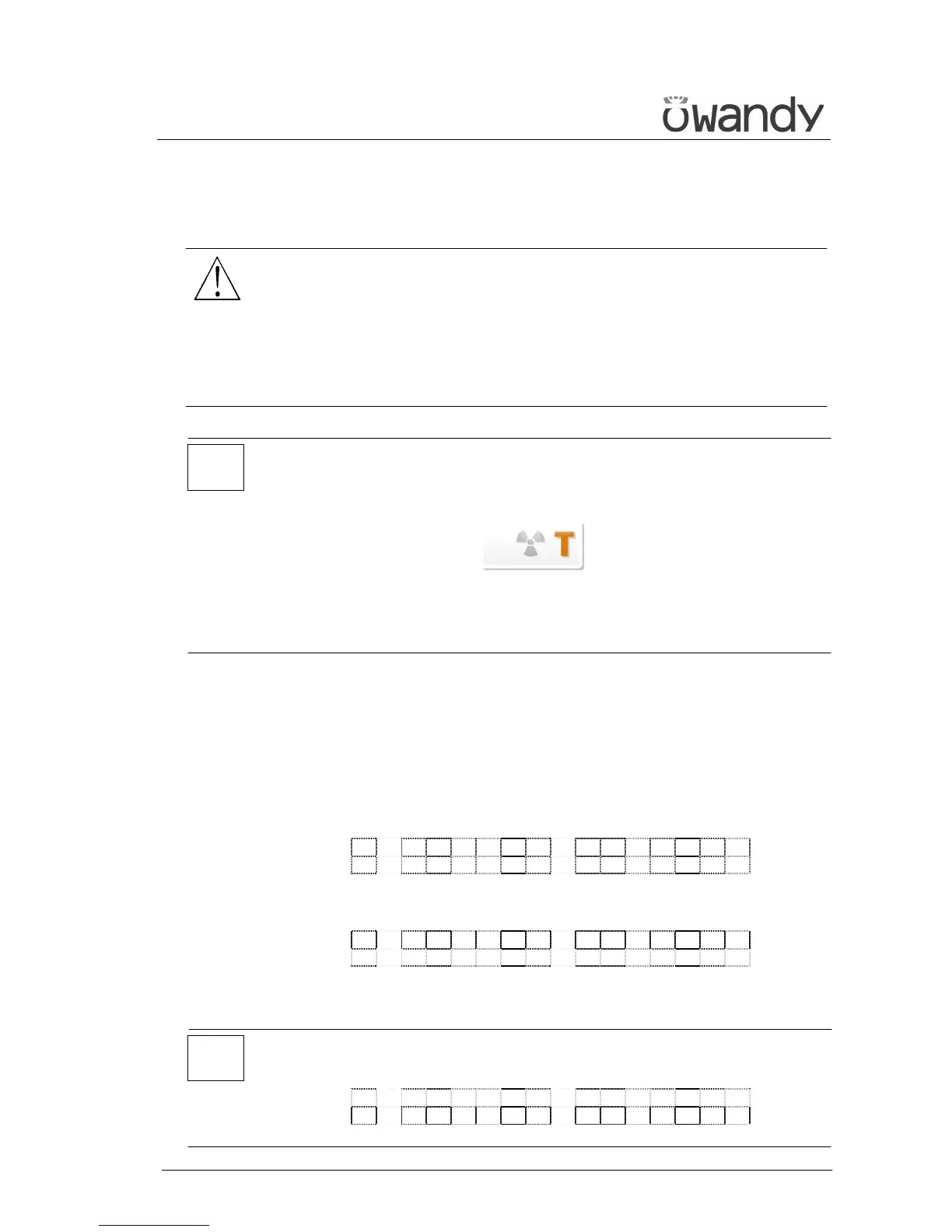
following message will be displayed first:
S T A R T E X A M
P R E - H E A T I N G . . .
and then (after 2 seconds), the following message will be displayed:
x x k V x x m A 9 . 4 0 s
> X - R A Y <
x = value defined by the settings
NOTE:
If the machine is in the "Test" mode, the display will show:
T E S T
X R A Y N O T A C T I V E
*
*



 To Next Page