USER'S MANUAL
General instructions for use
I-Max Touch (110-120V) (Rev. 0)
98
6.10 Messages on display
The I-Max Touch is fully controlled by a microprocessor which controls
the programming of the emission parameters and signals the various
conditions of the machine, the possible abnormalities and errors via
displayed messages.
The messages can be divided into two groups:
• operation messages: these messages tell the operator how to set up
the unit for the examination
• error messages: these messages are displayed when an error occurs;
there are two kinds of error messages as follows:
1 - Messages prompted when the X-ray emission button is released by
the operator or by pressing key "Patient Entrance" (6) .
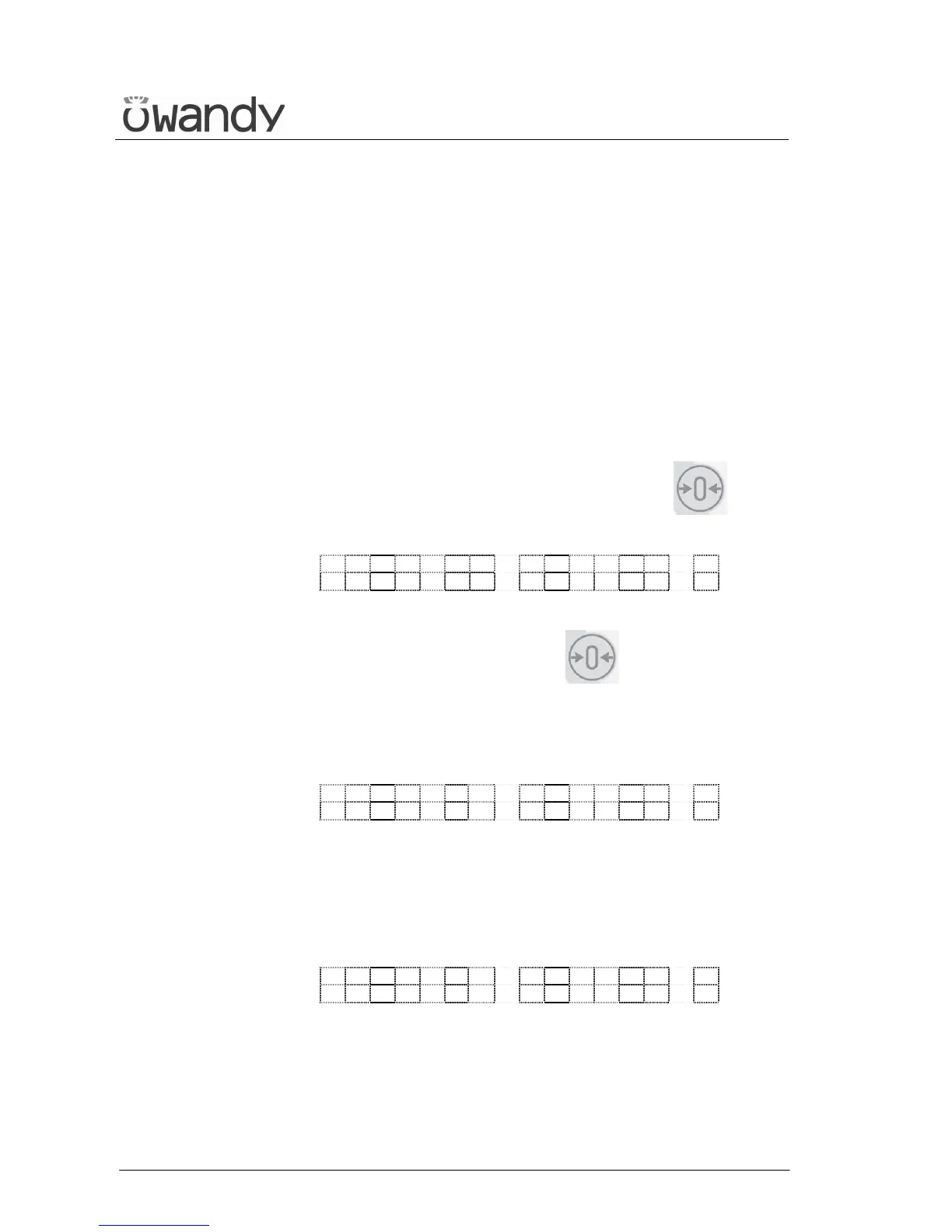
The message displayed will be as follows
E X X X
P R E S S > 0 <
xxx = error message code number
Operations are reset by pressing key (6) .
2 - Messages generated by a system error. In this case, the Technical
Service must be called.
Messages that require the intervention of the Technical Service are
displayed as follows:
E X X X
C A L L T E C H A S S .
xxx = error message code number
3 - Messages related to H.F. board problems. If this occurs, switch off
the unit. Wait a few minutes for the capacitors of the relative circuit
to discharge, and then switch the machine on again. If the problem
persists, call the Technical Service.
E X X X
S W I T C H P O W E R O F F
xxx = error message code number
Following are reported the different error messages and the relative
controls and operations to be performed.



 To Next Page