USER'S MANUAL
General instructions for use
I-Max Touch (110-120V) (Rev. 0)
28
6. GENERAL INSTRUCTIONS FOR USE
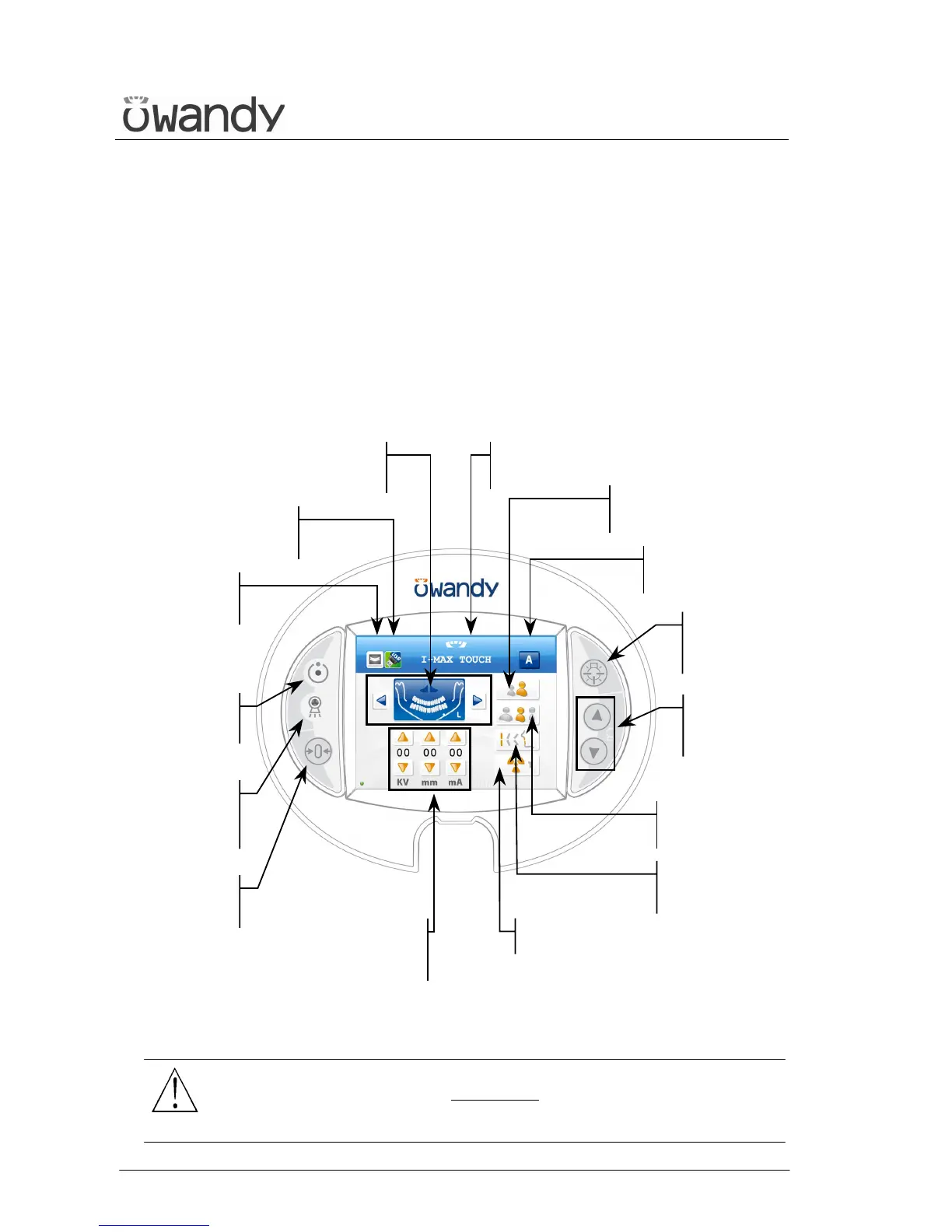
6.1 Control panel - description and functions
The I-Max Touch keyboard is divided into function areas, plus a display
to view the operative messages and error signals.
The next figure shows a general view of the control interface, while details
on each functional area are provided in the following pages.
Figure 5
WARNING:
The USB port on the keyboard MUST NOT
be used with an external Hard
Disk with own mains connection. It has to be used only with USB Pen
Drives.
Light signalling
"X-rays in



 To Next Page