USER'S MANUAL
General instructions for use
(Rev. 0) I-Max Touch (110-120V)
71
6.7 SINUS examination
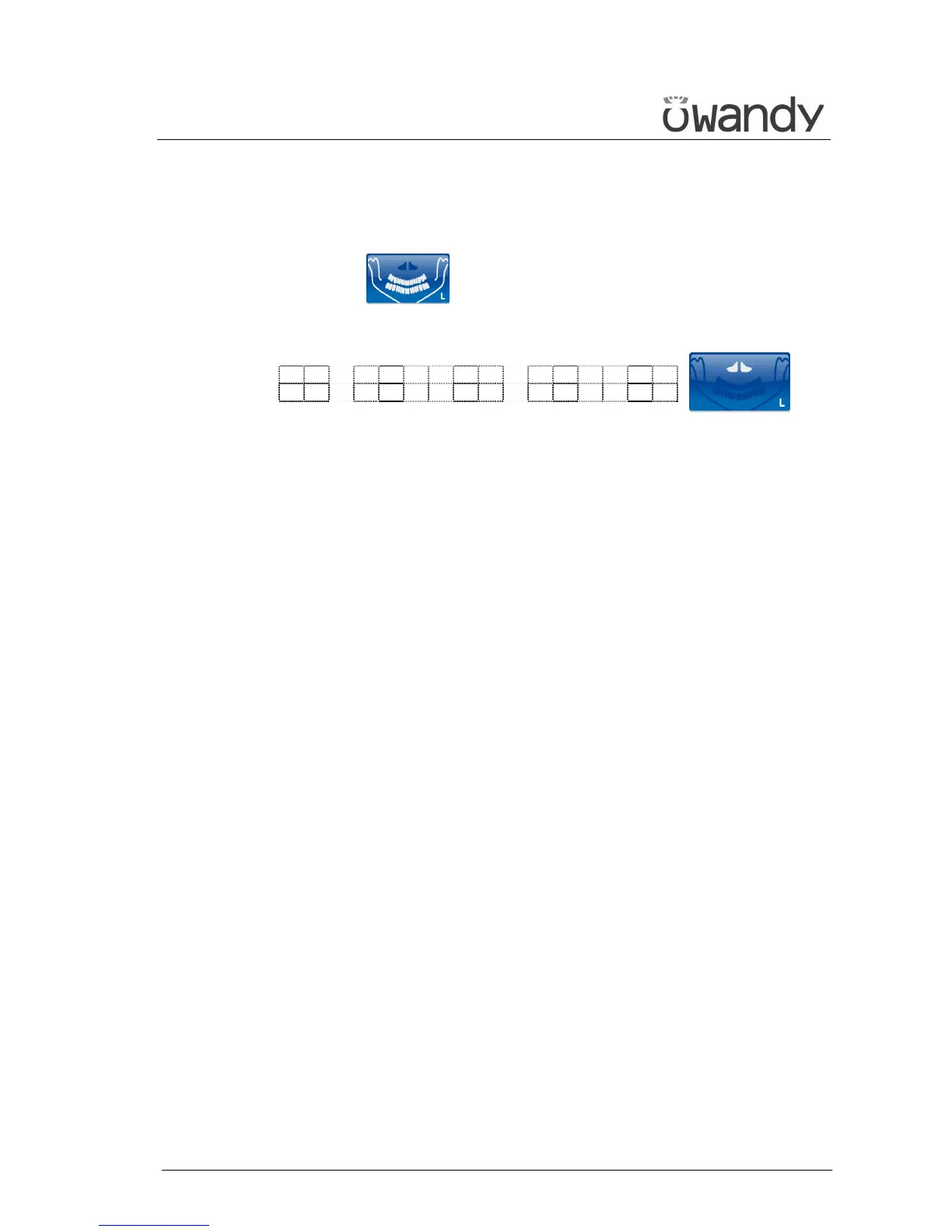
To select the SINUS examination, press key "Examination Mode
Selection" (10) until the following message and graphic is
displayed:
x x k V x x m A 9 . 4 0 s
S I N U S
x = value defined by the settings
During the examination, one single rotation of the rotating arm is to be
expected, with the X-rays emission limited to the interested area.



 To Next Page