USER'S MANUAL
General instructions for use
I-Max Touch (110-120V) (Rev. 0)
92
6.9.1 Preparation of the device
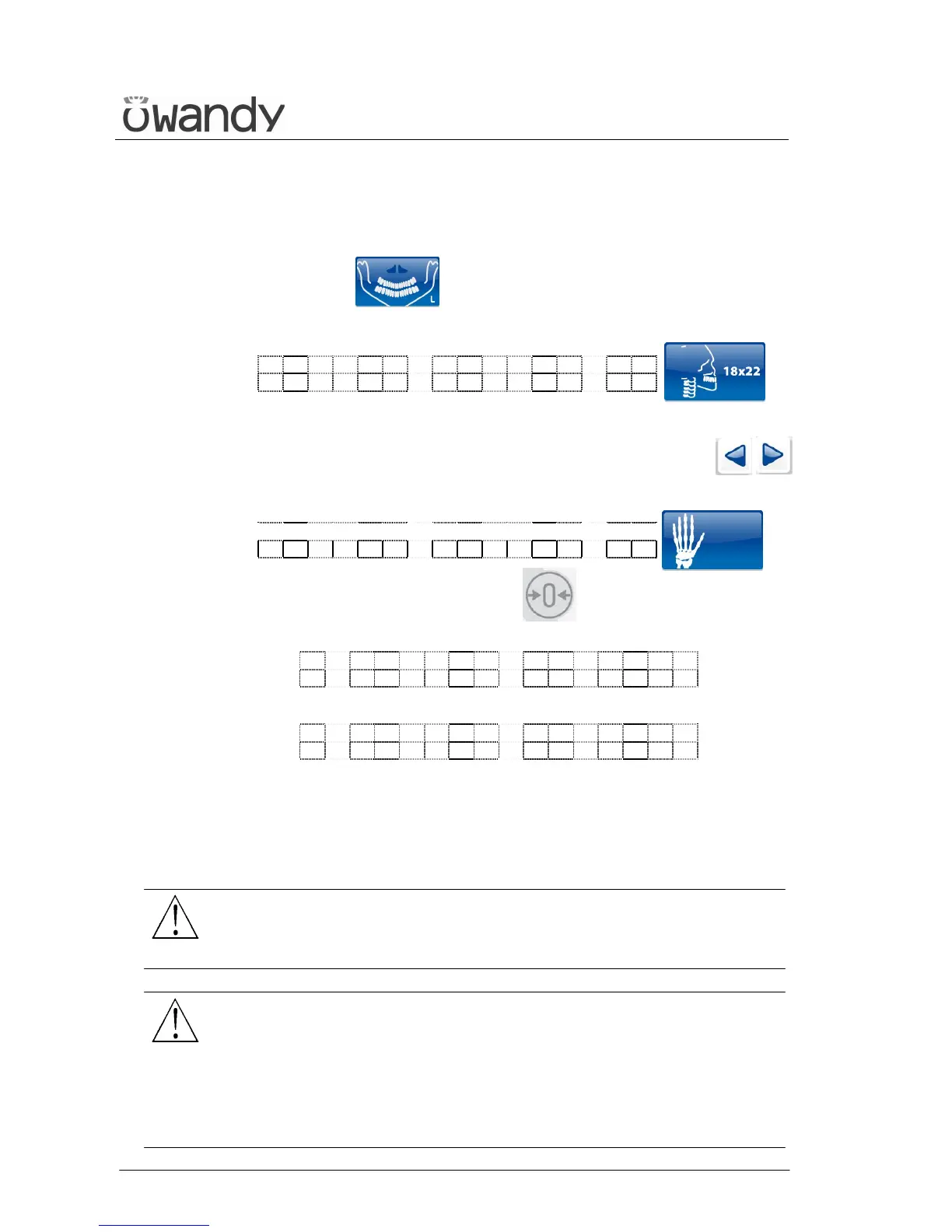
1. Select the CEPH examination, pressing key "Examination Mode
Selection" (10) until the following message and graphic is
displayed:
x x k V x x m A 4 . 5 0 s
C E 1 8 x 2 2 L L n 8 . 5
x = value defined by the settings
2. By means of the keys "Arrow right" (12) and "Arrow left" (11)
select the CARPUS examination:
x x k V x x m A 4 . 5 0 s
C A R P U S 1 8 x 2 2 n
3. Press the "Patient Entrance" (6) key ; the display will show
alternatively the following messages:
C E P H - R E M O V E
C H I N R E S T
and
C E P H - C L O S E
T E M P L E S U P P O R T
The first message tells the operator to remove the chin support, while
the second message tells him to close the temple clasps. These
operations are necessary to prevent interference with the rays beam
and with the panoramic sensor holder when the arm is being
positioned.
WARNING:
Neither of the two messages are controlled by the system and they can
therefore appear even if the unit has been set correctly, until the "Patient
Entrance" (6) key is pressed.
WARNING:
There is no need to position any type of chin support for the Carpus
examination. The chin support used for panoramic examinations must be
removed as indicated on the display. If the chin support is not removed,
it will collide with the sensor holder during alignment and can obscure
some anatomical parts of the patient during the examination.
At the same time, the temple clasps must be closed, in order to avoid
collision with the rotating arm.



 To Next Page