USER'S MANUAL
General instructions for use
I-Max Touch (110-120V) (Rev. 0)
34
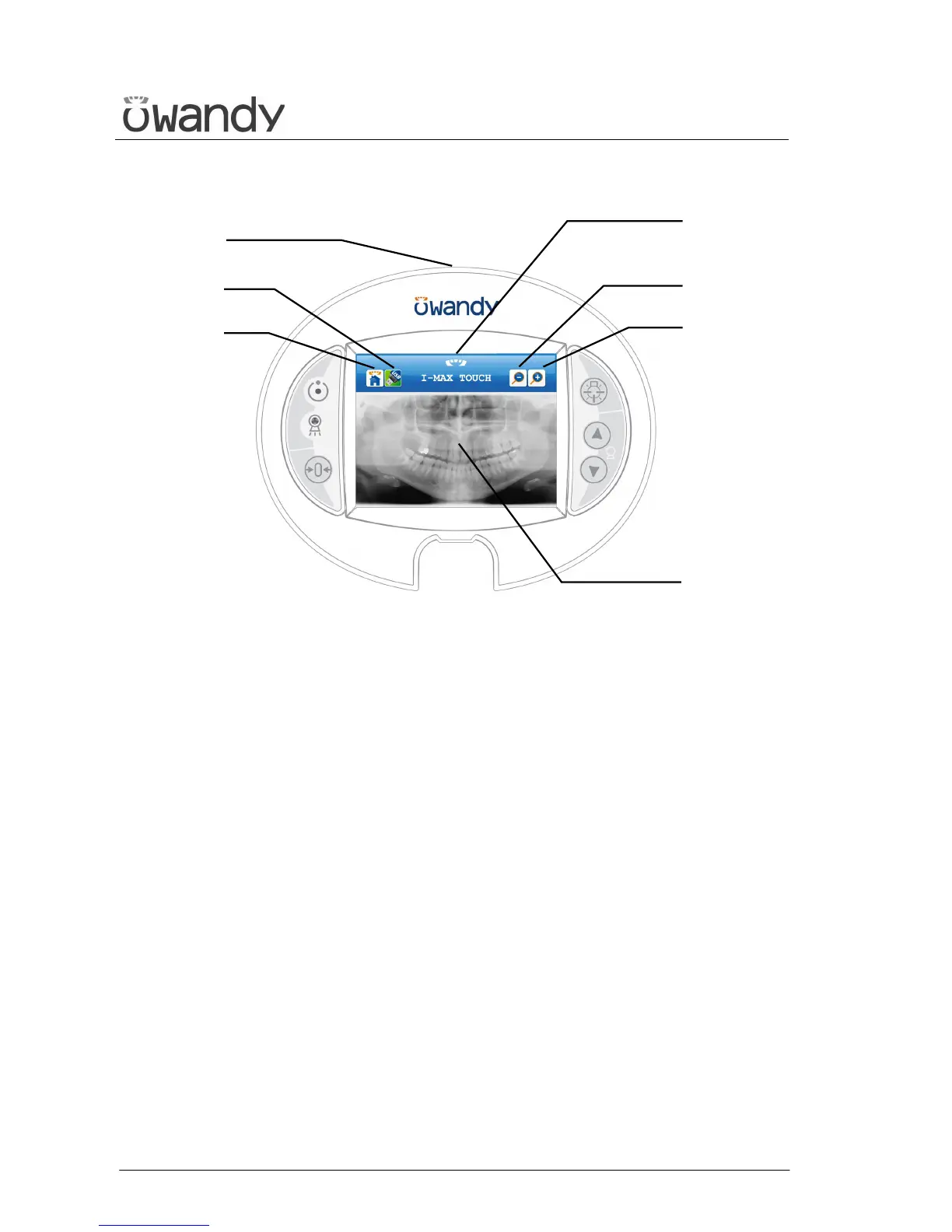
Figure 8 – Acquired image display
LEGEND:
Messages
Display: indicates operative messages, warnings and
exposure parameters.
Other
18 - USB Pen Drive key
19 - Return to control panel (main menu)
USB port: to connect a pen drive
Acquired image display
Image: displays the last acquired image, stored in the
memory of the unit
20 - Zoom out on the image
21 - Zoom in on the image
21
Image
Display
20
18
19
USB port



 To Next Page