USER'S MANUAL
General instructions for use
(Rev. 0) I-Max Touch (110-120V)
45
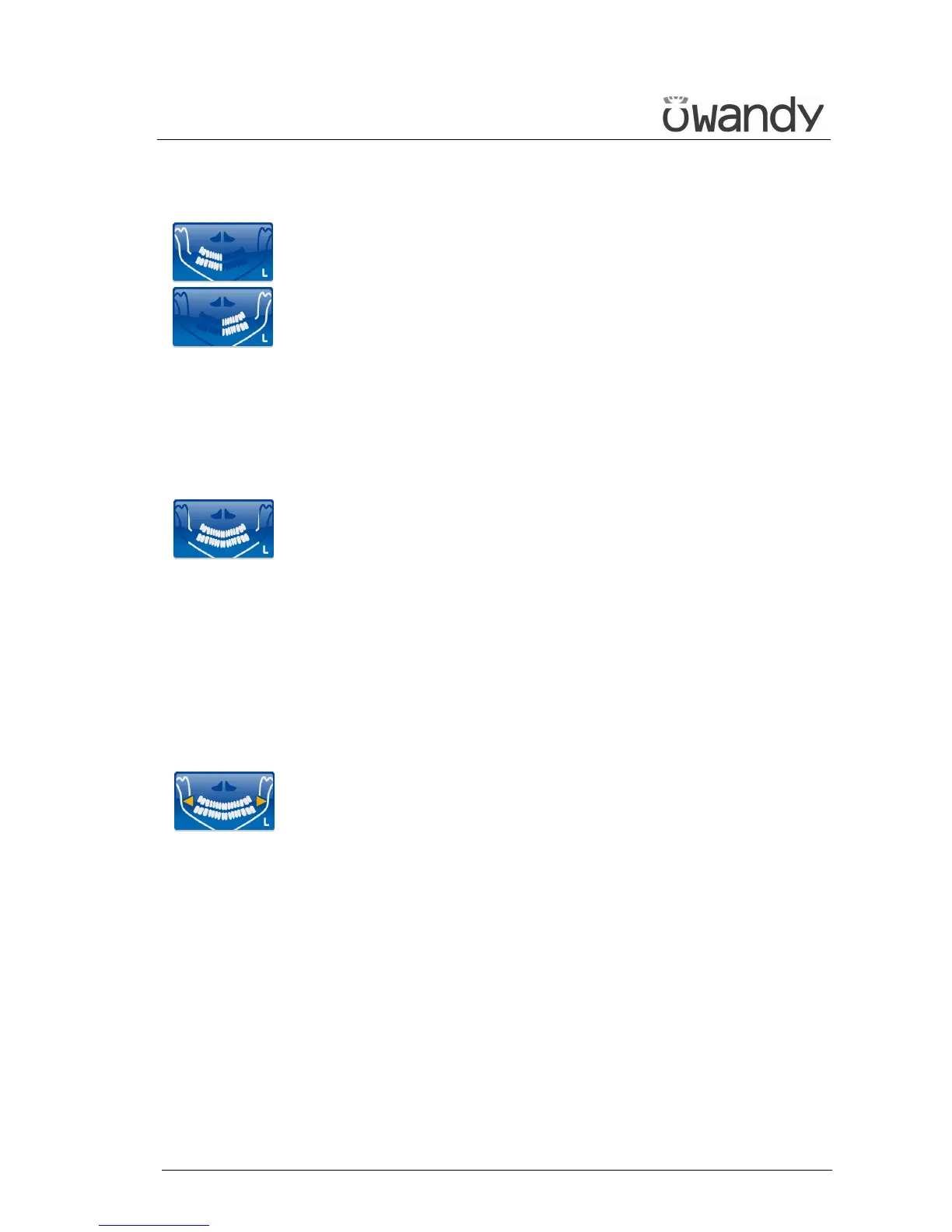
• Right / Left Emi-panoramic
The Emi-panoramic mode, right or left, means that only the
corresponding half arch is irradiated; the emission will start from the
beginning, to just after the mid sagittal plane for the right part. For
the left, it will start just before the mid sagittal plane and continue
until the end of the rotation.
These two kinds of examinations are usually used when it is already
known that the patient has a problem on only one half of the arch, so
it is possible to reduce the irradiation of the patient.
Follow the instructions for normal Panoramic for patient
positioning.
• Reduced dose Panoramic
The reduced dose Panoramic examination makes an X-ray only of the
dental arch, excluding from the image the ascending rami of the
temporo-mandibular joint; the examination is performed with the
same trajectory of the standard Panoramic, by reducing the rays
emission time.
This examination is used, for instance, during the treatment
continuation phases or where the lack of pathologies of the same
joint is already known.
Follow the instructions for normal Panoramic for patient
positioning.
• Improved orthogonality dentition
The improved orthogonality Panoramic delivers the image of the pure
dental arch cutting out from the image the ascending rami branches
of the temporo mandibular joint; the trajectory of the rotating arms
is, however, optimised for a better orthogonality between the X-ray
beam and the incident sections of near teeth.
Thus the image has reduced overlapping of the teeth, improving the
diagnosis of interproximal decay.
As a consequence of the different trajectory, the focus layer, mainly
in the front teeth area, is smaller and the patient positioning for this
examination needs more care.
Follow the instructions for normal Panoramic for patient
positioning.



 To Next Page