USER'S MANUAL
General instructions for use
(Rev. 0) I-Max Touch (110-120V)
55
NOTE:
If you try to perform a new exam before the cooling period has elapsed
(4 minutes), the following message will be displayed indicating the time to
wait before performing a new examination:
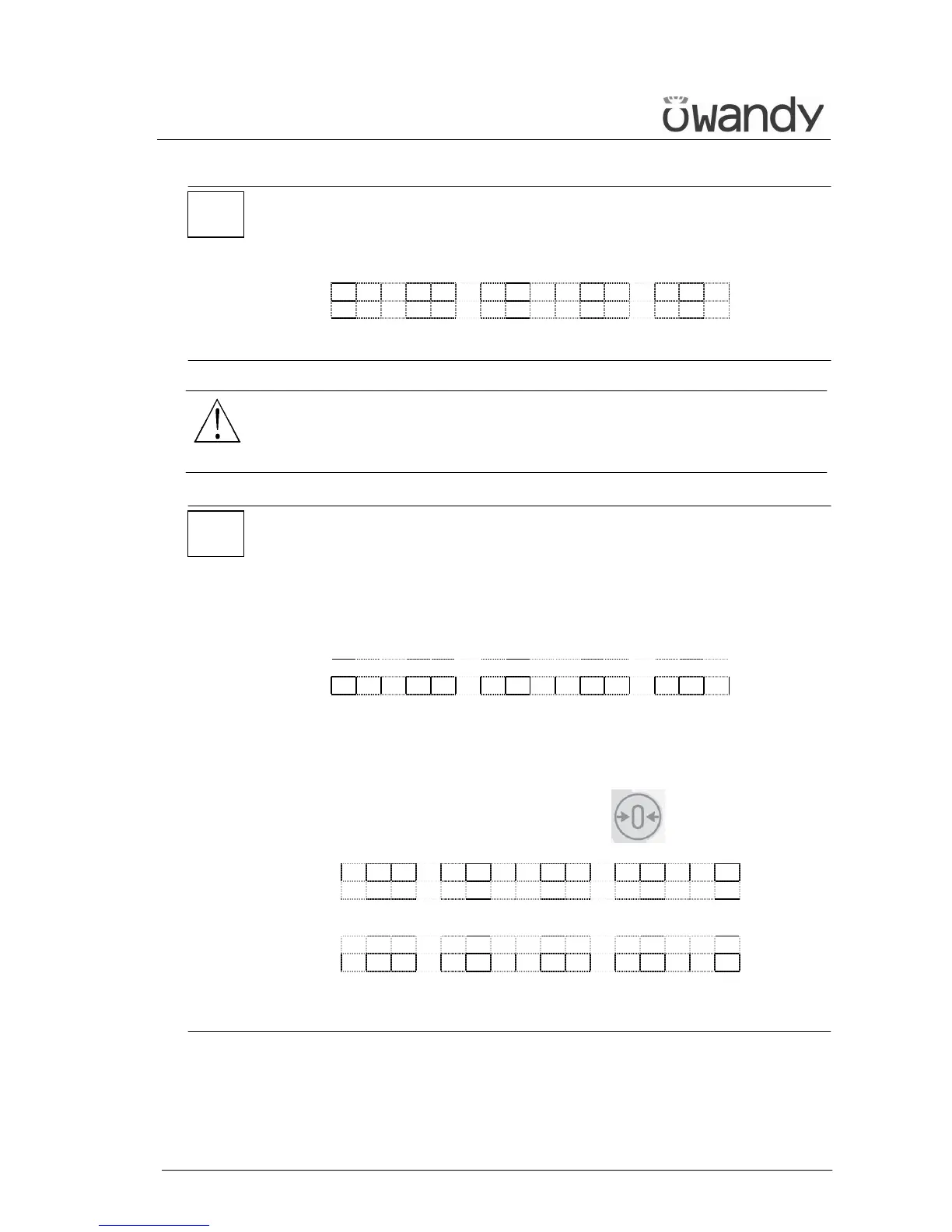
T U B E C O O L I N G
P L E A S E W A I T x x x s
The waiting time allows the anode in the radiogenic tube to cool down.
WARNING:
After every examination, clean the chin support, the handles and
the temple clasps group thoroughly and change the disposable bite
protective sleeve.
NOTE:
If, during the exposure, the patient moves, or the machine collides with
the patient himself (or with any object), or you realise that the
parameters set are not correct, you must release the X-ray button
immediately, interrupting the emission of X-rays and the movement of
the arm.
If this occurs, the following message will be displayed:
E 2 0 6
P R E S S > 0 <
All the motors will switch off, and it will be possible, if necessary, to
manually rotate the arm, allowing the patient to come out; it is
recommended that this movement has to be made with great care in
order to prevent damage to the machine.
Then press the "Patient Entrance" (6) key and the display will
show:
M A C H I N E S E T T I N G
P R E S S > 0 <
and then:
WA I T F O R
M A C H I N E S E T T I N G
The system now returns to its initial position and the patient must be
repositioned.
*
*



 To Next Page