29
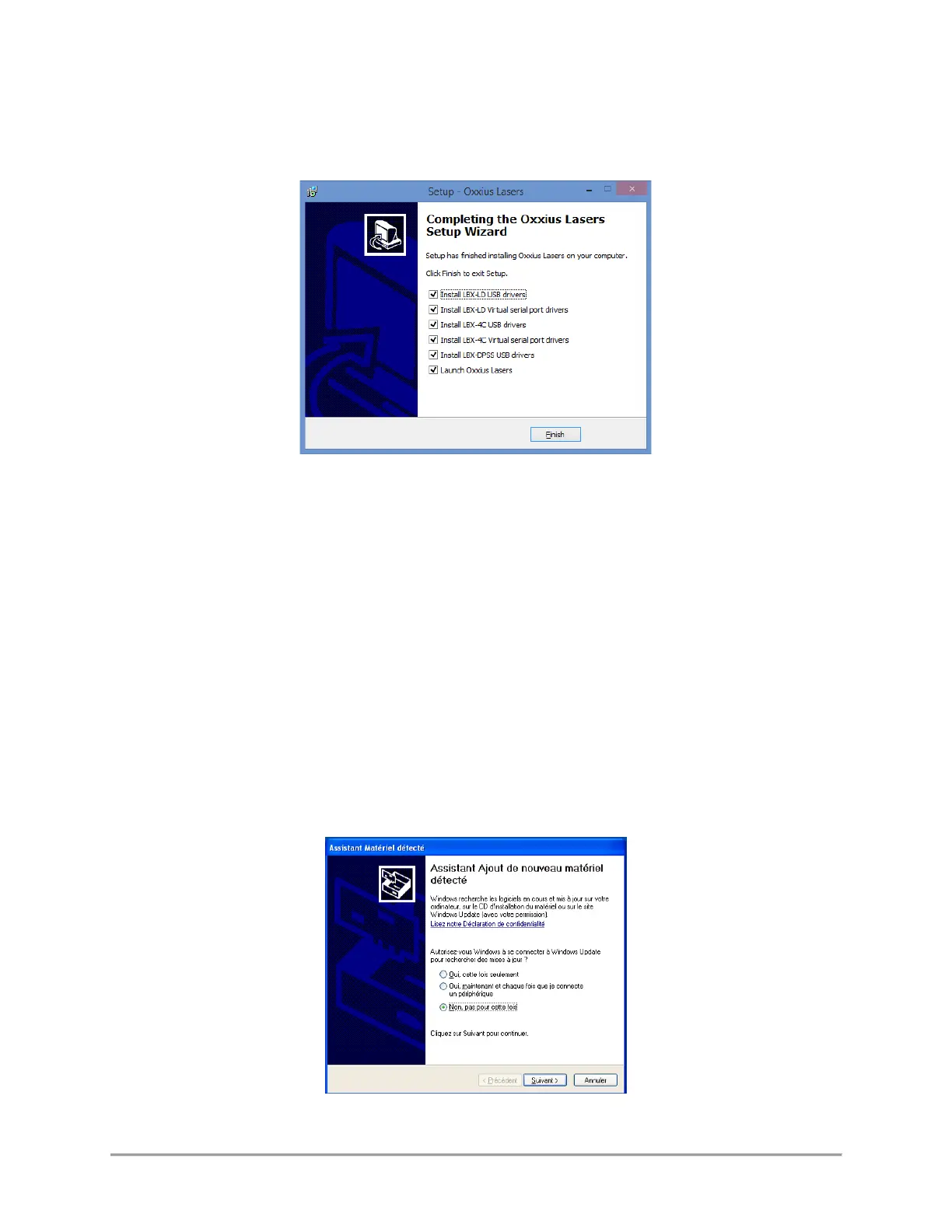
Finally, the installation suggests to install the USB drivers (see the screenshot below). Proceed to do so.
Depending on the operating system of the computer, it might be necessary to restart the computer. A
warning dialog box might appear on 64-bit operating systems.
Press “Finish” to close the wizard and complete the installation.
SECOND STEP: DEVICE INSTALLATION OVER A USB PORT
Using the USB interface of the combiner unit will first require that this former is detected by the operating
system.
- Connect the USB cable between the combiner on one end, and your computer on the other end,
- Turn on the supply voltage of the combiner,
- Depending on the operating system, the installation is either automatic or requires some
confirmations
- If prompted, do not authorize Windows to connect to Windows Update (as in the screenshot bellow),



 To Next Page