41
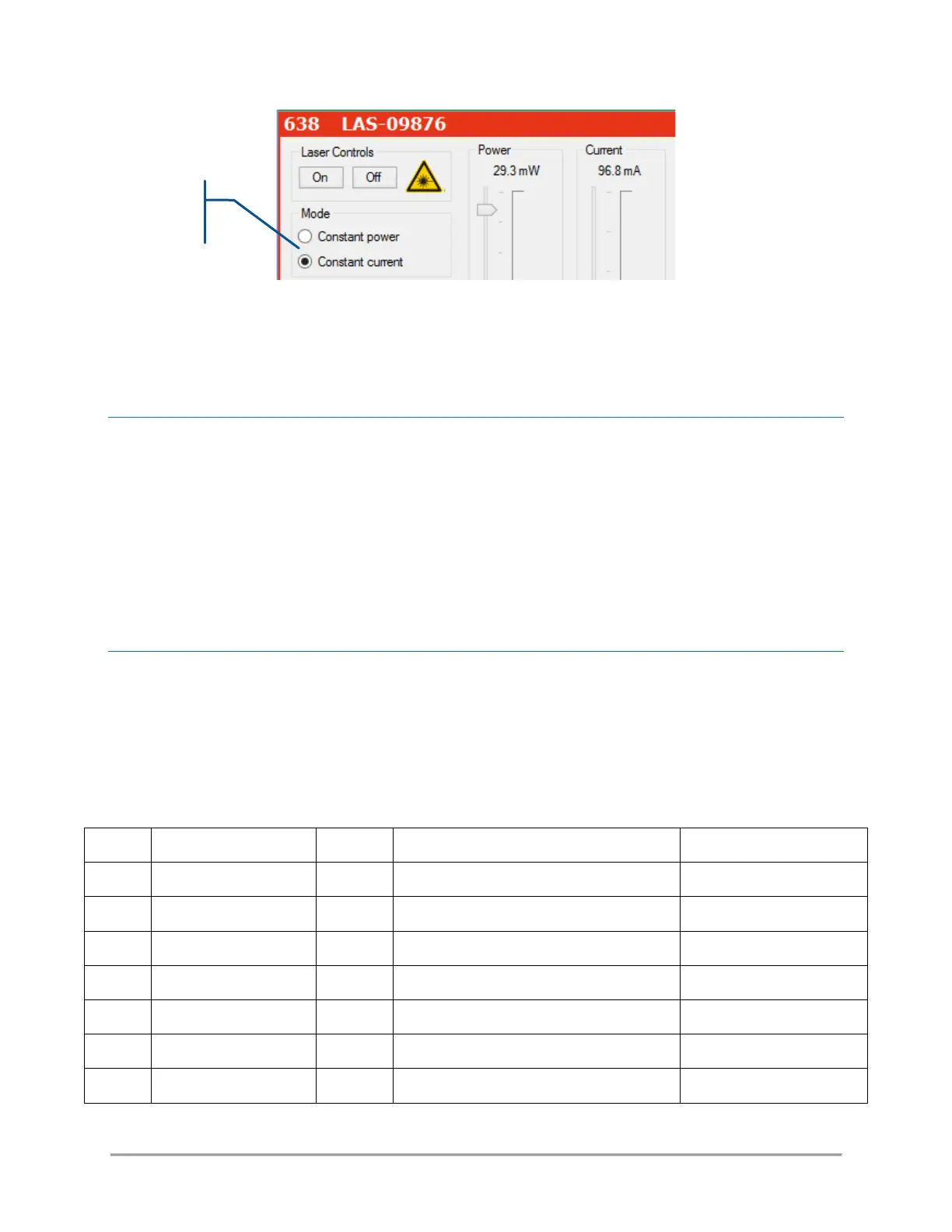
On the OBIS laser source: The control loops are configured with the same set of commands as for the
modulation functions. Refer to the preceding paragraph, “Modulation functions”, to learn about these
functions.
SELECTIVE ACTIVATION ON START-UP
It is possible to configure whether an individual laser source should start emitting upon start-up (in other
words: when the emission key is turned on). To do so, use the software command “SE” in the console of the
source you wish to control:
- Enter the command “SE 1” to have the unit emitting on start-up
- Enter the command “SE 0” to prevent the unit from emitting on start-up. Emission will then be available
on demand.
INPUT/OUTPUT PORT
This port can be used to drive the laser sources, shutters and miscellaneous components of the combiner.
Some of its inputs are configurable; the user can assign them to specific functions.
Here is the pin assignment of this port:
Table 4-1: Pin assignment of the I/O port



 To Next Page