44
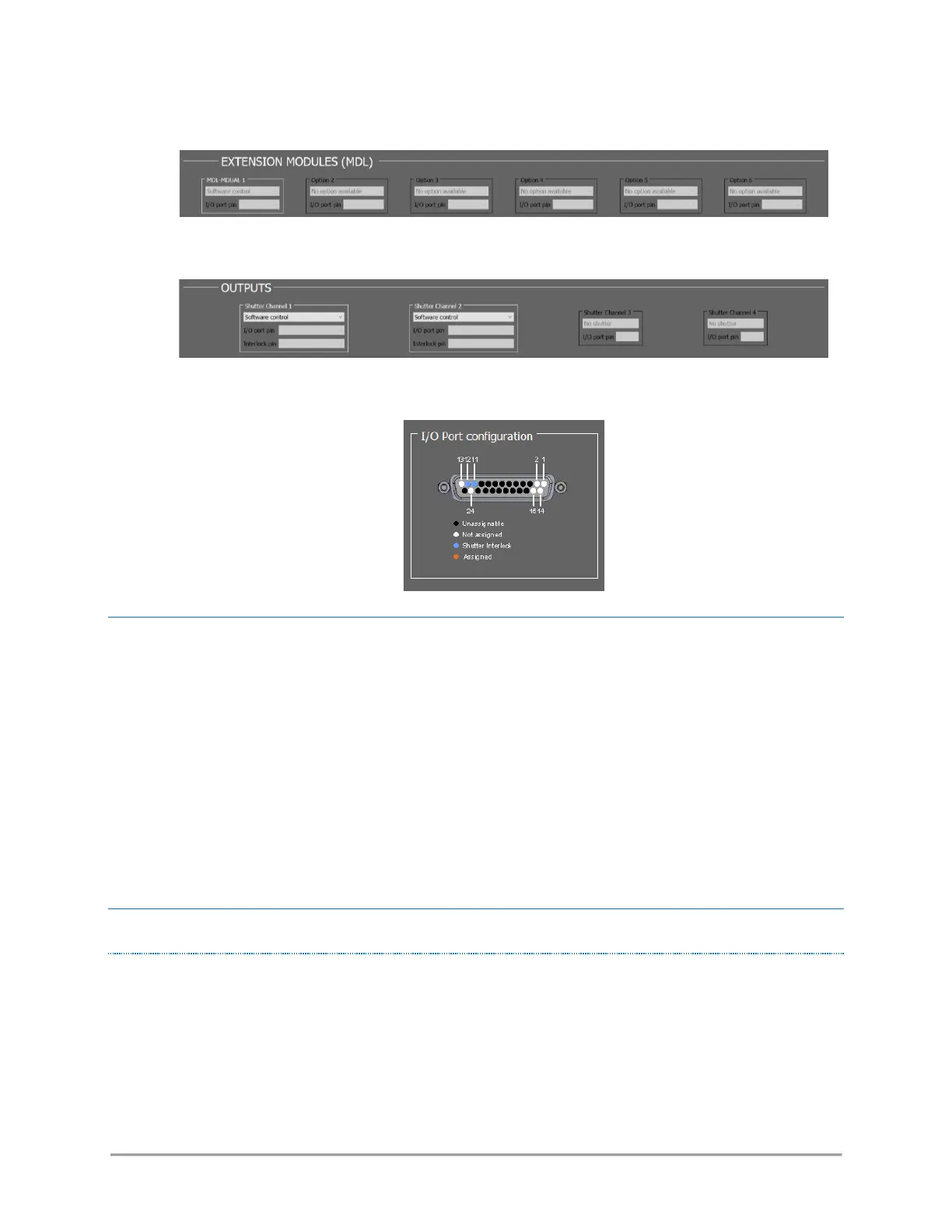
• the optional extension modules:
• the output shutters:
• a diagram summarizing the pins on the I/O port, and their assignment:
SAVING AND LOADING A CONFIGURATION
On start-up, OCC establishes the communication with a linked combiner, retrieves its configuration, then
displays it on the main panel. The user can modify this configuration, update it to the combiner, or export it
to a text file.
• The button “Read configuration from combiner” updates the main panel according to the current
configuration of the combiner.
• The button “Open a configuration file” allows the user to update the panel with a file accessible
from the host computer.
• Press the button “Update configuration to combiner” to update the configuration of the combiner
with the contents of the main panel
MODIFYING THE CONFIGURATION
SHUTTER CONTROL



 To Next Page