28
3-4 Software suite
The control software allows the user to monitor and control several laser sources at once.
Oxxius software is compatible with the following operating systems:
- Windows 7 (32-bit and 64-bit versions),
- Windows 8 (32-bit and 64-bit versions),
- Windows 10
Microsoft .NET 3.5 framework is required. If it is not installed, you will be asked to download and install it.
FIRST STEP: INSTALLING THE COMMAND SOFTWARE
Oxxius control software is installed by running the setup.exe file located on the USB flash drive provided with
the laser.
Alternatively, you can download the latest version of our control software from the following URL:
http://www.oxxius.com/download/f09512dd.exe
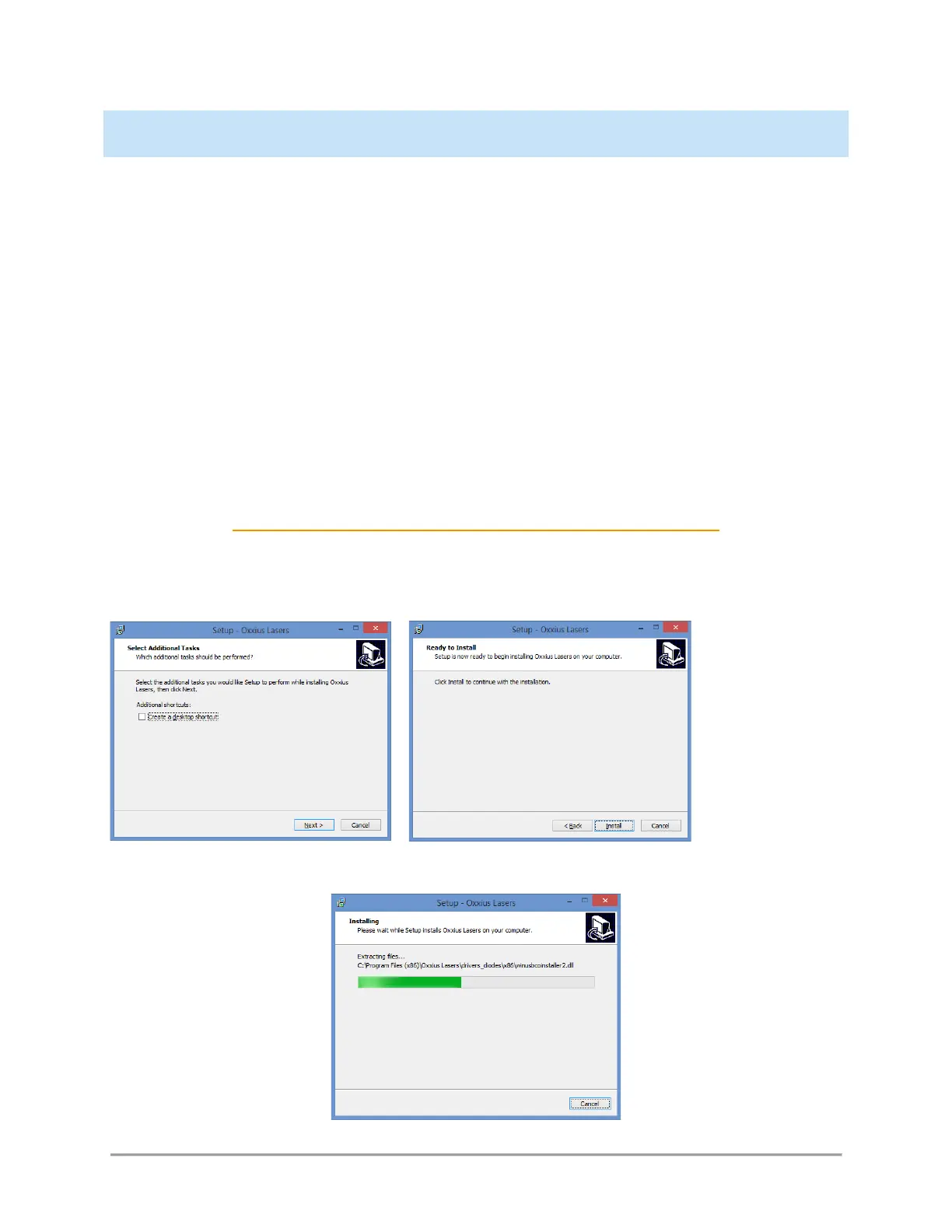
Executing the file “setup.exe” will prompt a standard installation wizard:
Click « Next », then “Install”.



 To Next Page