65
Alternatively, if the mirror is configured to receive software commands:
- Enter the command “FM1 1” to set it to “High” position (channel 1),
- Enter the command “FM1 0” to set it to “Low” position (channel 2),
Finally, the electro-mechanical shutter on each channel can be operated independently using software
commands. Refer to chapter 3-3 about how to send commands to the combiner, using the combiner control
window.
- Entering the command “SH1 0” will close the shutter on channel,
- Entering the command “SH1 1” will open the first shutter,
- Entering the command “SH2 0” will close the second shutter,
- Entering the command “SH2 1” will open the second shutter
7-3 Fast switch mirror MDL-FSTM
GENERAL DESCRIPTION
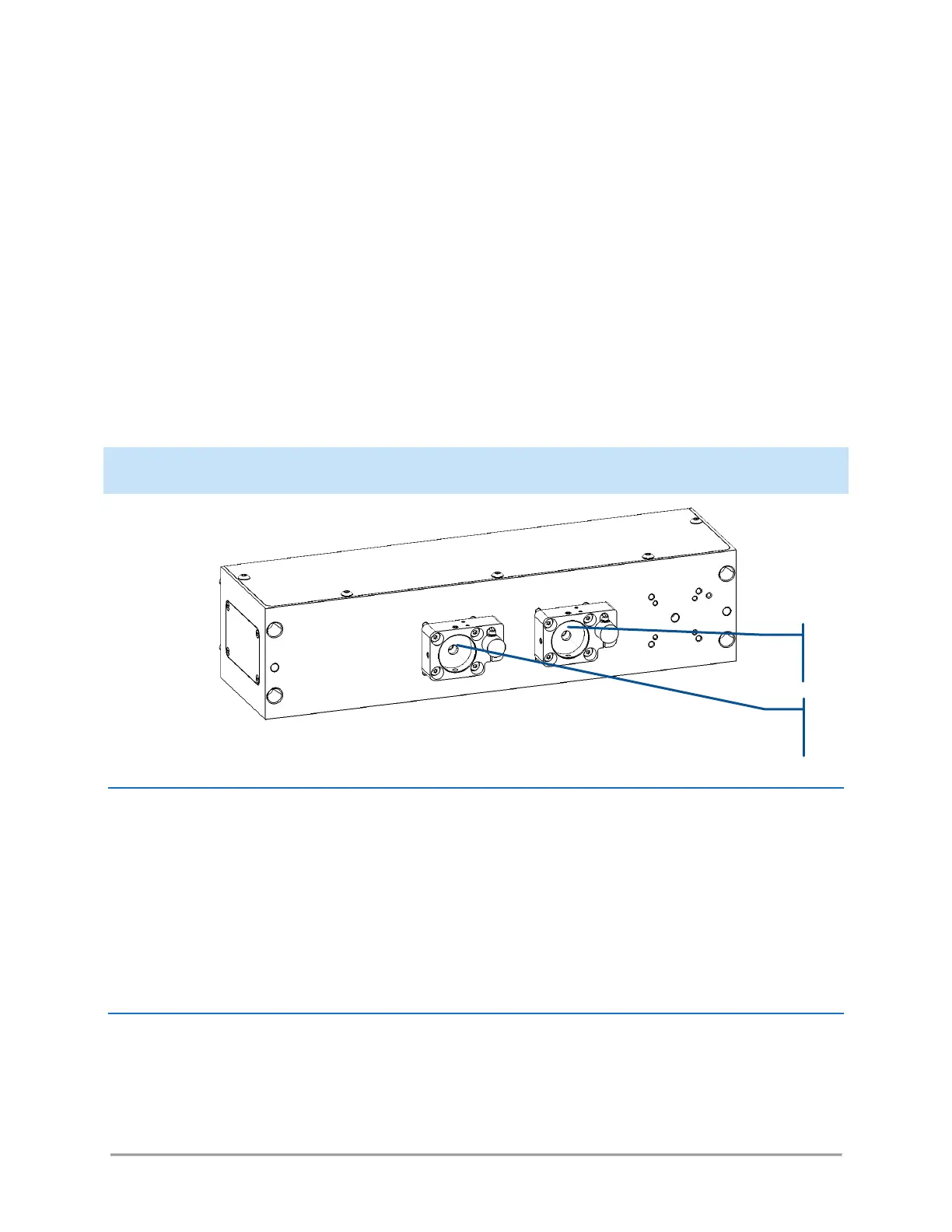
This module is located at the output of the combiner. It acts on its output channel. The beam entering the
input port can either exit through channel 1 unaffected, or be entirely steered towards channel 2.
Compared to the flip mirror option (see the previous paragraph), this module can be switched at a much
higher pace, typically more than twenty times a second.
Each channel is also fitted with an electro-mechanical shutter.
OPERATION
This module gives access to two functions:
- The galvanometric mirror,
- The shutters present on each of the output channels



 To Next Page