35
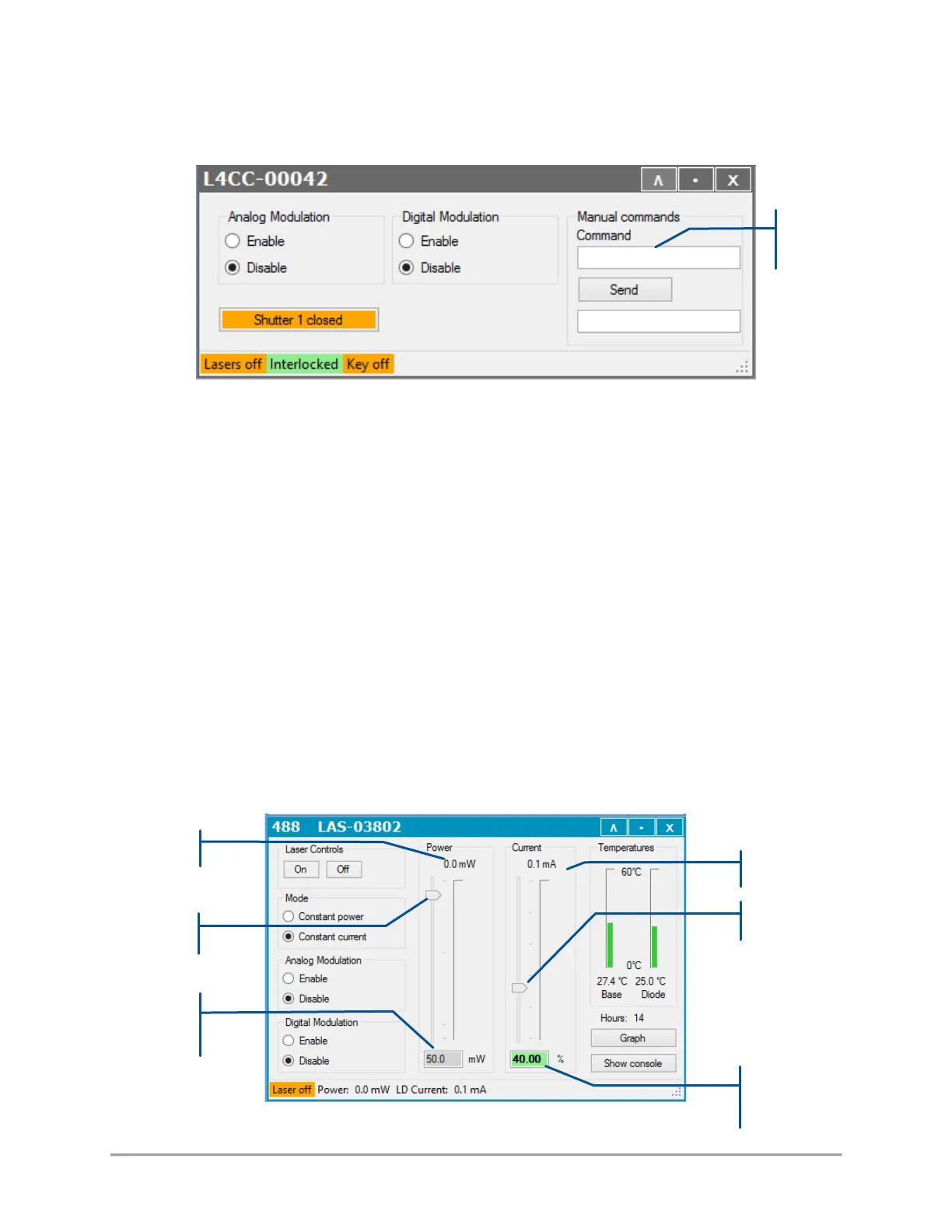
Using the GUI, open the control window of the combiner, then send the appropriate commands on the
console:
The command is “IPn p”, where n is the number of the concerned laser source (from 1 to 6), and p the
percentage of power to set (from 0 to 100, “100” representing the nominal power).
For example:
“IP1 100” to set 100% of the nominal power on laser source number 1,
“IP2 0” to set a nil power on laser source number 2,
“IP4 20” to set 20% of the nominal power laser source number 4
It is also possible to open the control window of the concerned laser source:
- On a LBX laser source:
o Locate the power slider and text box (if the unit is in constant power mode), or the
current slider and text box (if the unit is in constant current mode, as in the picture
below),



 To Next Page