39
o The maximum power available on modulation is determined by the power set point (or the current
set point). For example, with a power set point of 50% the analog modulation will allow for signal
outputs between 0% and 50% of the nominal power.
o If an input socket is left unconnected, then the modulation input signal will be nil.
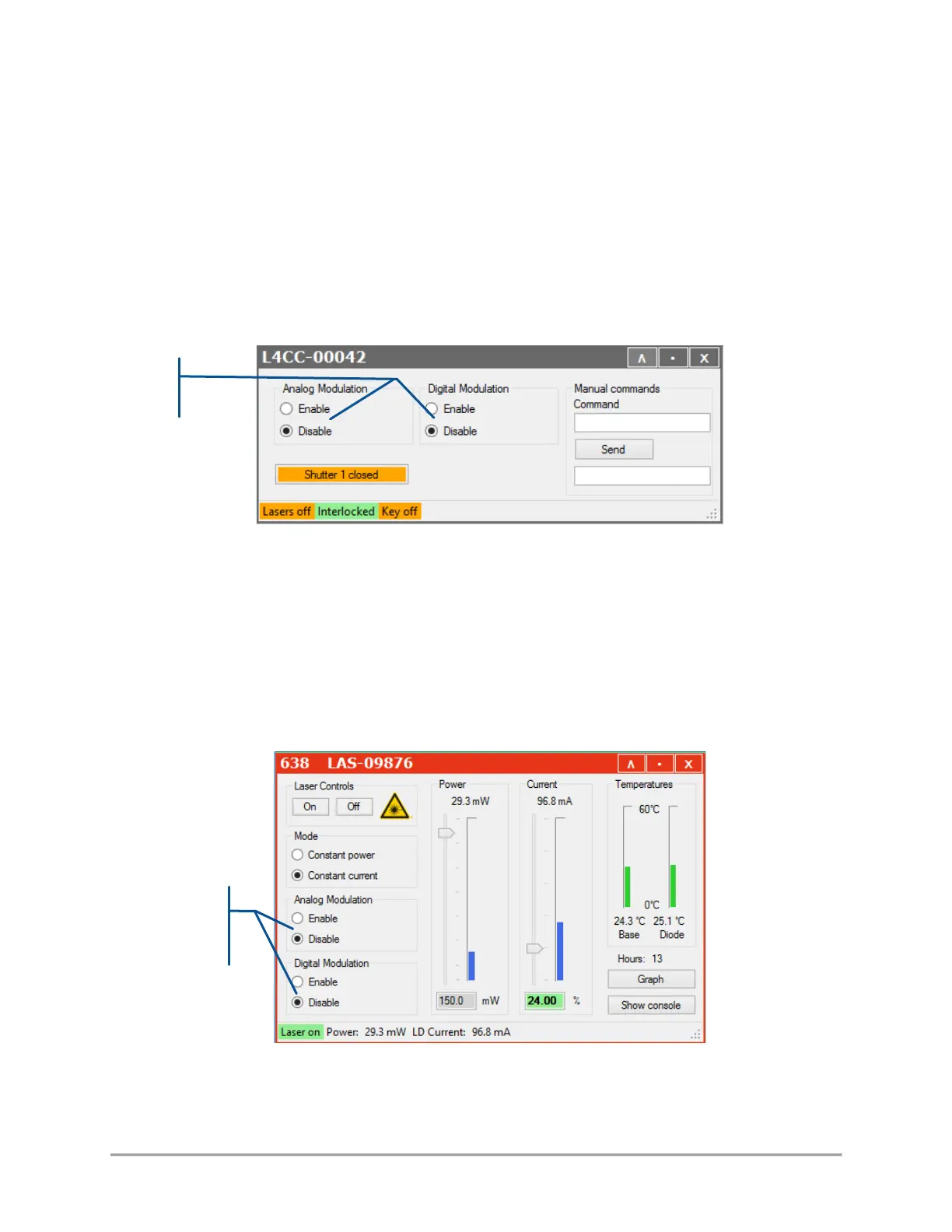
Using the GUI, you can configure the modulation settings for all sources at once:
- Open the main panel of the combiner and locate the modulation set boxes (as in the picture below)
- Select the appropriate box(es) if you need to enable (or disable) the analog modulation, the digital
modulation, or both. These settings will be cascaded down to each laser source.
If you need to set the laser sources individually, proceed as follows:
- On LBX laser sources: Open the main panel of this source and locate the modulation set boxes (as in the
picture below)
Select the appropriate box(es) if you need to enable (or disable) the analog modulation, the digital
modulation, or both.



 To Next Page