83
CHAPTER 6
Using Calculator
Calculator enables you to perform basic calculations. Use Calculator to do
the following:
■ Perform addition, subtraction, multiplication, division, and square root
operations.
■ Store and retrieve values.
■ Display the last series of calculations, which is useful for confirming a series of
“chain” calculations.
To open Calculator:
1. Press Home .
2. Tap the Calculator icon .
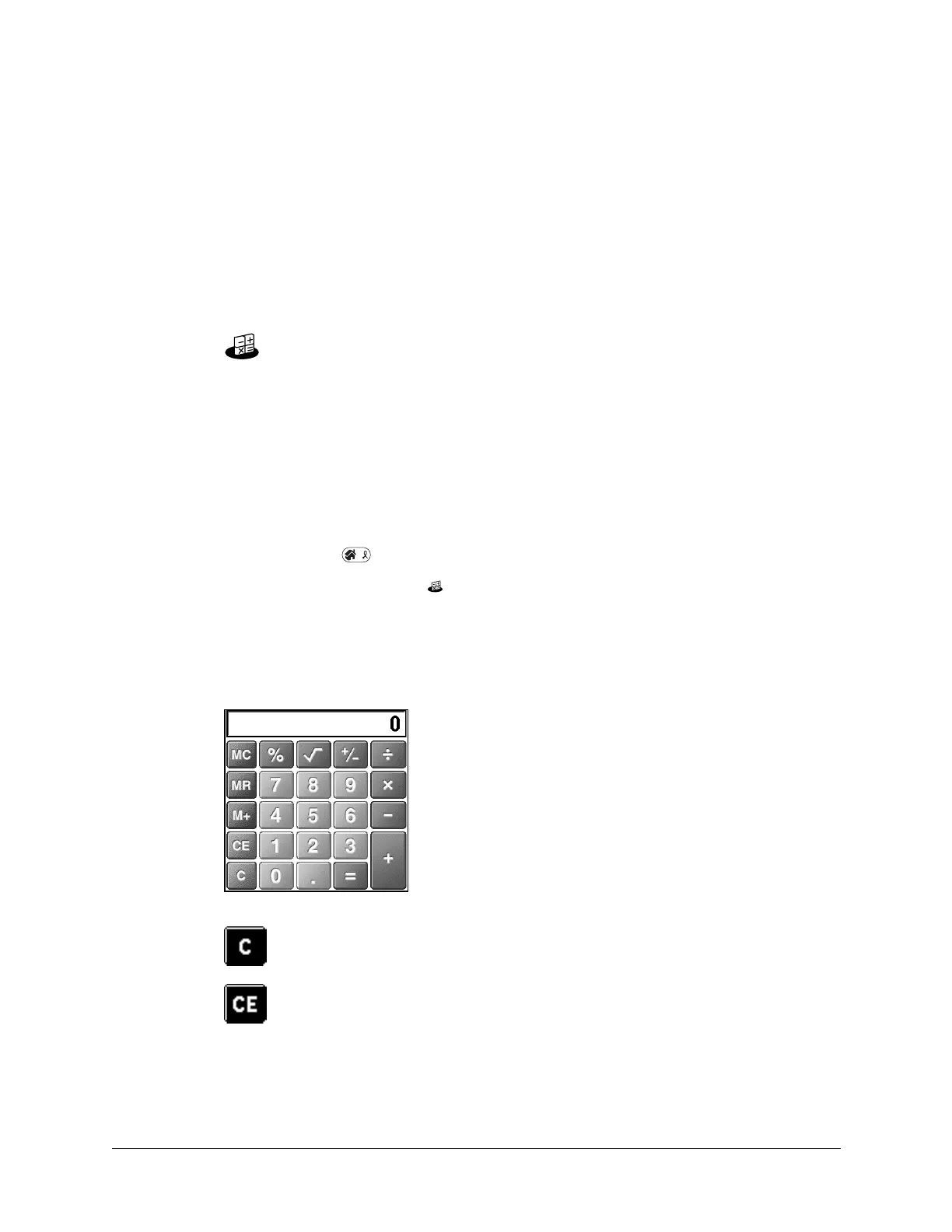
Performing calculations
The Calculator includes several buttons to help you perform calculations.
Clears the entire calculation, so that you can begin a fresh
calculation.
Clears the last number you entered. If you make a mistake while
entering a number in the middle of a calculation, you can use this
button to reenter the number without starting the calculation over.



 To Next Page