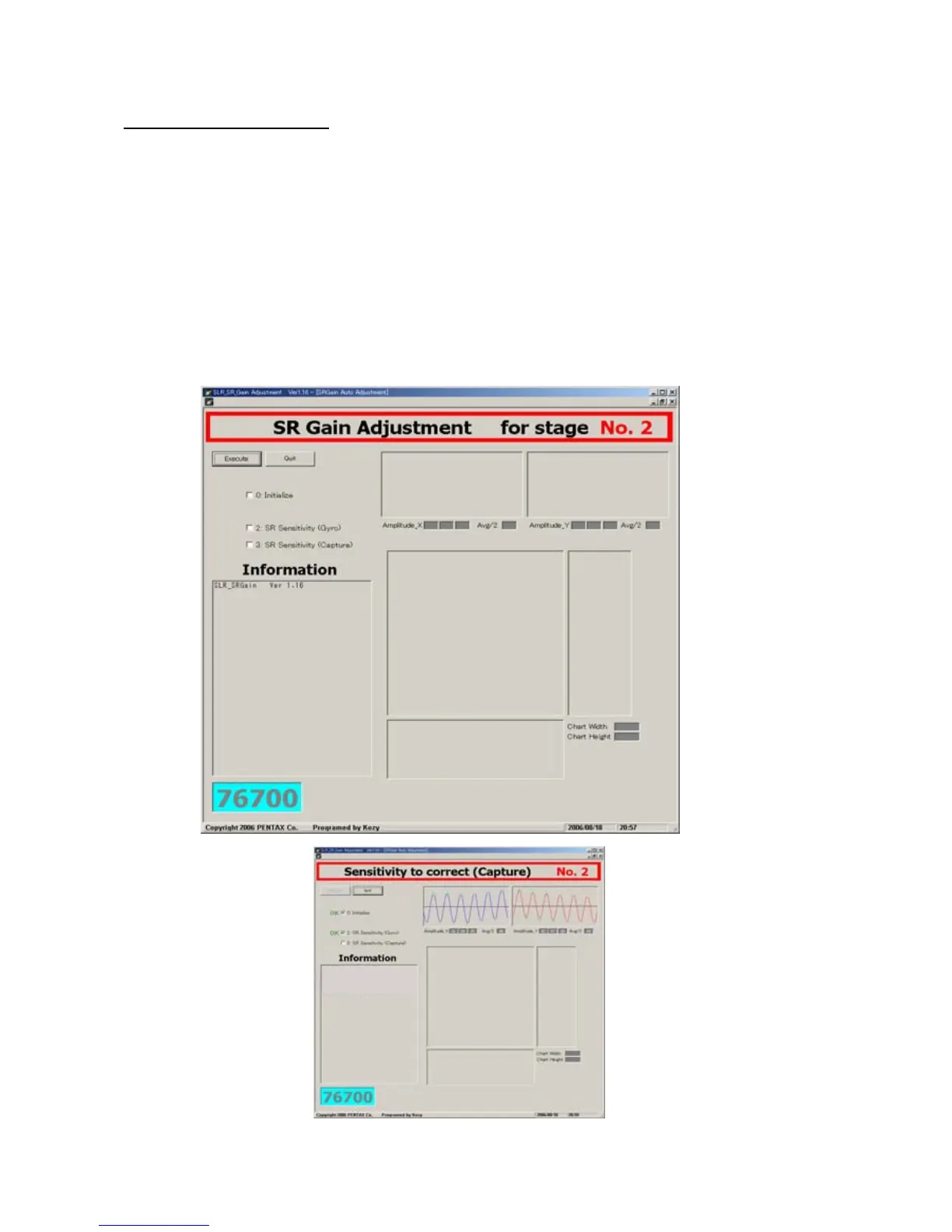
76700 -62/94-
22-5 Adjustment procedure
① Connect the camera to the computer via USB cable
② Turn the power of the computer and attach AC adaptor to the camera
③ Turn the power of the camera ON and confirm that computer is recognized theUSB connection
④ Turn the power of the controller ON
⑤ Click(SLR_SR_Gain116.exe)in the folder of SLR_SR_Gain
⑥ Adjustment screen display
⑦ Match the chart with frame of spot measurement in the view finder
⑧ Click [Execute] button and start the adjustment
z Do not give the camera the vibration when you adjust it.



 To Next Page