76700 -63/94-
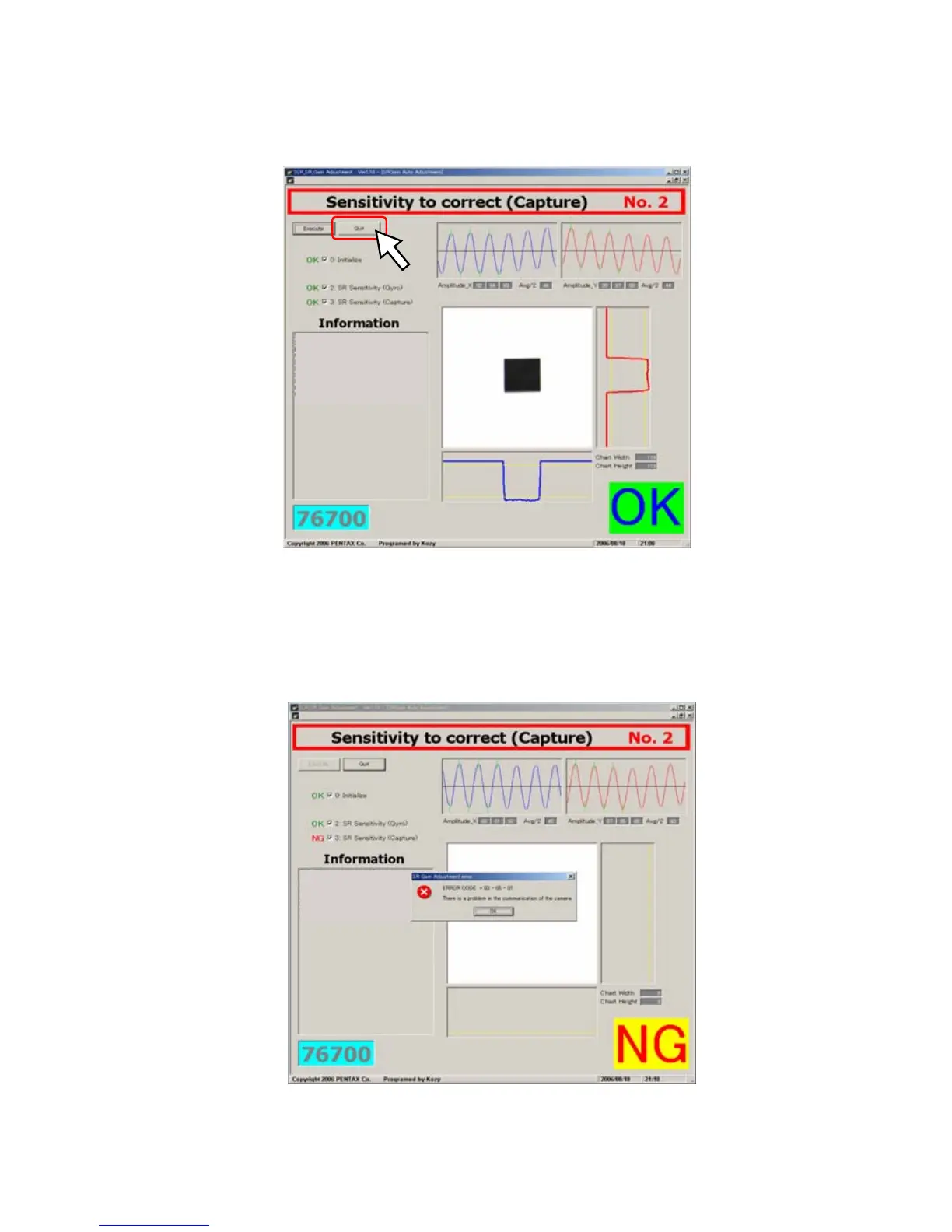
⑨ When display OK, the adjustment is completed
⑩ Click [Quit] and finish the adjustment
⑪ Click [Removing the hardware] on the screen of PC
⑫ Turn the power of the camera OFF and disconnect the AC adaptor, USB cable from the camera
⑬ If the adjustment is NG, the following message display, this case please check all the setting and execute
the adjustment again.



 To Next Page