76700 -67/94-
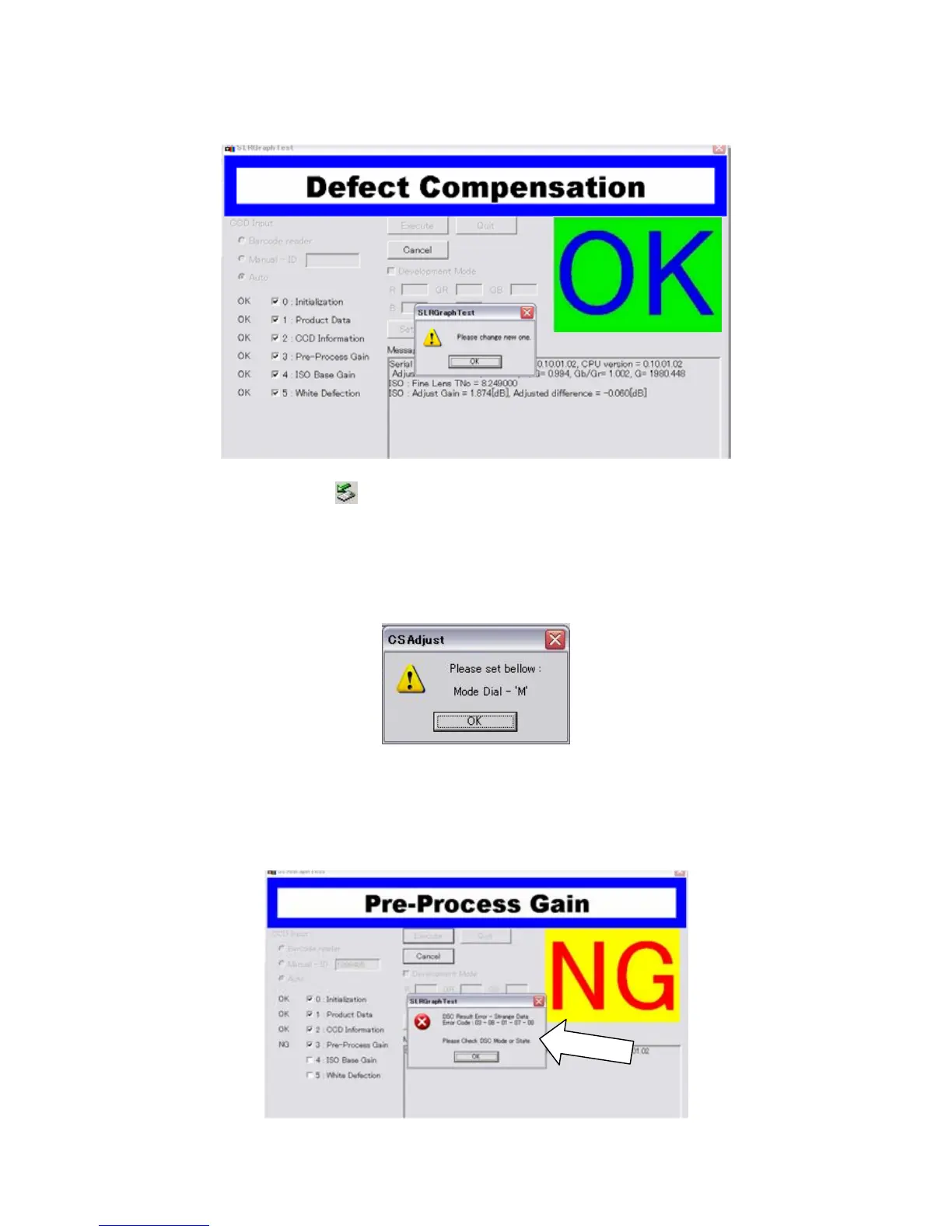
(11) When the screen display as follows, the adjustment is completed.
(12) Double-click hot plug icon of the taskbar at the lower right of a desktop, and then follow
"safe removal of hardware. Turn off the camera and disconnect the camera.
[Error massage]
* The following display appear when the mode dial of the camera is not set on [M].
If the error code display on the monitor, check the list of error code in the technical information of
this service manual.
Example error code:
[03-08-01-07-00] ----- [Pre-Process Gain --- xx --- xx --- DSC Result --- Strange Data]



 To Next Page