Advanced settings
39
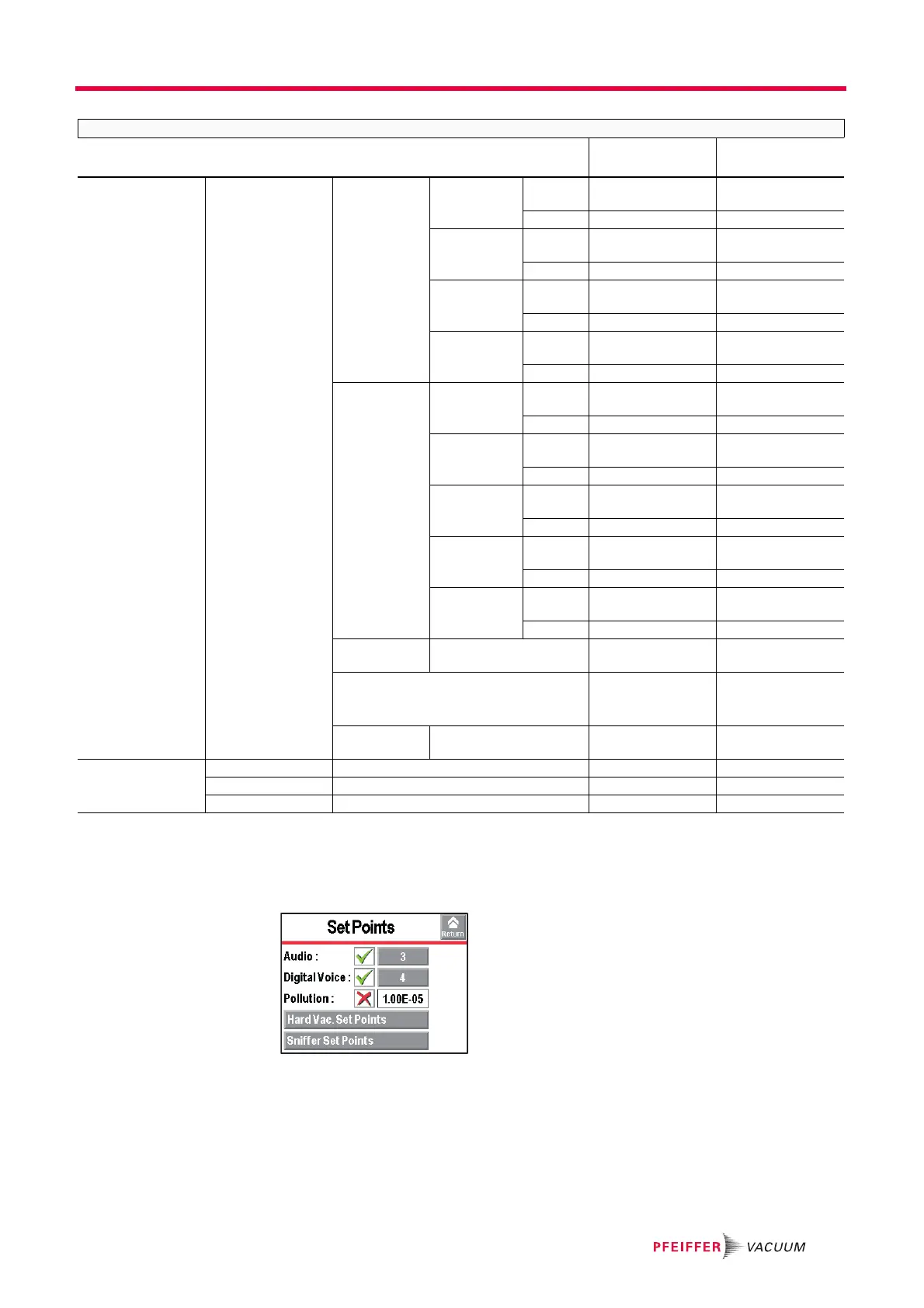
7.3 Set points Menu
From the "Settings" screen, press [Set points] to access the menu.
Input/Output (I/O 37
pins)
I/O connector Digital Transis-
tor Output
9 - 28 Allocation See Manual I/O 37
pins
Bypass
Activation NO / NC NO
8 - 27 Allocation See Manual I/O 37
pins
Detector Ready
Activation NO / NC NO
7 - 26 Allocation See Manual I/O 37
pins
Filament #2
Activation NO / NC NO
6 - 25 Allocation See Manual I/O 37
pins
Warning/Error
Activation NO / NC NO
Digital Relay
Output
5 - 24 Allocation See Manual I/O 37
pins
GL Test
Activation NO / NC NO
4 - 23 Allocation See Manual I/O 37
pins
N Test
Activation NO / NC NO
3 - 22 Allocation See Manual I/O 37
pins
Filament on
Activation NO / NC NO
2 - 21 Allocation See Manual I/O 37
pins
Reject point
Activation NO / NC NO
1 - 20 Allocation See Manual I/O 37
pins
HV test
Activation NO / NC NO
Select Default
Configuration
Function launching - -
Other Configurations ASM 142 /
ASM 182 /
HLT 5xx
-
Load Config.
from SD Card
Function launching - -
SD Card Load LD Parameter Function launching - -
Save LD Parameter Function launching - -
Visualize *.BMP Function launching - -
ADVANCED
Selection Choice -
Setting limit
Initial settings



 To Next Page