Advanced settings
40
7.3.1 Audio alarm and digital voice
Audio alarm The audio alarm informs the operator that the reject set point has been crossed. The lev-
el varies from 0 to 8 (0 to 90 dB (A)).
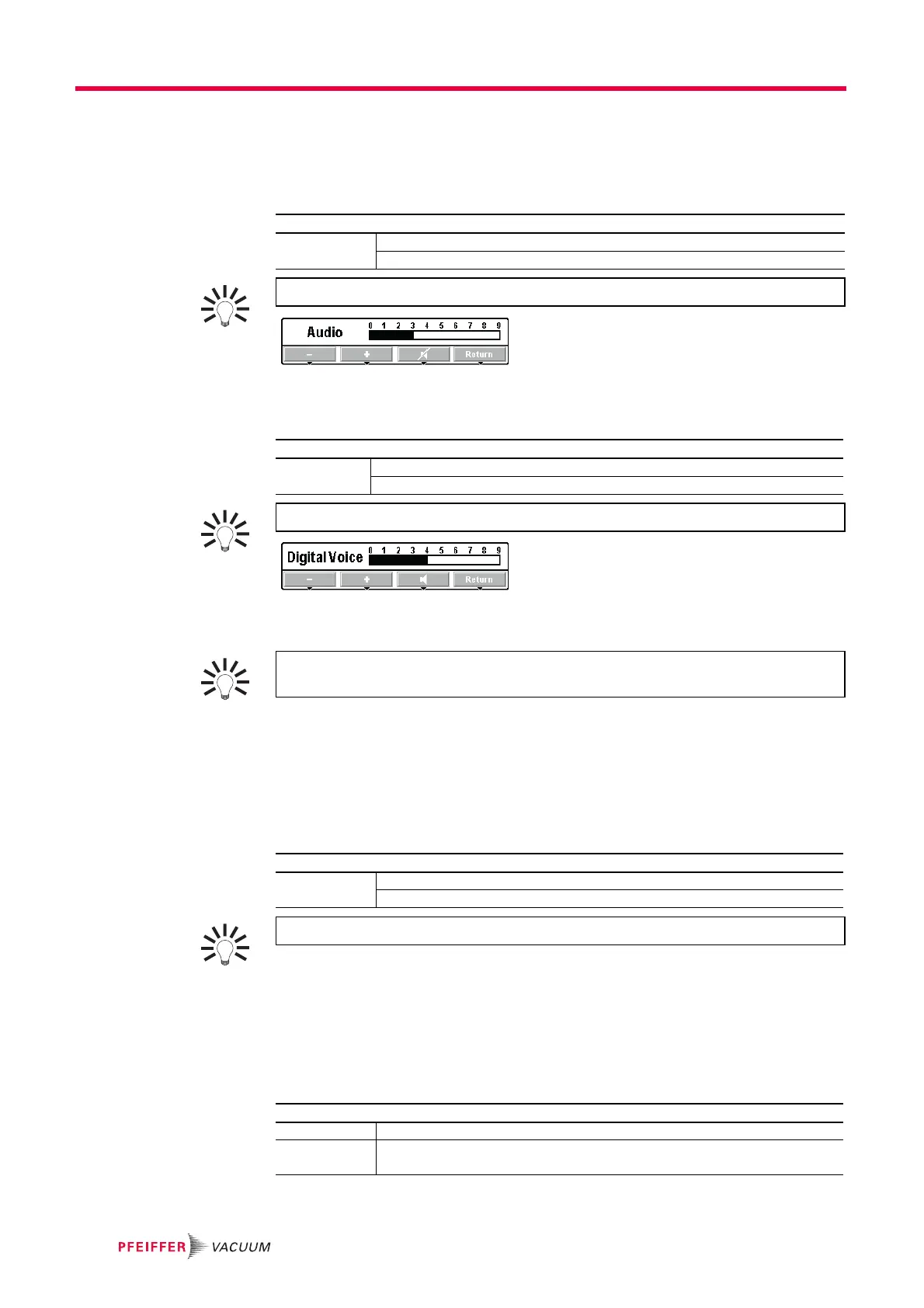
Fig. 17: "Audio" screen using a function key
Digital voice Digital voice informs the operator about the status of the detector or actions to be carried
out.
Fig. 18: "Voice" screen using a function key
"Mute" function Stop the audio alarm and the digital voice at the same time with the [Mute].
7.3.2 Pollution function
This is a safety device for the detector. It prevents too much leaked tracer gas from pen-
etrating the detector. We recommend setting the pollution set point to a maximum of 4
decades above the reject set point. If the leak rate rapidly increases above the pollution
set point, the cycle stops automatically and the leak detector returns to Stand-by mode.
In case of high background caused by pollution: (see 7.4.10)
7.3.3 Hard Vacuum reject point
The hard vacuum reject point defines the acceptance set point for parts that are "accept-
ed/rejected" in a hard vacuum test:
– Measured leak rate ≤ reject set point: part accepted
– Measured leak rate > reject set point: part rejected
From the "Settings" screen, press [Set points].
Audio Activate the audio level.
Set the audio level.
For quick access from the control panel, set a function key to [Audio]: (see 7.7.2).
From the "Settings" screen, press [Set points].
Digital voice Activate digital voice.
Set the digital voice level.
For quick access from the control panel, set a function key for [Voice]: (see 7.7.2)
To launch the function from the control panel, set a function key to [Mute]: (see
7.7.2)
From the "Settings" screen, press [Set points].
Pollution Activate the function.
Set the application set point.
Useful function if the part or installation to be tested is likely to have gross leaks.
From the "Settings" screen, press [Set points] [Hard Vacuum set points].
Reject point Set the reject point value.
Reject point # 4 additional reject points available with the 37 pin I/O board.
Set the set point value.



 To Next Page