Advanced settings
48
7.5.2 Filament parameters
7.5.3 Calibrated leak
For more information about calibrated leaks, see the Maintenance instructions.
(1) Use the information indicated on the calibrated leak used for calibration or on its calibration certificate.
In case of leak replacement, these parameters must be updated. When the parameters
are saved, all the data from all the calibrated leaks set (1 internal leak and 3 external
leaks) is memorised.
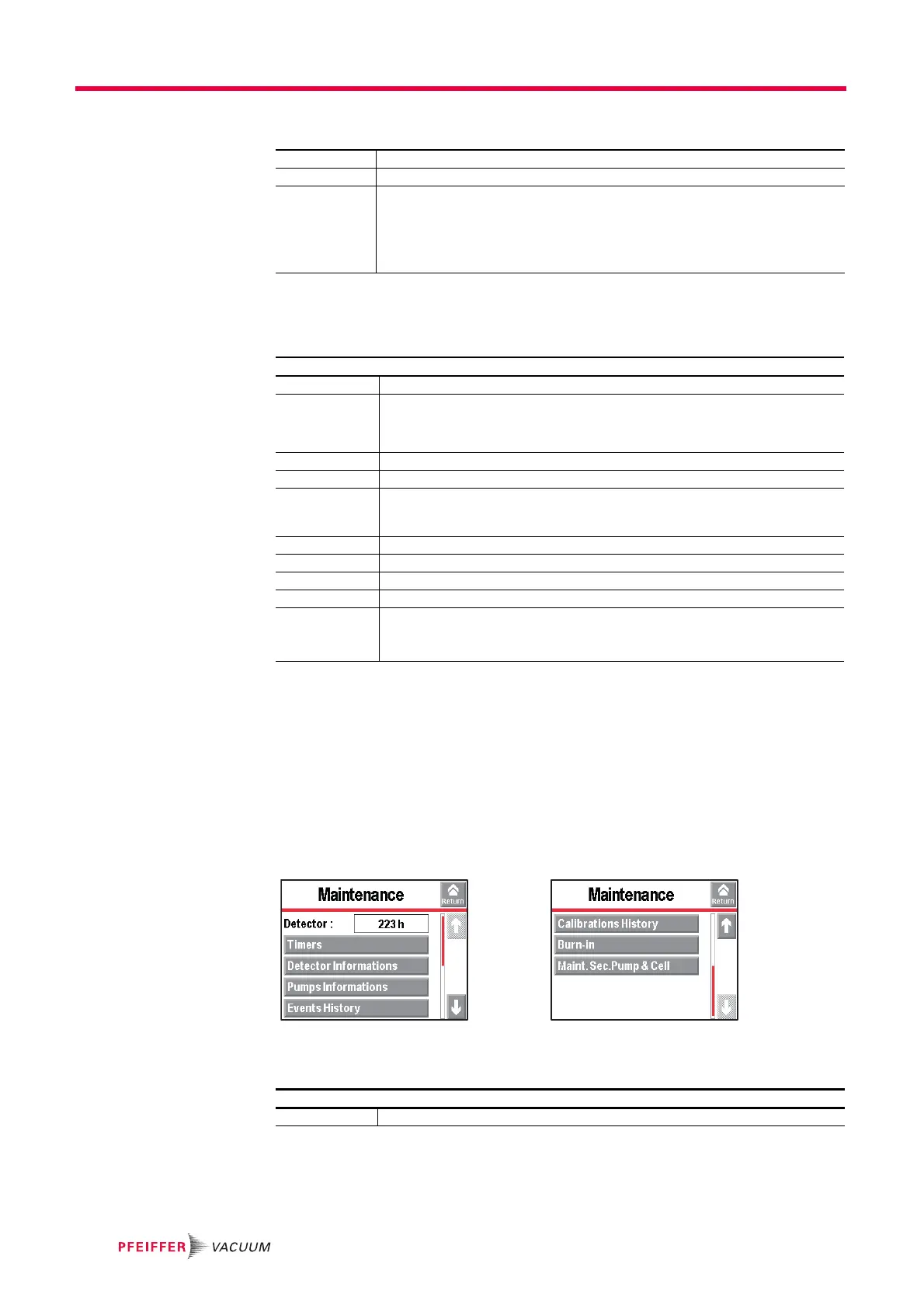
7.6 Maintenance Menu
From the "Settings" screen, press [Maintenance].
7.6.1 Detector
Fil. Selected Indicates the filament used for the measurement (2 filaments in the analyzer cell).
Filament Indicates if the filament used is ’on’ or ’off’ when the detector is switched on.
Fil. status Indicator of analyzer cell performance.
Initial settings: between 90 % and 100 %
Normal operation: between 10 % and 100 %
Normal wear on some cell components will reduce this value over time but will not re-
duce the accuracy of the detector's measurements.
From the "Settings" screen, press [Spectro][Calibrated leak].
Tracer gas Set the tracer gas for the calibrated leak used for calibration.
Type Define the type of calibrated leak used for calibration.
• internal = calibration using the leak detector's internal calibrated leak (
4
He leak
only)
• external = calibration using an external calibrated leak (
4
He,
3
He or H
2
leaks).
Unit Set the calibrated leak unit used for calibration.
(1)
Leak Value Set the calibrated leak value used for calibration.
(1)
Calibration valve Define the actual status of the calibration valve.
Used to open/close the manual calibration valve, for example. Remember to close
the valve again after use. Manual calibration is only for experts.
Loss per Year (%) Set the loss rate per year for the calibrated leak used for calibration.
(1)
Ref. T. (°C) Set the reference temperature for the calibrated leak used for calibration.
(1)
T. coeff. (%/°C) Set the temperature coefficient for the calibrated leak used for calibration.
(1)
Year Set the month and year of calibration for the calibrated leak used for calibration.
(1)
Internal T. (°C)
or
External T. (°C)
’Internal’ indicates the temperature around the detector's internal calibrated leak
(= temperature under the cover).
’External’ indicates the temperature outside the detector.
From the "Settings" screen, press [Maintenance].
Detector Number of hours that the detector is switched on



 To Next Page