Advanced settings
58
Limits with Full access.
● No limit.
Fig. 40: Displays with Full access
Operator with Restricted or Medium access changing the access level.
Press until the "Settings" screen is displayed with all the locked menus.
Press [Config.].
Enter the current password (’5555’ by default) and validate.
Press [Access/Password].
Enter the current password (’5555’ by default) and validate.
Press [User Level].
Change the access level: see below the limits for each level.
Operator with Full access changing the access level.
From the "Settings" screen, press [Config.] [Access/Password].
Enter the current password (’5555’ by default) and validate.
Press [User Level].
Change the access level: see below the limits for each level.
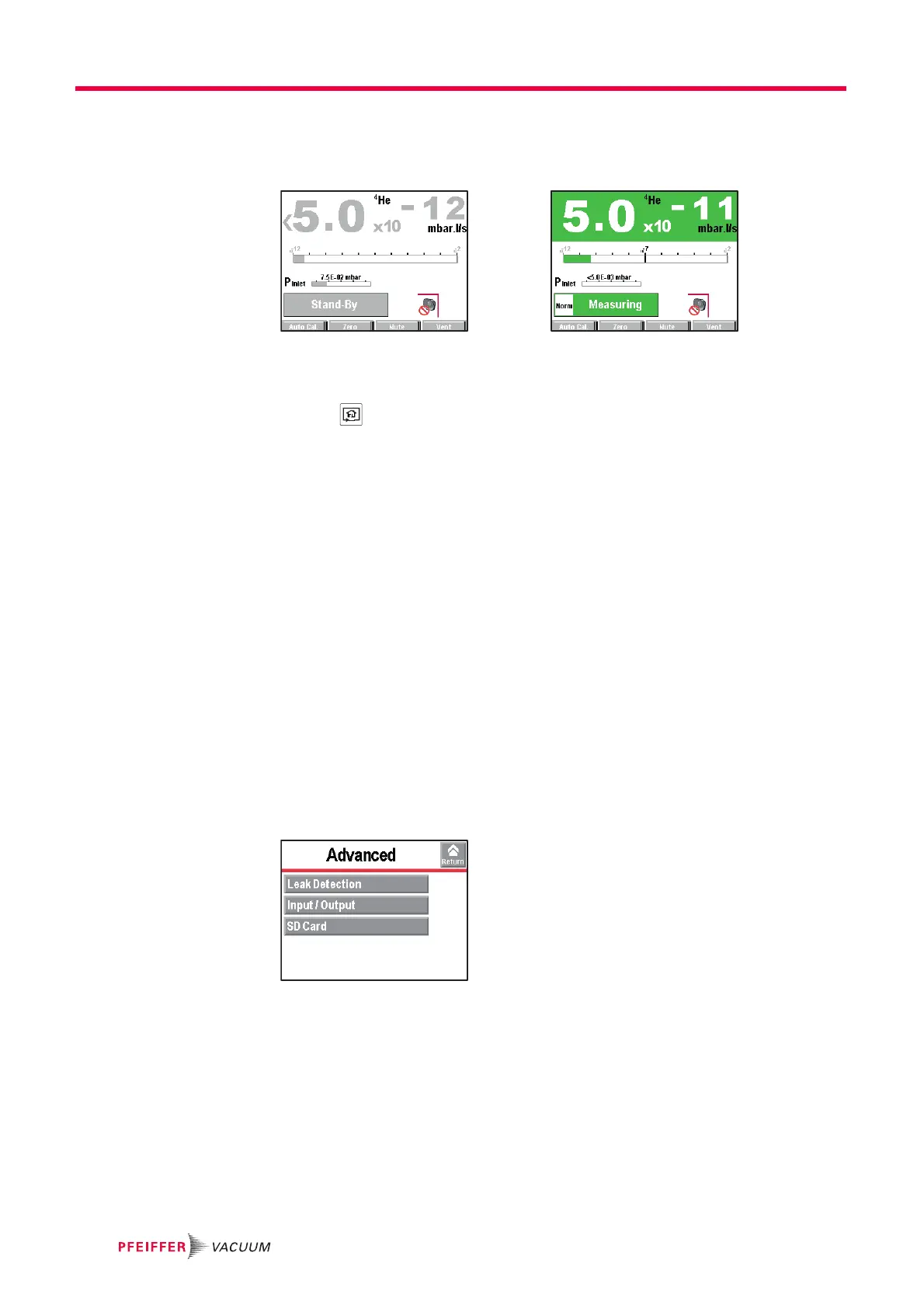
7.8 Advanced Menu
The Advanced menu is reserved for leak detection experts and/or for setting a par-
ticular product.
From the "Settings" screen, press [Advanced].



 To Next Page