Advanced settings
57
Fig. 38: Displays with Restricted access
Press until the "Settings" screen is displayed with all the locked menus.
Press the desired menu.
Enter the current password (’5555’ by default) and validate.
Carry out the desired parameter settings.
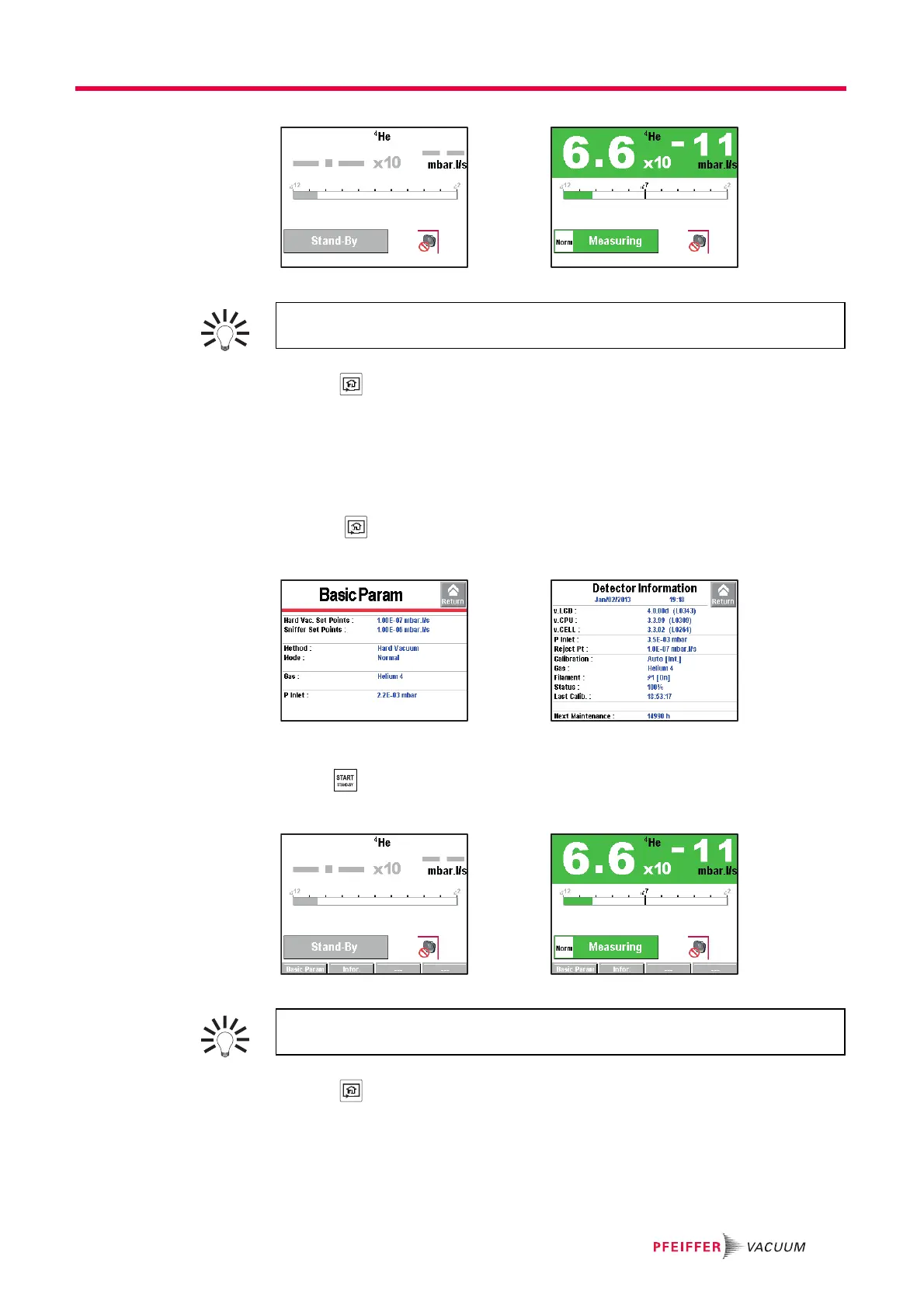
Limits with Medium access
● Invalid key: no settings can be made without password.
● 2 function keys available: [Basic Param.] and [Info].
● Function keys hidden.
● Inlet pressure and cell pressure hidden.
● Valid key.
● Measured leak rate and reject set point displayed only in test.
Fig. 39: Displays with Medium access
Press until the "Settings" screen is displayed with all the locked menus.
Press the desired menu.
Enter the current password (’’5555’’ by default) and validate.
Carry out the desired parameter settings.
With Medium or Restricted access, the operator can temporarily access the 6 me-
nus on the "Settings" screen to set parameters.
With Medium or Restricted access, the operator can temporarily access the 6 me-
nus on the "Settings" screen to set parameters.



 To Next Page