Advanced settings
52
7.6.8 Maintenance for the analyzer cell and the secondary pump
To carry out maintenance on the secondary pump or the analyzer cell, the vacuum part
of the detector must be at atmospheric pressure. This function is used to shut down the
secondary pump and to perform an inlet vent so that the secondary pump and the ana-
lyzer cell are at atmospheric pressure.
From the "Settings" screen, press [Maintenance] [Maint.Sec. Pump & Cell].
Press [Stop & Vent] to start the function.
● The secondary pump slows to a speed that allows inlet vent.
● A message notifies the operator when the leak detector can be shut down.
Optional: to carry out an additional inlet vent before shutting down the detector, press
[Stop&Vent].
If the operator does not want to shut down the detector, press [Restart detector]: the
detector start-up screen is displayed.
Shut down the detector, wait until the control panel turns off completely and unplug the
electric power cable before working on the detector.
7.7 Configuration Menu
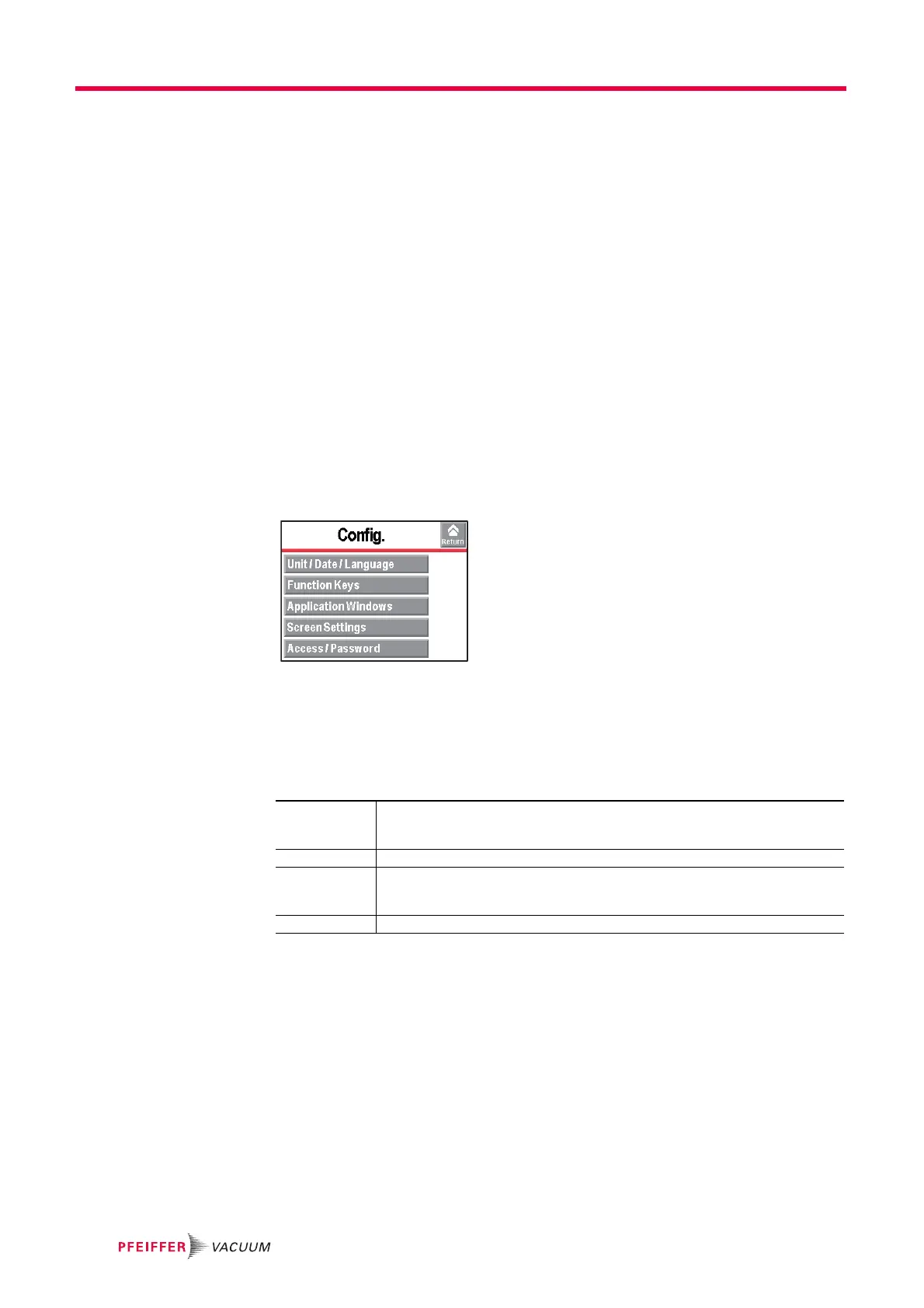
From the "Settings" screen, press [Config.].
7.7.1 Time - Date - Unit - Language
Press [Config.] [Unit/Date/Language].
The update of these parameters is automatically requested when the operator switches
the detector on for the first time: after this, the operator can modify them at any time.
7.7.2 Function keys
The function keys are used to activate/stop a function or to set set points.
Per initial settings, the 8 function keys are allocated and distributed over 2 levels: they
can be reallocated by the operator.
Unit Set the unit to be used.
The set points/values set are not automatically converted to the new unit if the unit
changes: they must be updated by the operator.
Date Set the current date.
Time Set the time.
The time is not automatically updated when switching from summer time to winter
time and vice versa: it must be updated by the operator.
Language Set the language.



 To Next Page