Advanced settings
53
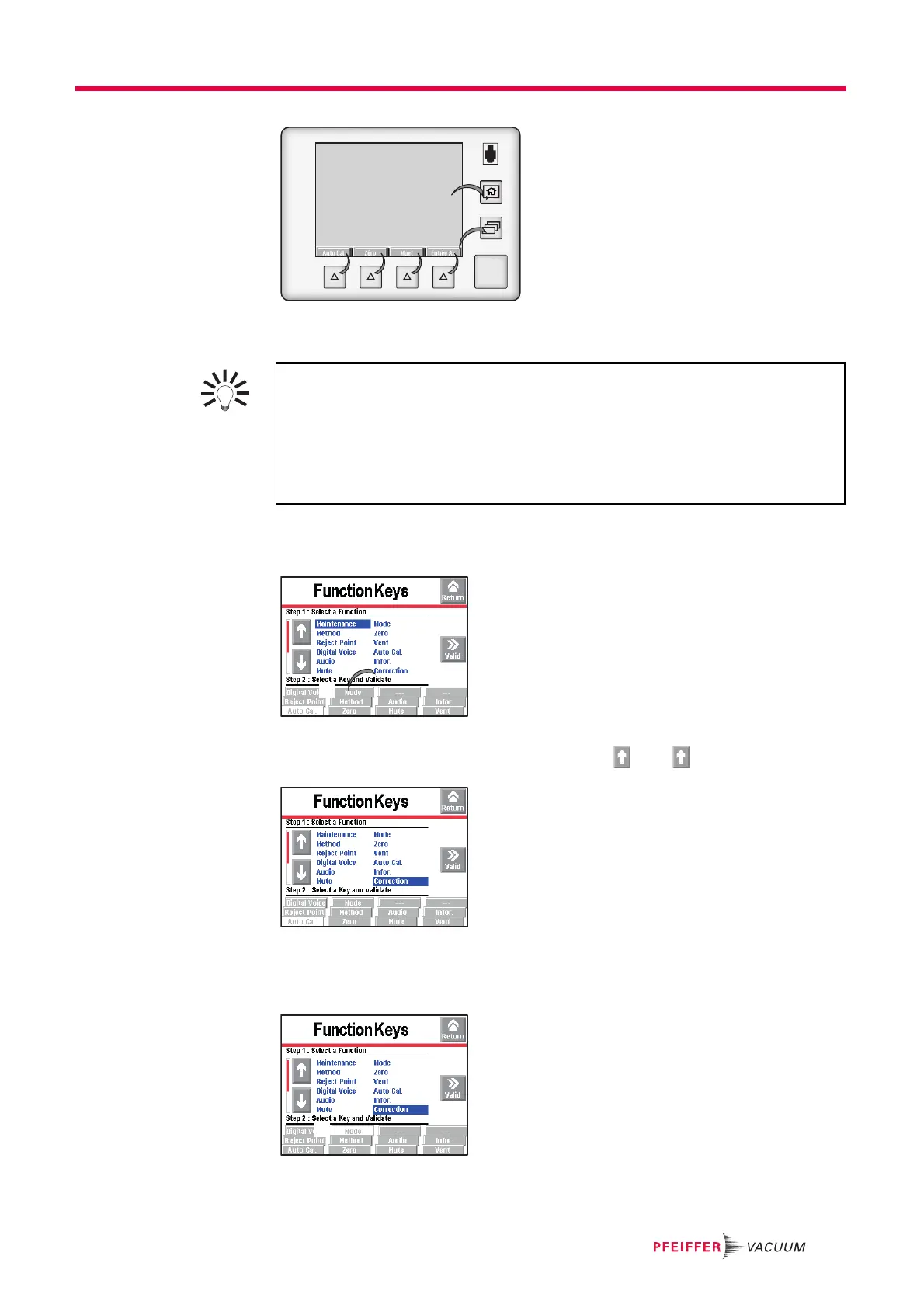
Fig. 28: Function keys
Allocating function keys From the "Settings" screen, press [Config.] [Function Keys].
Each function key can be allocated to a function chosen by the operator: see the exam-
ple below.
Example: Allocate the ’Correction’ function (ref. 1) to the [Mode] function key (ref. 2).
Fig. 29: Allocation objective
Select the ’Correction’ function (ref. 1) using the and .
Fig. 30: Selecting the function
Select the [Mode] (ref. 2) function key by pressing repeatedly (key selected if back-
ground is white).
Fig. 31: Selecting the function key
START
STAND-BY
Thanks to the function keys, it is possible to give the operator access to a limited
number of functions and to use a password to lock unauthorised functions on the
"Settings" menu. They are sufficient to manage the detector.
To allow the operator to use only the [Start/Stand-by] key, do not allocate a function
to the function keys and lock the "Settings" menu.
Up to 4 additional function keys can be added, for a maximum of 12. In this case, a
3
rd
level is made available to the operator.



 To Next Page