Advanced settings
61
7.8.6 Leak detection: Analyzer cell
7.8.7 Leak Detection: Internal Pirani gauge calibration
This function is used to calibrate the detector's internal gauge.
From the "Settings" screen, press [Advanced] [Leak Detection] [Internal Pirani
Calib.].
Block the detector's inlet with a blanked-off flange.
Make sure:
– that the leak detector is in a hard vacuum test, in the most sensitive test mode.
– that the end of the cycle is manual (= ’operator’).
The calibration takes place in 2 stages: setting the limit pressure and setting the atmo-
spheric pressure.
Setting the limit pressure Make sure that the internal pressure is significantly lower than 1·10
-3
hPa.
Start a test: press .
The "Pressure" value decreases: wait for this value to stabilise (around 5 minutes) and
press the [>HV].
Setting the atmospheric
pressure
Stop the test: press the .
perform an inlet vent: press [Inlet vent].
Make sure that the detector is at atmospheric pressure.
The "Pressure" value increases: wait for this value to stabilise (around 5 minutes) and
press the [>Atm].
From the "Settings" screen, press [Advanced] [Leak Detection] [Analyzer Cell].
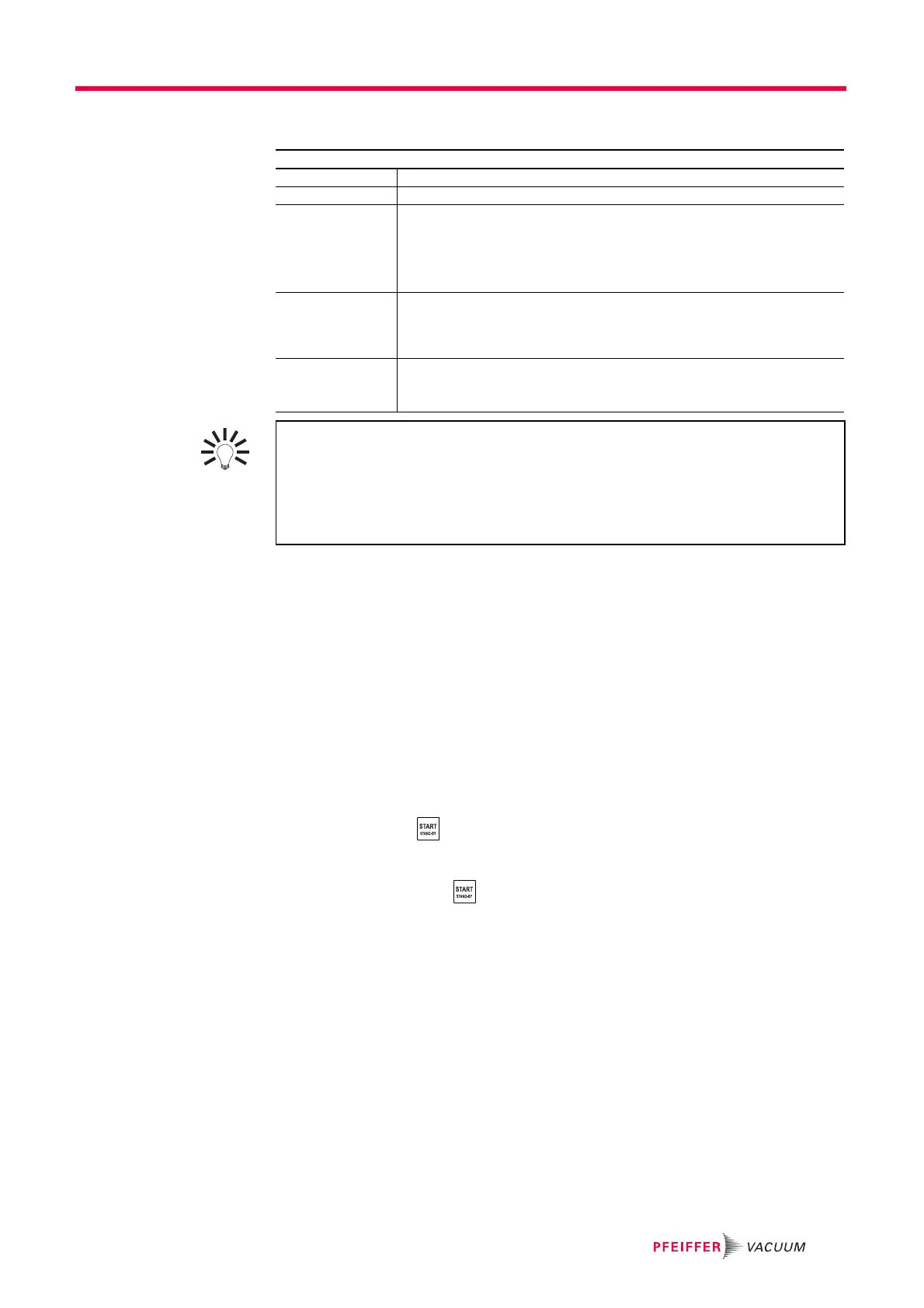
Fil. Selected Indicates the filament used for the measurement (2 filaments in the analyzer cell).
Filament Indicates if the filament used is ’on’ or ’off’ when the detector is switched on.
– Triode pressure
–Elec. Zero
– Target value
– Acc. voltage (V)
–Emission (mA)
– Coeff. Sens.
Parameters for manual calibration.
This type of calibration is reserved for service centers and leak detection
experts only.
Calib. valve Define the actual status of the calibration valve.
Used to open/close manually the calibration valve, for example.
Remember to close the valve again after use. Manual calibration is reserved for
experts only.
Internal T (°C)
or
External T (°C)
’Internal’ indicates the temperature at the detector's internal calibrated leak
(= temperature under the cover).
’External’ indicates the temperature outside the detector.
Do not switch off the filament except for carrying out manual calibration. It is not
necessary to switch the filament off in Stand-by mode to save it.
● The leak detector switches automatically from one filament to the other if the selected
filament currently being used becomes defective.
● When switched on, the leak detector uses the filament that was selected when it was
shut down.



 To Next Page