Advanced settings
60
Calibration makes it possible to verify that the detector is properly adjusted to detect the
selected tracer gas and display the correct leak rate value.
If there is no internal calibrated leak, calibration can be performed with an external cali-
brated leak. By default, autocalibration is set to ’On’ and the internal leak is selected so
that the detector can be calibrated quickly.
Calibration = operator Calibration started by the operator.
Press the [AUTOCAL].
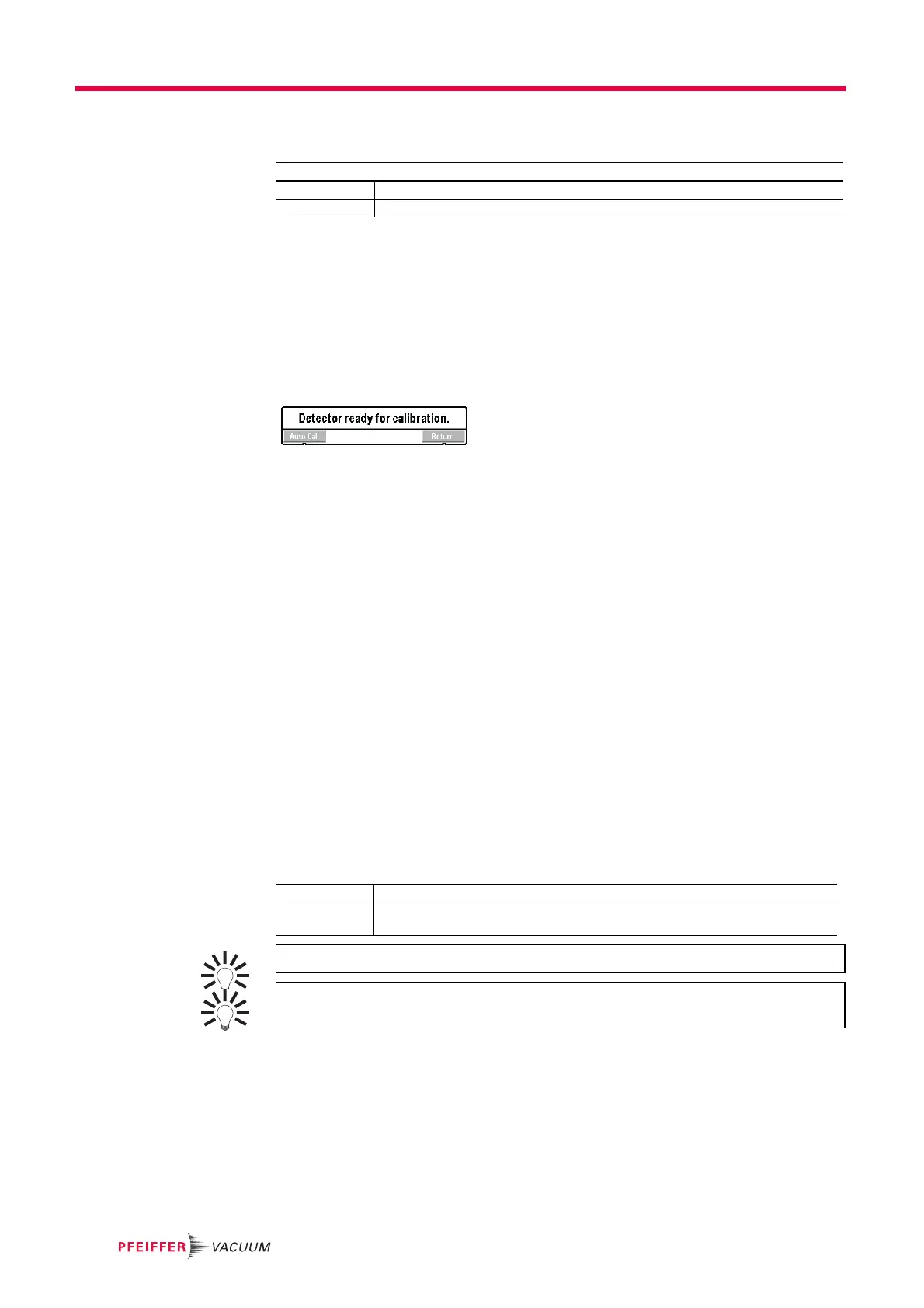
If calibration does not start within 20 minutes after the leak detector is switched on, mes-
sage is displayed.
Fig. 41: Leak detector ready for calibration
Calibration = start-up Calibration starts automatically when the leak detector is switched on.
Calibration = manual Calibration starts manually.
Operation reserved for service centers and experts only.
It is also possible to calibrate the leak detector using an external leak (see Calibration .
in Maintenance instructions).
Setting "Calibration
Checking"
Calibration control saves the operator time because the calibration control is quicker than
the full calibration.
If calibration = ’operator’ or ’start-up’, the calibration control function performs a control
of the calibration according to the parameters set. The calibration control is deactivated
if calibration = ’manual’. The calibration control is performed with the leak detector's in-
ternal calibrated leak (leak type parameter = ’internal’). The leak detector compares the
measured leak rate of the internal calibrated leak with the set leak rate of the internal cal-
ibrated leak:
● If the ratio is within the limits allowed, the leak detector is properly calibrated.
● If the ratio is outside those limits, a message appears suggesting that a full calibration
of the leak detector be started.
From the "Settings" screen, press [Advanced] [Leak Detection] [Calibration].
Calibration Select the type of calibration. See details below.
Calib. Checking Activate the calibration checking and set the frequency. See details below.
Checking Select the type of calibration (activated if ’automatic’ has been set).
Frequency Set the set points (cycles and times) for triggering the calibration control.
The first set point reached will trigger the control.
To launch the function from the control panel, set a function key to [Check Cal].
At any time, the operator can start a leak detector calibration control: detector in
Stand-by mode, press the [AUTOCAL] function key twice within 5 seconds.



 To Next Page