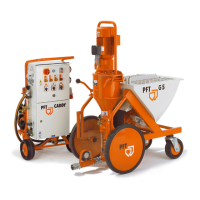
Mixing pump G 4 X smart Overview - Operation and service
Switching on the G 4 X
34 2021-08-12
28.3 Connection of water from water tank
Fig. 38: Booster pump
00492679 article number of booster pump
AV1000/1 standalone
Fig. 39: Filter screen
NOTE!
When working from the water tank, the strainer
with filter screen (article number 00136619) has to
be positioned upstream (bleed booster pump).
NOTE!
Never let the booster pump run dry as this reduces
the service life of the pump significantly.
29 Switching on the G 4 X
29.1 Putting the machine into operation
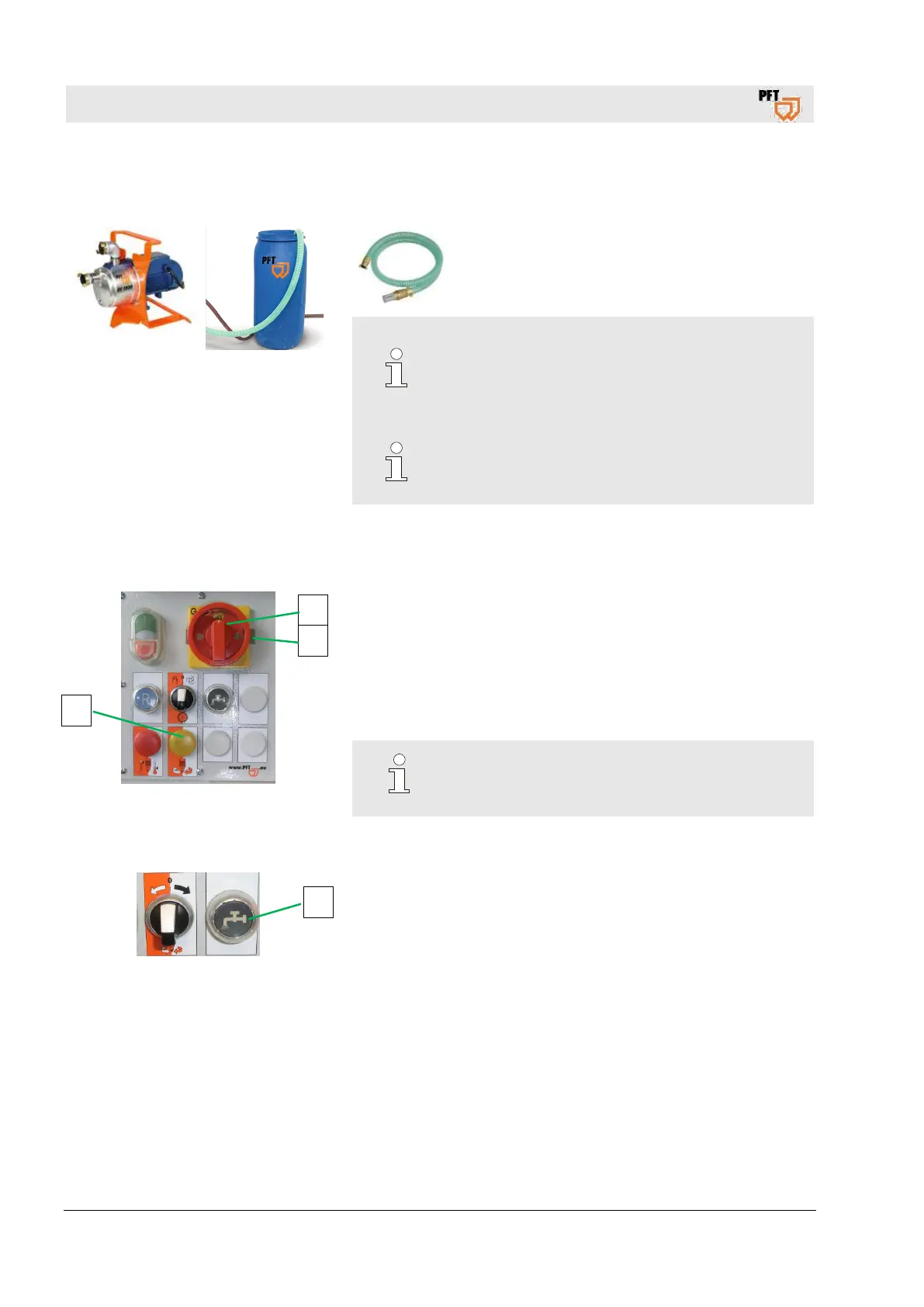
Fig. 40: Switching on
1. Turn main switch (1) to position "I".
2. If the yellow pilot lamp “change direction of rotation” (2) lights
up, change the direction of rotation.
3. Turn main switch (1) to position "0".
4. Push the metal bracket (3) in the opposite direction.
5. Turn main switch (1) to position "I".
starts up only if the yellow pilot lamp
.
29.2 Set water quantity
Fig. 41: Water supply button
1. Press the water supply button (1) to adjust the water quantity.
2
1
3
1



 To Next Page