System
22
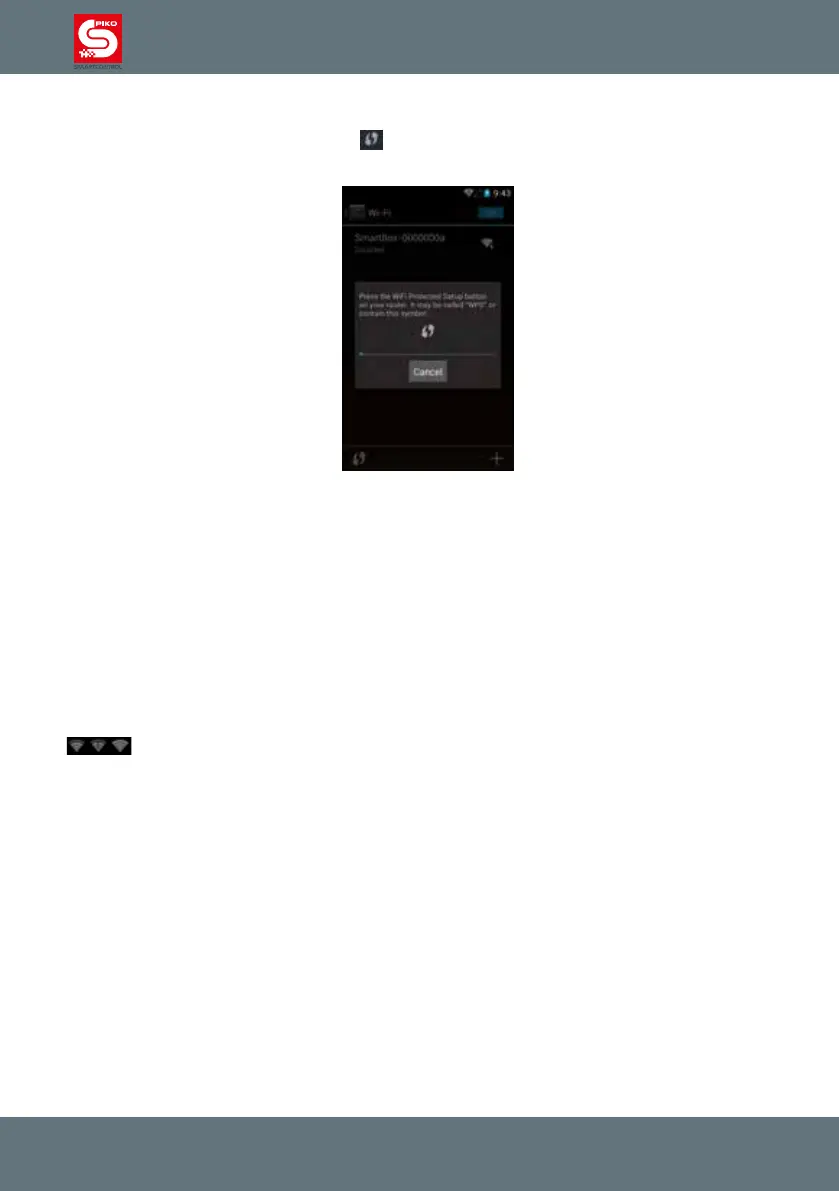
Alternatively, you can connect the devices using WPS (WiFi protected setup)
Just press the WiFi-symbol on the screen
and on your router (if available). Both devices will
connect automatically, you do not need to enter a password.
Please note:
If the PIKO SmartControl
®
is not connected to the PIKO SmartBox
®
you cannot control your layout
/ track. To control your layout again you have to reconnect the PIKO SmartControl
®
with the PIKO
SmartBox
®
. Just repeat the steps above in the WiFi menu to reconnect.
To avoid switching connections you can connect the PIKO SmartBox
®
to your home network by using
the LAN-socket on the back of the unit.
More details about this can be found under “link the PIKO SmartBox
®
into a local network”.
When rst connected to the internet your device will download several updates. Some updates can be
selected by the user. Other updates are required for the operating system.
While downloading these updates your device might have a delayed reaction, as it is processing a lot
of data.
If the small arrows in the WiFi-symbol (status bar on top) stop blinking the updates may be nished
.
Setting up a Google
®
-Account erstellen (internet connection necessary)
To enjoy the complete functionality of your device you will need a Google
®
-account.
We suggest you open the Google
®
PlayStore. During the rst start you will be asked to create an
account. Just follow the instructions on the screen and nish the login.



 To Next Page