NOTE
If you have any reason to believe that the C-arm might hit the patient during
exposure (e.g. patients with wide shoulders), take a test exposure without
radiation first. To switch radiation off, select Settings > User > 1300
Operational settings > 1310 Use Mode > 1311 Set Demo Mode.
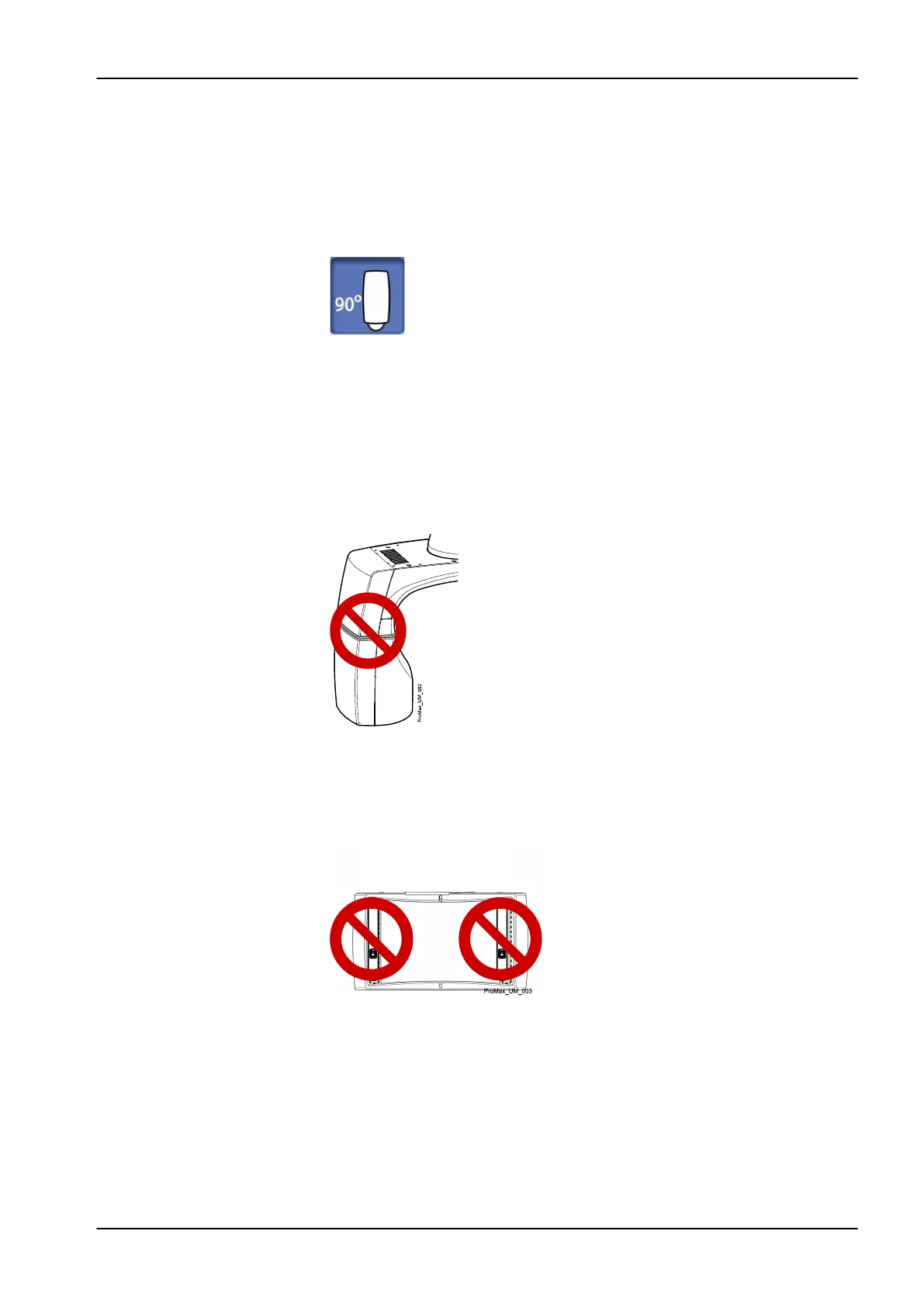
Alternatively, use the 90° button at the bottom of the screen to test the C-
arm rotation before you take a 3D exposure.
NOTE
Do not touch the arm structures when the X-ray unit is moving.
NOTE
Patients are not allowed to hang on the patient handles.
NOTE
FOR X-RAY UNITS WITH ROTATING TUBE HEAD:
Do not touch the metal parts in the middle of the tube head. They might be
hot.
NOTE
FOR PROFACE SENSOR:
Do not touch the glass windows. Fingerprints or other stains on the glass
surface destroy image quality.
4 Safety precautions
User's manual Planmeca ProMax 7














 To Next Page