NOTE
FOR PROGRAMS TOOTH AND TEETH:
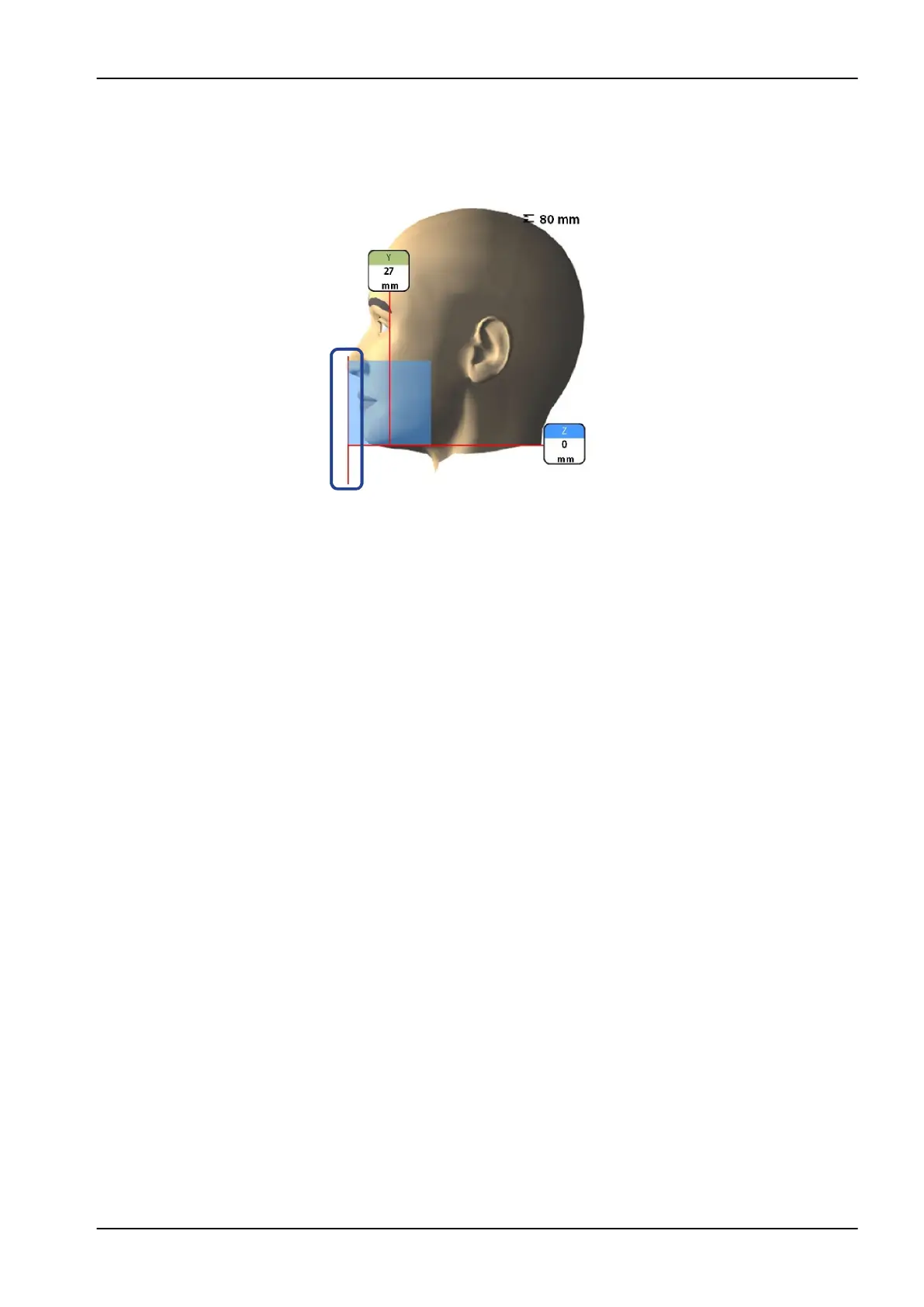
The incisor light indicates the front edge of the image volume when the front
position is selected.
NOTE
Moving the positioning joystick switches the incisor light off.
8.9 Taking a scout image or 2D views (LAT, PA or LAT-PA)
NOTE
You can switch the functions on and adjust the preset exposure values as
described in section "Programs (2100)" on page 77.
You can take a scout image or 2D views (LAT, PA or LAT- PA) of the
selected image volume before you take the actual 3D image. This allows you
to check the volume position or, if necessary, confirm the need for a 3D
exposure.
NOTE
If the image consists of several volumes, scout imaging is available for the
first image volume (1/2) only.
NOTE
2D views are not available for all programs.
NOTE
Make sure that you have selected the correct patient and exposure mode in
the Planmeca Romexis program.
8 3D patient exposure
User's manual Planmeca ProMax 47














 To Next Page