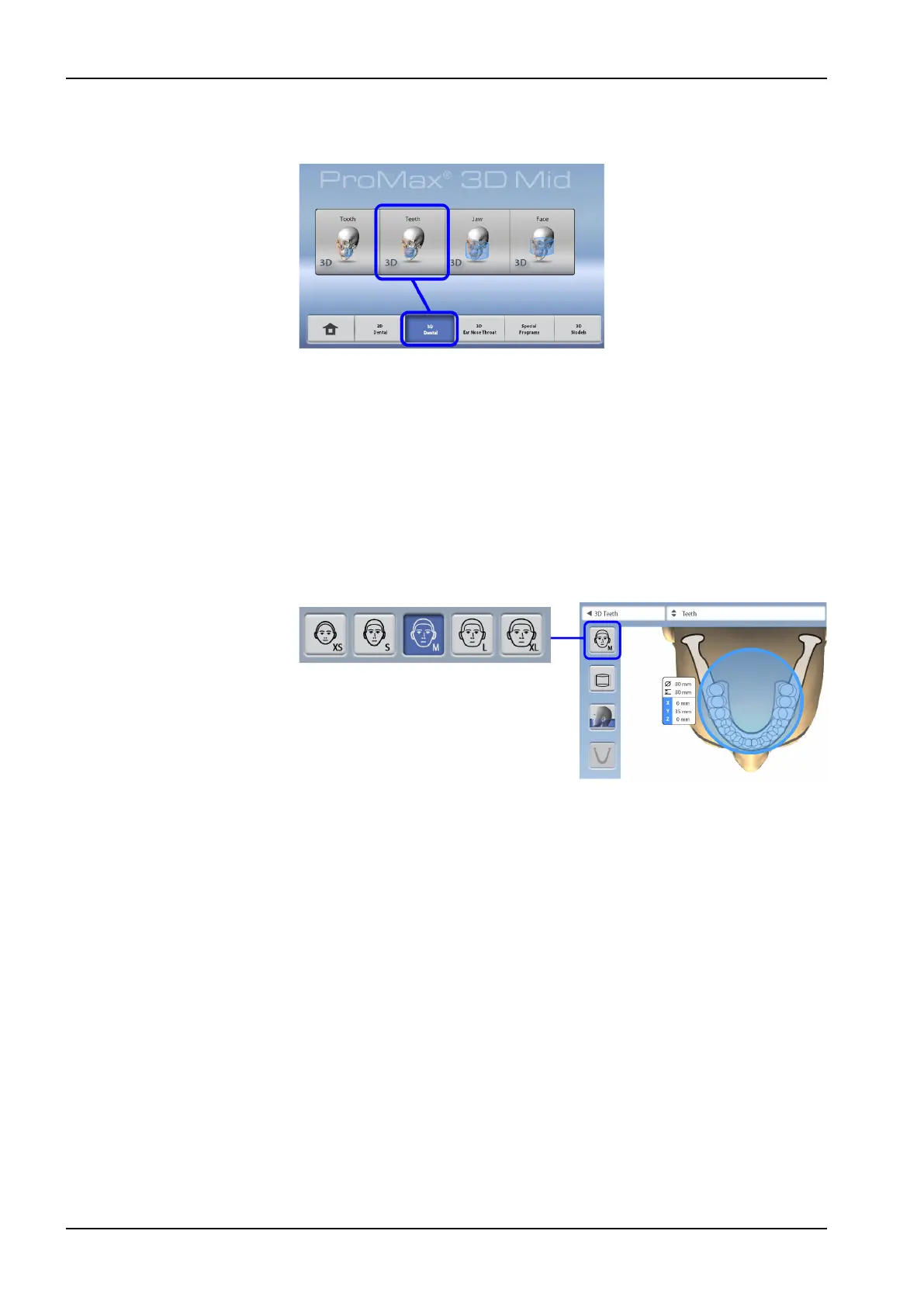
8.3.1 Selecting program
Select the 3D program you wish to use.
For more information on the available programs, see section "Planmeca
ProMax 3D Plus and 3D Mid programs" on page 22.
8.3.2 Selecting patient size
Use this button to select the patient size:
• XS = Child
• S = Small adult
• M = Medium-sized adult
• L = Large adult
• XL = Extra large adult
NOTE
Selecting child patient (XS) automatically reduces the volume size and
patient dose.
NOTE
The exposure values automatically change according to the selected patient
size, image resolution and ULD setting.
NOTE
The patient size can also be selected on the next screen.
8 3D patient exposure
32 Planmeca ProMax User's manual














 To Next Page