NOTE
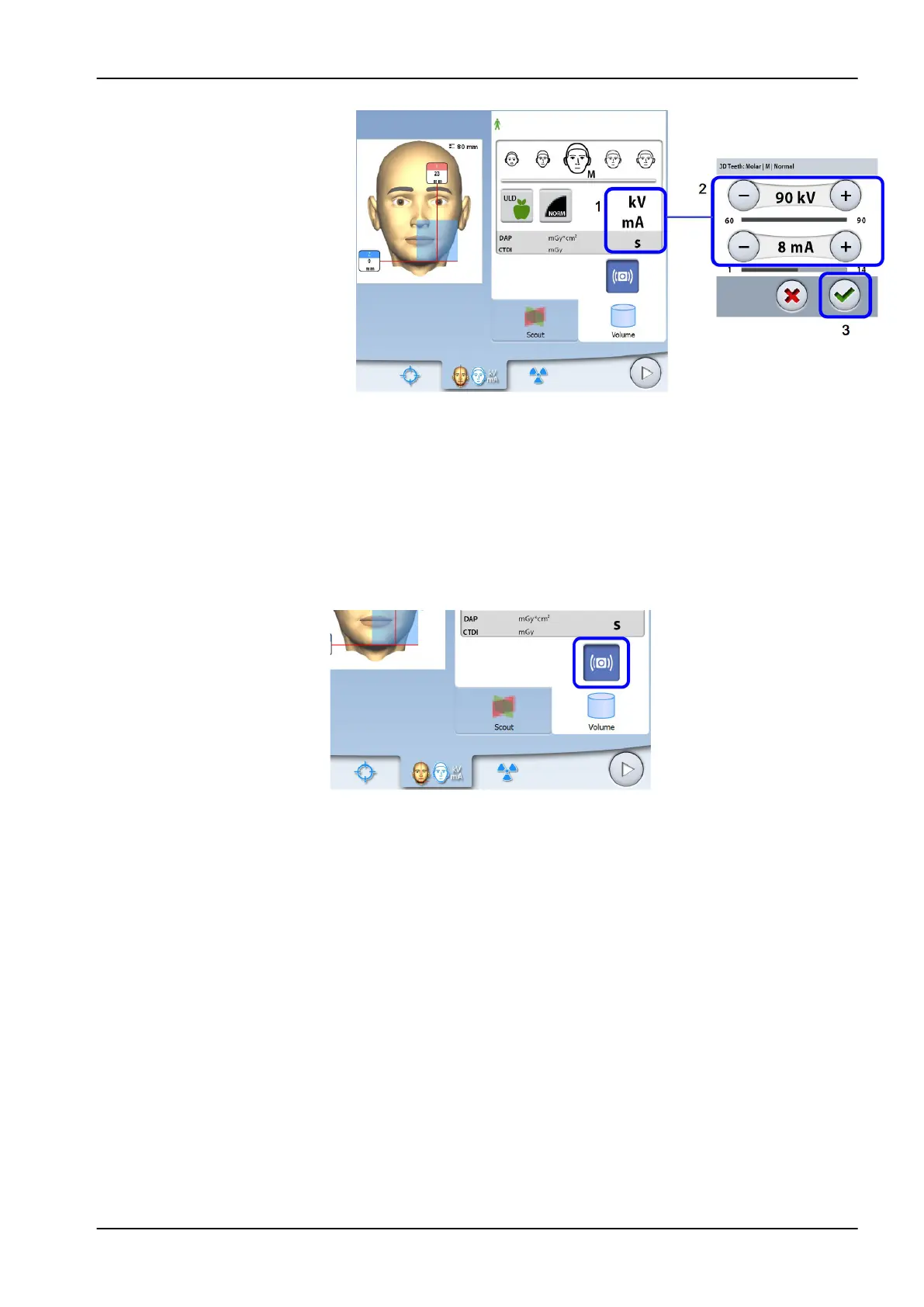
You can adjust the preset exposure values permanently as described in
section "Programs (2100)" on page 77.
8.6 Selecting patient movement correction
Use this button to select the Planmeca CALM patient movement correction
function. This is an algorithm that detects patient movement during exposure
and then compensates for the effects of the movement during image
reconstruction.
NOTE
The Planmeca CALM algorithm is for use only on live patients and is not
recommended for use, for example, in imaging involving an inorganic
sample or QA phantom attachment.
8.7 Selecting 3D face photo (X-ray units with ProFace sensor)
If the X-ray unit has a ProFace sensor, you can take a 3D photo of the
patient’s face at the same time as you take an X-ray image.
8 3D patient exposure
User's manual Planmeca ProMax 41














 To Next Page