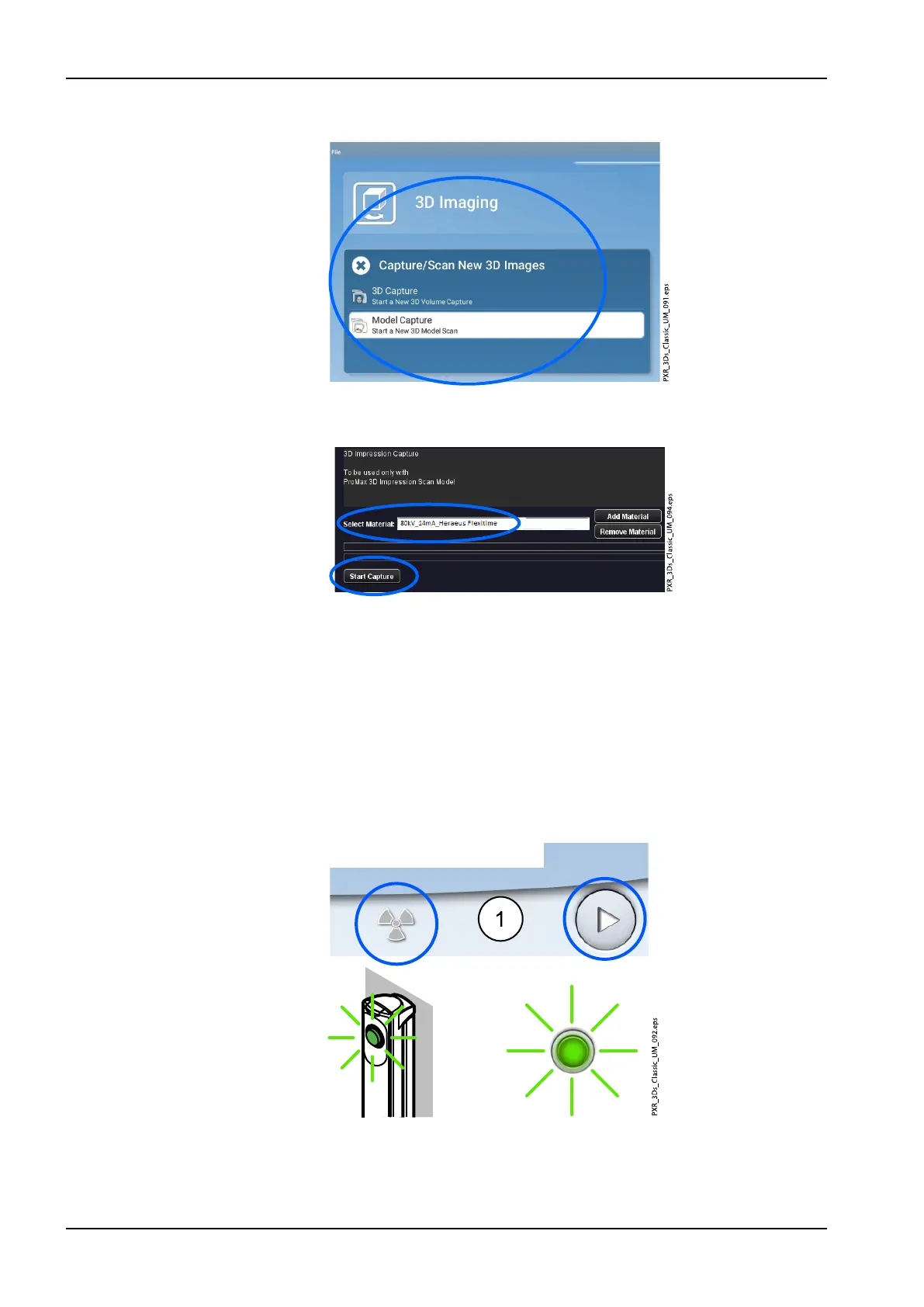
8. Select 3D Imaging > Model Capture.
9. In the window that appears, first select the material you are exposing.
Then select the option Start Capture.
NOTE
Ensure that you have selected the correct exposure values on the X-ray
unit. The exposure values shown here are only examples.
10.2.2 Taking an exposure
1. Select the radiation symbol or the forward button.
Green lights flash on the touch screen and exposure button when the X-
ray system is getting ready for an exposure. The green lights stop
flashing and stay on continuously when the X-ray system is ready for an
exposure.
2. Move to a protected area.
10 3D model exposure
68 Planmeca ProMax User's manual














 To Next Page