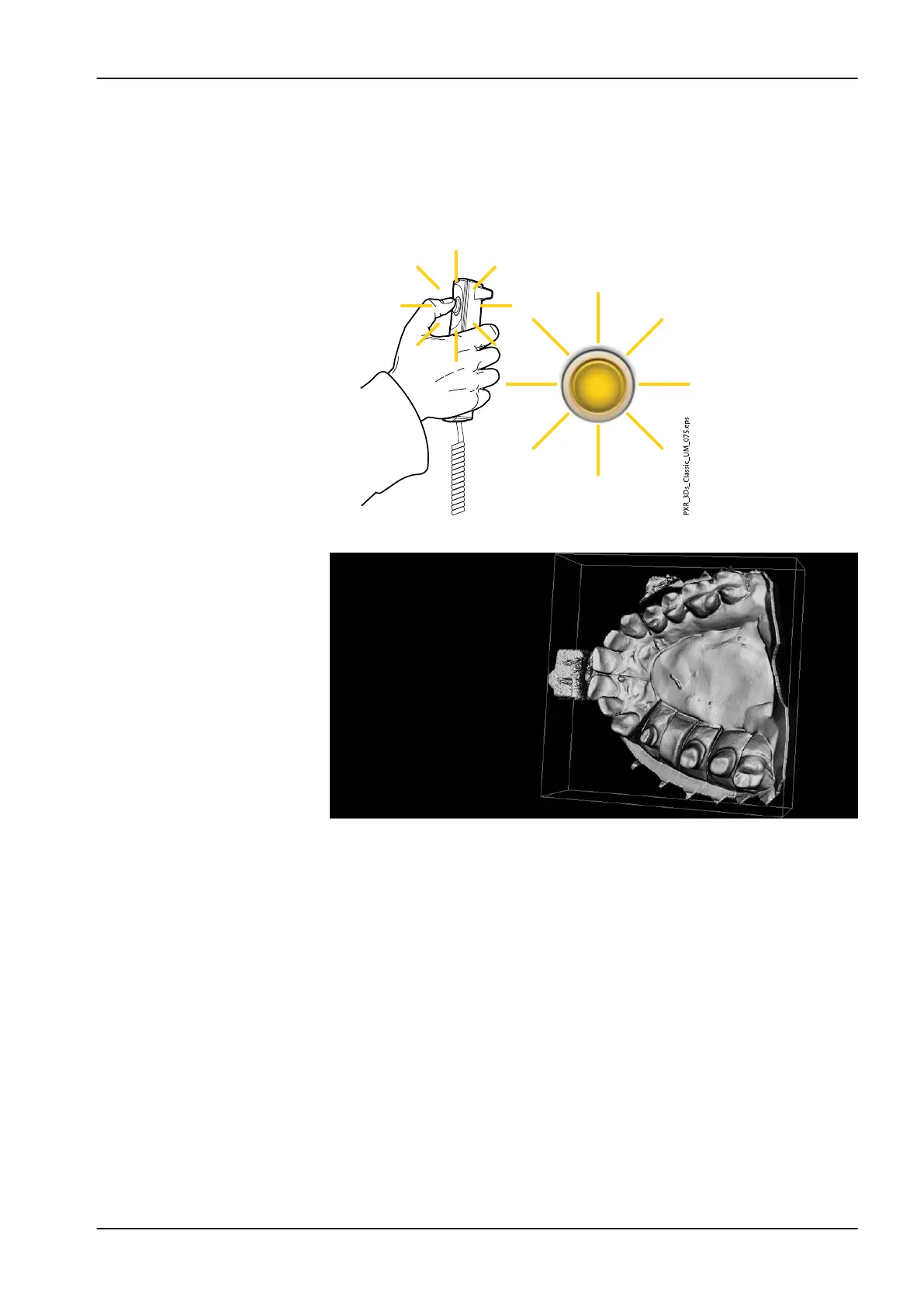
3. Press and hold down the exposure button for the entire duration of the
exposure.
During exposure yellow radiation warning lights illuminate on the
exposure switch and on the touch screen, and you hear a radiation
warning tone.
Additionally, a radiation warning symbol is shown on the touch screen.
4. The image is shown on the computer screen.
NOTE
The Romexis function Model Capture creates surface models (instead of
voxel data images).
10 3D model exposure
User's manual Planmeca ProMax 69














 To Next Page